Record your meetings in
 
Google Meet

Record and share your meetings transcripts with your team

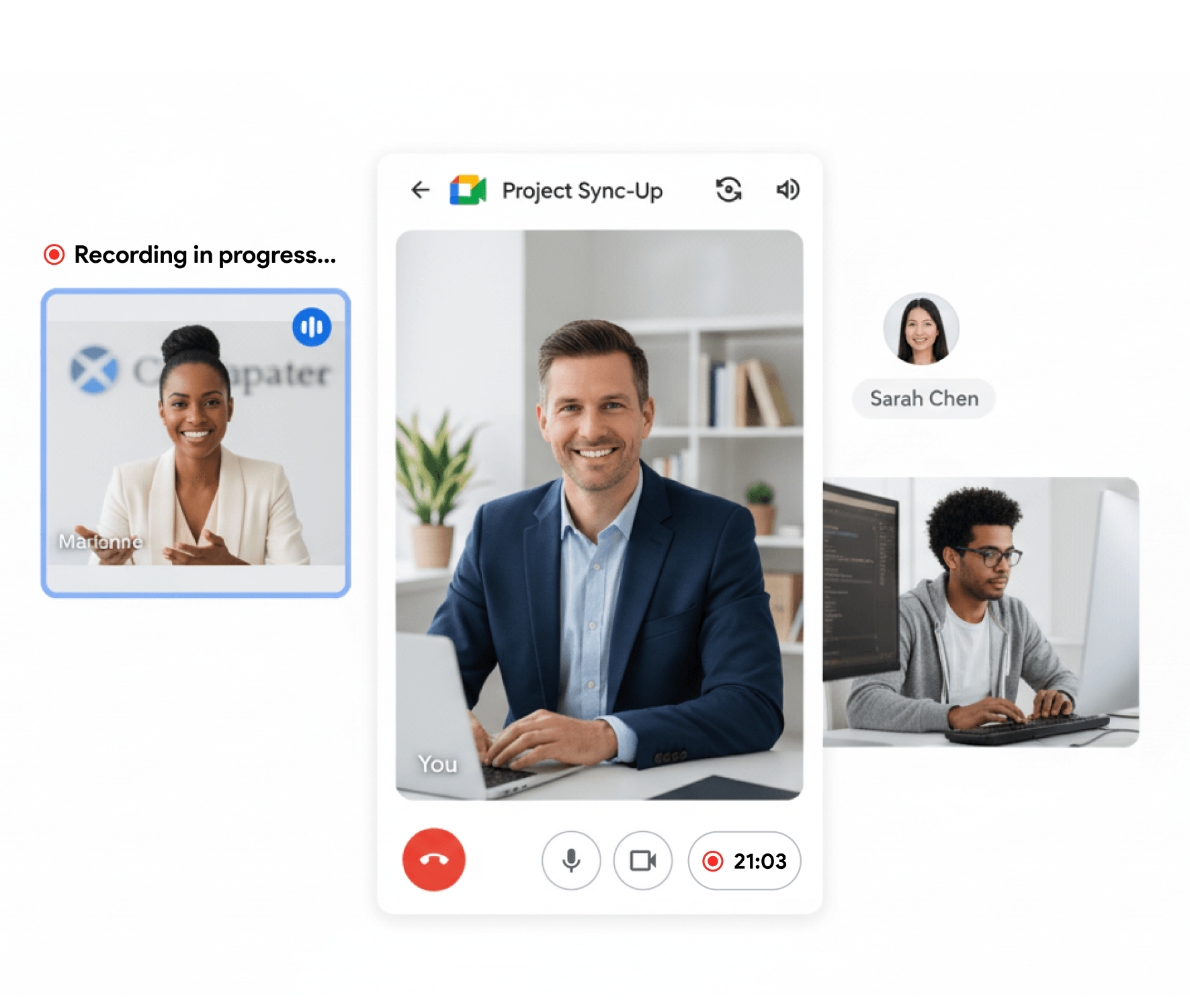
Record your Google Meets in one click


  • Click record directly from the Google Meet interface

    One click and your meeting is recorded. You can stop the recording at any time.

  • Record in hidden mode

    Record a call without interrupting the other participants

  • No bot in the call

    Don't put off your guests with anonymous bots in your calls. The recording is done in the background without inviting any extra bots.

  • Frame 33 (2).png

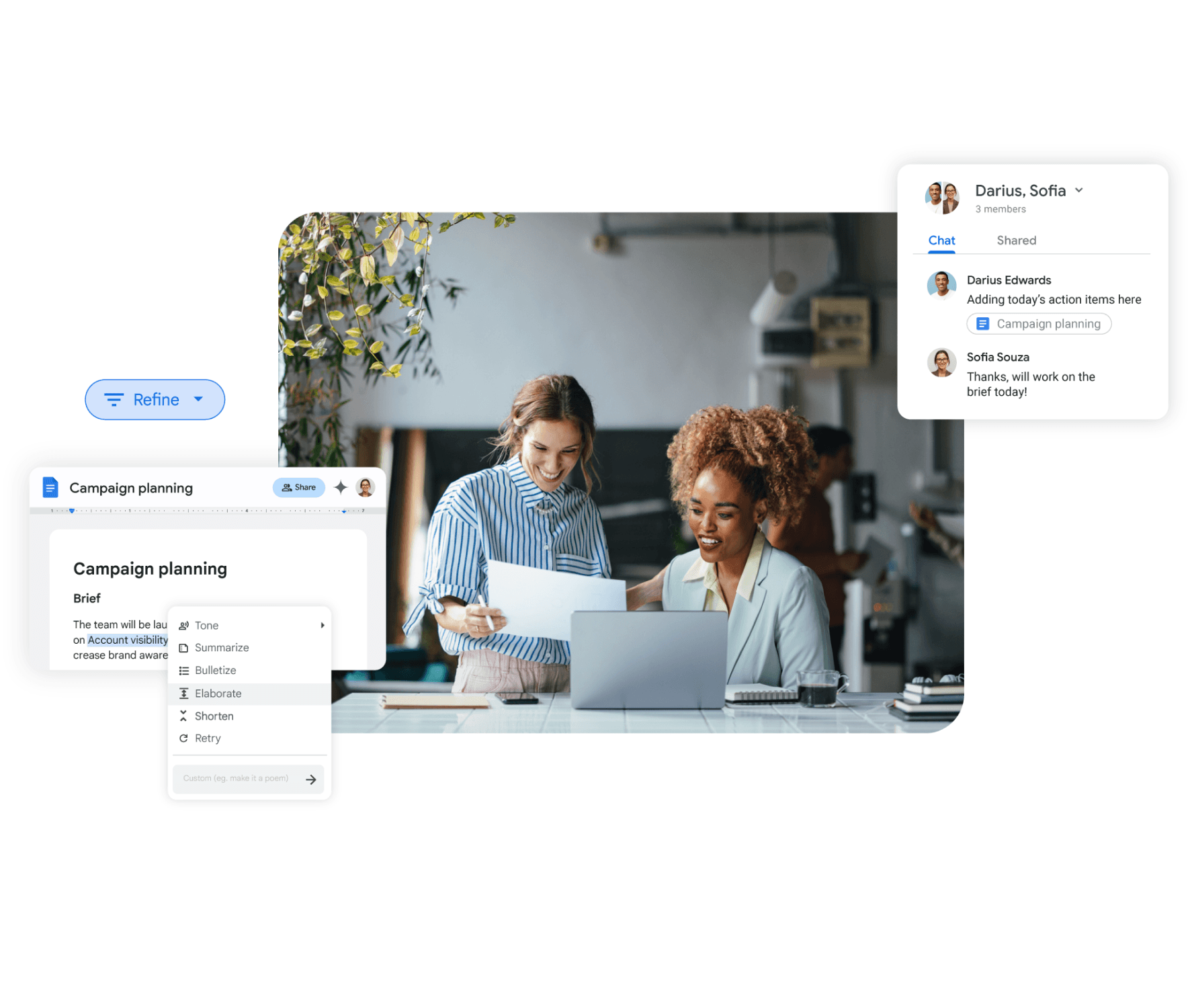
    Share your recordings with your team


  • Share your recording with links

    Control who can see your recordings and share them with a simple link

  • Private and secure links

    Revoke access at any time to your recordings

  • High Quality videos ready to publish

    Record podcasts or videos and upload them directly on youtube with the original quality of the recording

  • Frame 18 (3).png

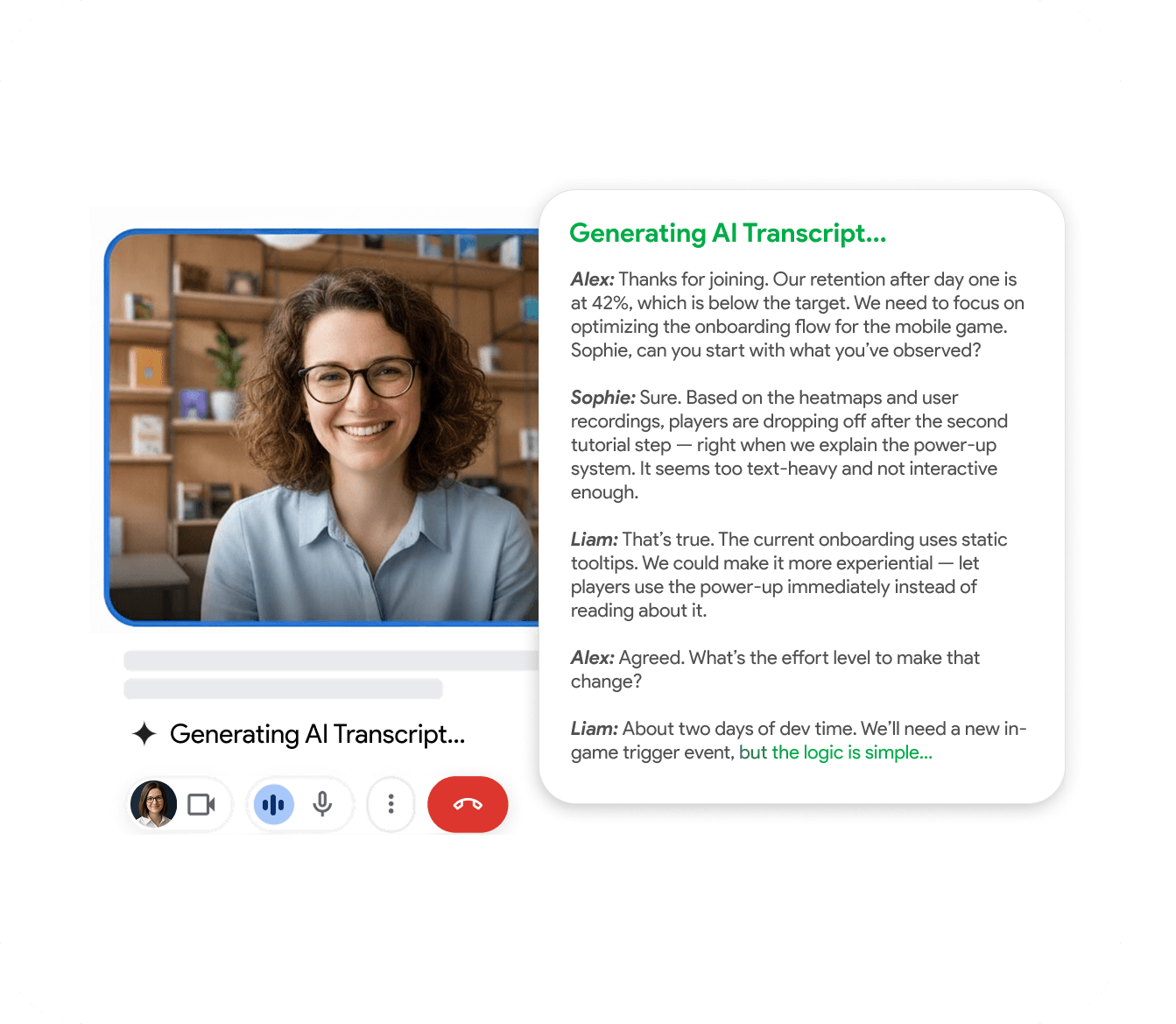
    Get your meeting note automatically with AI


  • Automatic AI transcript of calls

    We use the latest AI models to generate an accurate transcript as well as a summary of the call 

  • Automatic speakers identification

    We automatically identify the speakers in the call based on their voice tone

  • Ask questions about the meeting

    Get specific answers with timestamp to your questions about your meeting. Never waste time listening to an entire meeting again to find one piece of information

  • Group 6.png

    Works on your Phone, Android and iOS


  • Directly integrated with the Google Meet app

    Available as a plugin for Google Meet, you can record your calls on the go

  • One click recordings while on the go

    Record your calls on the background and Android and iOS

  • Frame 19 (5).png