
RecordMeeting vs Fireflies.ai
Record every meeting, without the Fireflies bot
Fireflies sends an AI notetaker bot into every meeting. RecordMeeting records from your own browser tab, so customers and candidates see a normal call, not Fred from Fireflies.
Works with





Trusted by teams switching from Fireflies.ai











The short version
The headline differences between RecordMeeting and Fireflies.ai at a glance.
How recording happens
RecordMeeting
Runs in your Chrome tab
Fireflies.ai
Bot joins every scheduled call
Fireflies dispatches an AI notetaker; RecordMeeting does not.
Ad-hoc meetings
RecordMeeting
One click from any tab
Fireflies.ai
Needs calendar invite
Google Workspace add-on
RecordMeeting
Native Meet sidebar
Fireflies.ai
Bot integration only
No bot in the participant list
RecordMeeting records from your own Chrome tab. Customers, candidates and partners see a normal meeting, not a Fireflies bot.
Records ad-hoc meetings
Fireflies leans on calendar invites to dispatch its bot. RecordMeeting records any open meeting tab in one click, scheduled or not.
Native Google Workspace add-on
Trigger recording from inside the Meet UI via a Google-verified Workspace add-on, not via a third-party server-side bot.
Fireflies.ai is a notetaker bot that joins meetings to record and transcribe them. RecordMeeting is a Chrome extension and Google Workspace add-on that records the call locally from your browser, without adding a participant to the meeting.
Why teams switch from Fireflies.ai
Record without a Fireflies bot dialling into your meeting
Fireflies' default workflow sends an AI notetaker bot to every scheduled call. RecordMeeting records from inside your Chrome tab, so there is nothing extra on the call to explain to customers and candidates.
- No third-party bot named in the participant list
- Standard recording indicator, not a separate notetaker
- Customers and candidates see a normal meeting

Made for Chrome and Google Meet
Recording controls live where the meeting lives
RecordMeeting is a Chrome extension plus a Google Workspace add-on, so recording starts from inside the Meet UI. Fireflies is server-side, dispatching a bot that joins via the meeting link.
- Workspace add-on plus Chrome extension, one workflow
- Works on free Gmail accounts and paid Workspace
- Records ad-hoc meetings without a calendar invite
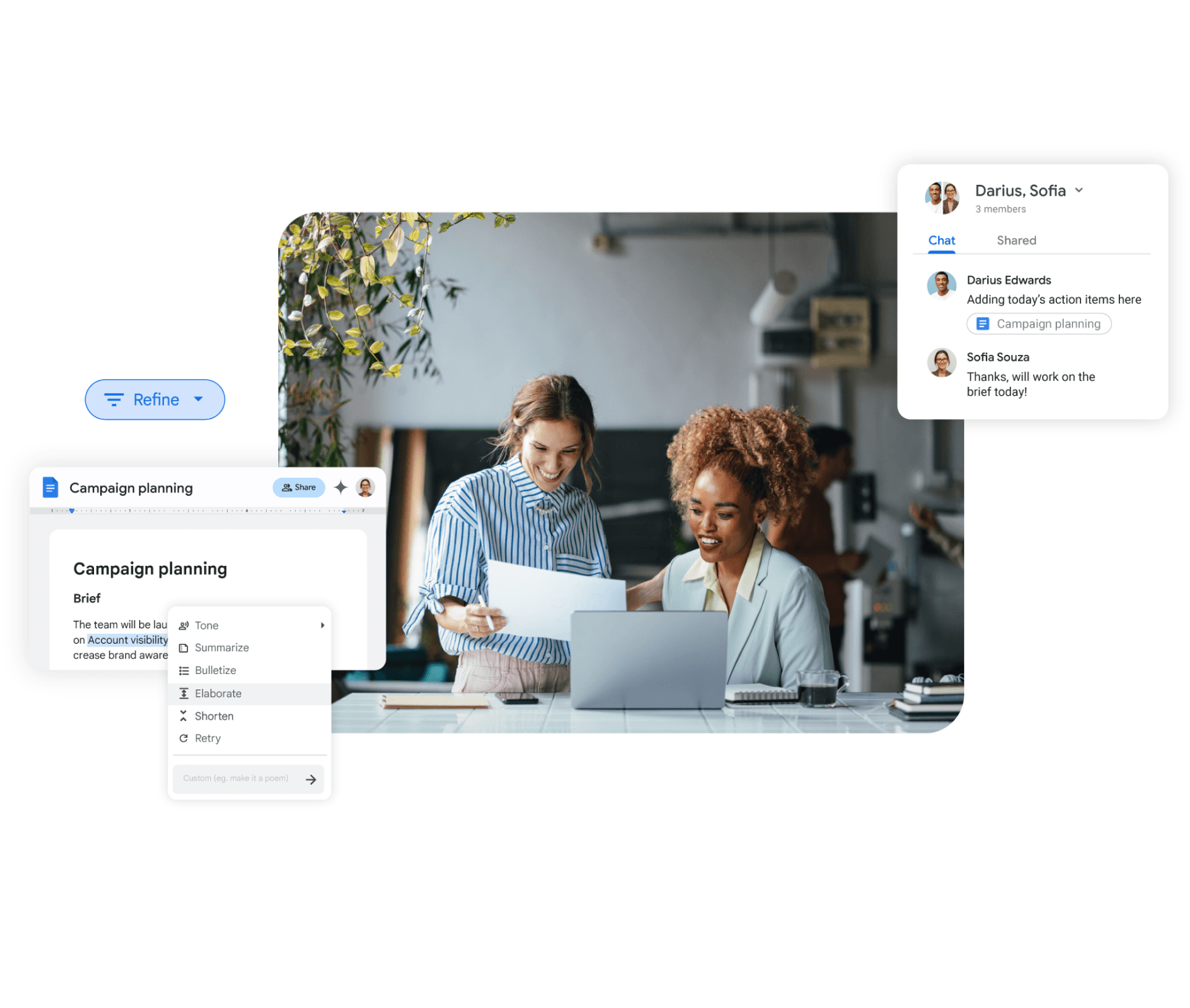
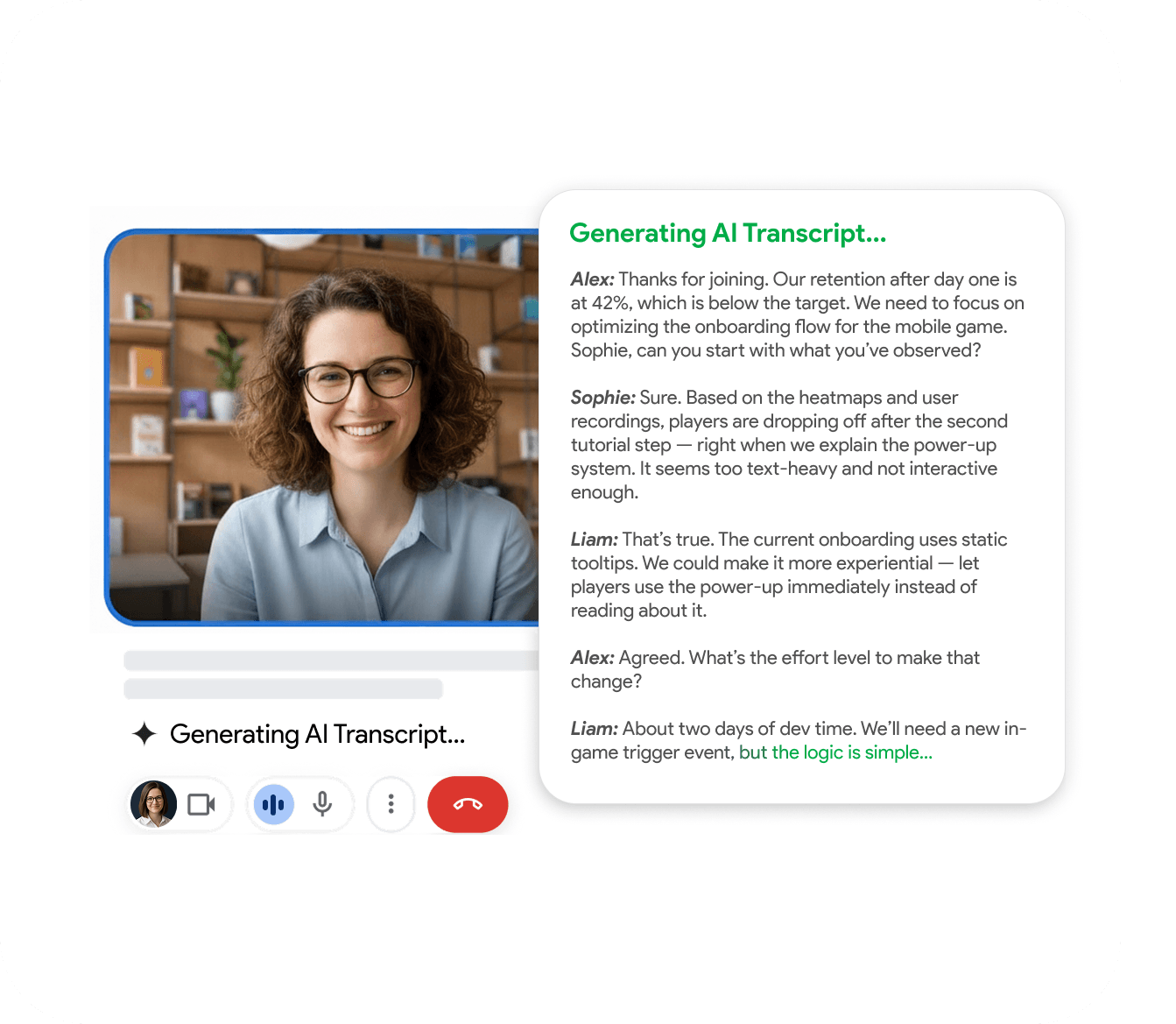
Transcript, summary and video
Same AI output, without the third-party participant
Like Fireflies, every recording lands with a multi-language transcript, speaker labels and an AI summary. Unlike Fireflies, the recording is captured from your browser tab, not from a notetaker on the call.
- 50+ language transcription with speaker labels
- AI summary with key decisions and action items
- Export MP4 video, MP3 audio or transcript
Feature-by-feature comparison
A side-by-side look at what each tool includes by default.
| Feature | RecordMeeting | Fireflies.ai |
|---|---|---|
| Records Google Meet | ||
| Records without a bot joining the call | ||
| Records Zoom, Teams, Webex | ||
| AI summary and action items | ||
| Live transcription in 50+ languages | ||
| Free plan | Yes | Yes (limited) |
| Works on ad-hoc meetings (no calendar invite needed) | Limited | |
| Mobile recording | ||
| Native Google Workspace add-on | ||
| Records Telegram, WhatsApp and Discord calls |
Comparison reflects publicly documented features as of publication. See Fireflies.ai for the latest details.
Which one should you pick?
- You don't want a third-party bot named in the participant list of sensitive calls.
- You record many ad-hoc meetings that aren't on the calendar.
- You want recording to start instantly from inside the Meet UI rather than via a bot dispatch.
- You prefer a Chrome-native experience over a server-side notetaker.
- You want a notetaker that automatically joins every scheduled call without anyone clicking record.
- You rely heavily on Fireflies' search-across-all-meetings and conversation-intelligence features.
FAQ
Frequently Asked Questions
Everything you need to know about RecordMeeting.
- Does RecordMeeting auto-join scheduled meetings?
-
RecordMeeting is designed to be triggered with one click from inside the meeting, not to auto-join via a bot. If your priority is unattended bot-based recording of every calendar event, Fireflies is built for that.
If you'd rather not have a bot on the call, RecordMeeting is the better fit.
- Will the other meeting participants see RecordMeeting recording?
-
Google Meet shows a standard recording indicator to all participants, as it does for any recording. There is no third-party bot in the participant list.
- Is RecordMeeting GDPR-compliant?
-
Yes. RecordMeeting is GDPR-compliant and the underlying infrastructure is ISO 27001 certified. See recordmeeting.com/security for details.
- Can I export my recordings from RecordMeeting?
-
Yes. Recordings can be exported as MP4 video, audio, or full transcript and shared via link.
- Can RecordMeeting do conversation intelligence like Fireflies?
-
RecordMeeting produces a transcript, AI summary and action items on every recording, plus search across your workspace.
Fireflies' conversation-intelligence features (topic trackers, sentiment, deeper analytics) are more developed today; RecordMeeting is focused on capturing recordings cleanly without a bot.
See how RecordMeeting compares
Explore how RecordMeeting stacks up against other meeting recorders.
Skip the notetaker bot in your participant list. RecordMeeting captures Google Meet, Zoom and Teams from your own browser, so customers and candidates see a normal call, not an Otter joining the meeting.
Fathom records by adding a notetaker bot to every meeting. RecordMeeting records from your own Chrome tab, on desktop and mobile, with no extra participant on the call.
Record without a Fireflies bot in your meeting
Install the Chrome extension and capture your next call from your own browser, without adding anything to the participant list.
