
Meeting summary
AI meeting summary ready minutes after the call
Stop writing recaps from memory the morning after. RecordMeeting generates a clean meeting summary from every call automatically, with key points, decisions and action items. Works on Google Meet, Zoom and Microsoft Teams.
Works with


Trusted by teams at











Summary every call
Every recording produces a short narrative summary plus a list of key points, decisions and action items. No manual recap, no half-remembered details, no waiting until tomorrow.
Ready in minutes
The summary lands in your workspace within minutes of the call ending. Send the recap email before the next meeting starts, not the next morning.
Recipient-ready
Summaries land formatted for skim. Copy into a Slack thread, paste into an email, share a link with a client. No reformatting, no editorial cleanup.
Recaps that send themselves
AI meeting summary with key points and decisions
The summary engine reads the transcript and produces a two to four paragraph narrative plus a structured list of key points, decisions and follow-ups. The narrative reads like a careful colleague's recap, not a chronological dump.
- Narrative summary plus structured key points
- Decisions and follow-ups separated for skim
- Linked back to the recording and transcript
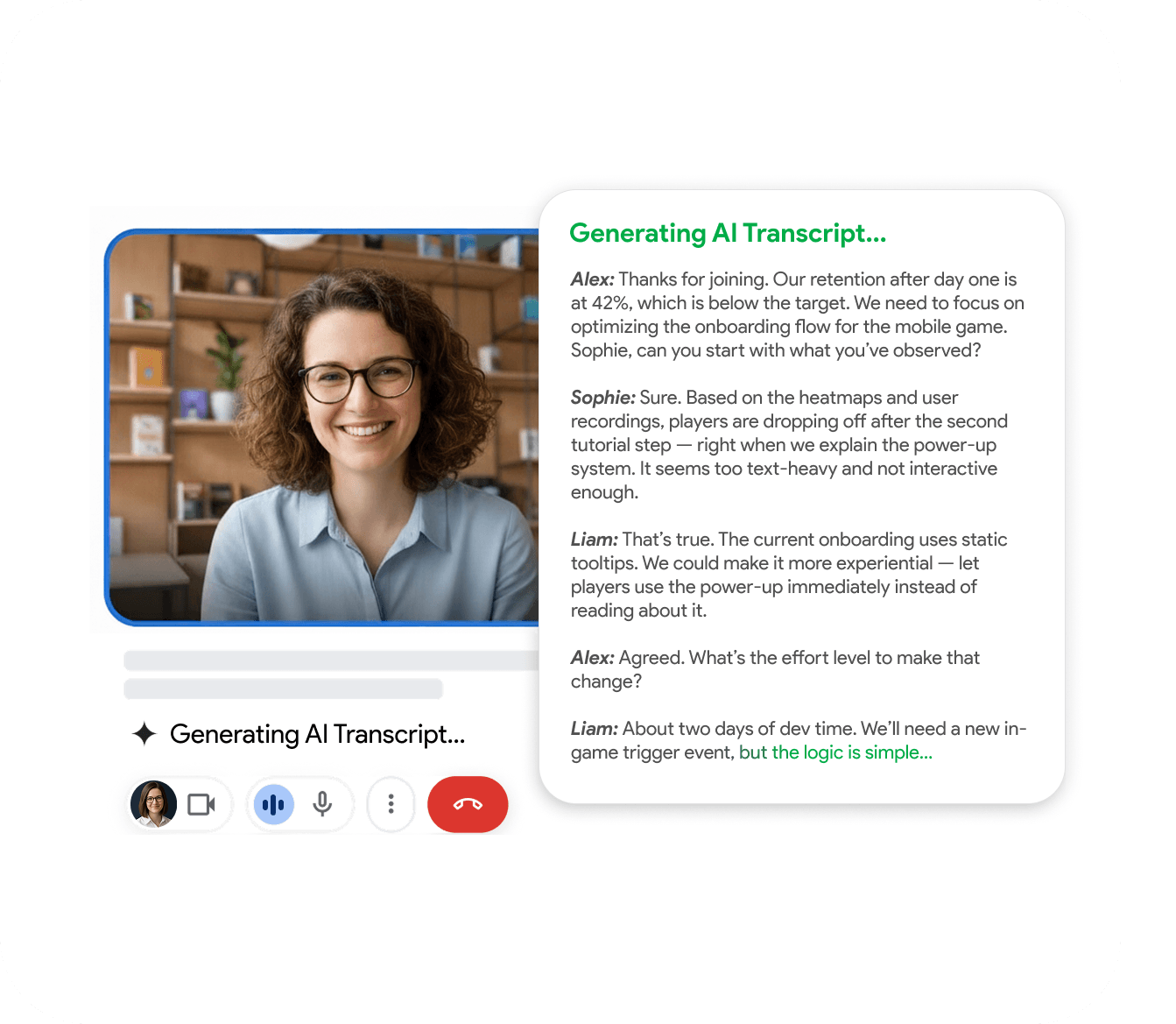
Meeting recap, ready to send
Meeting recap formatted for email and Slack
The recap view formats the summary for the channel you actually send it through. A short paragraph for the email opener, a bulleted list for the Slack thread, a one-line headline for the digest. Copy what you need, send.
- Short, medium and full recap views
- Markdown for Slack, plain text for email
- Share link with view-only access for clients
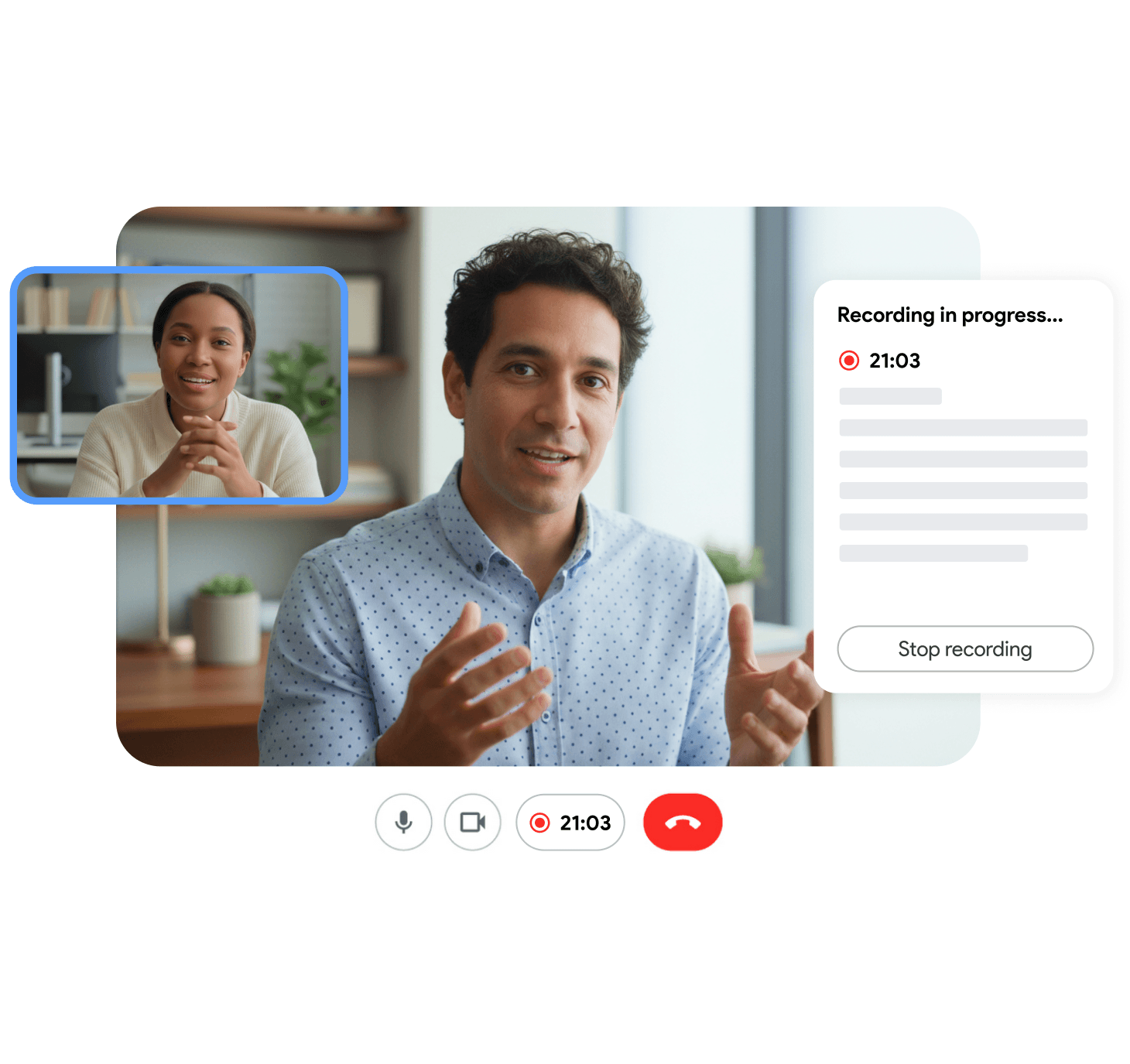
Debrief without the meeting
Meeting debrief for async review
When a teammate misses the call, send the debrief view. It combines the summary, the action items and the open questions in one async-friendly artefact, so the catch-up takes five minutes instead of an hour.
- Async debrief replaces a 60-minute replay
- Open questions list keeps the next agenda obvious
- Per-recipient share controls for sensitive calls
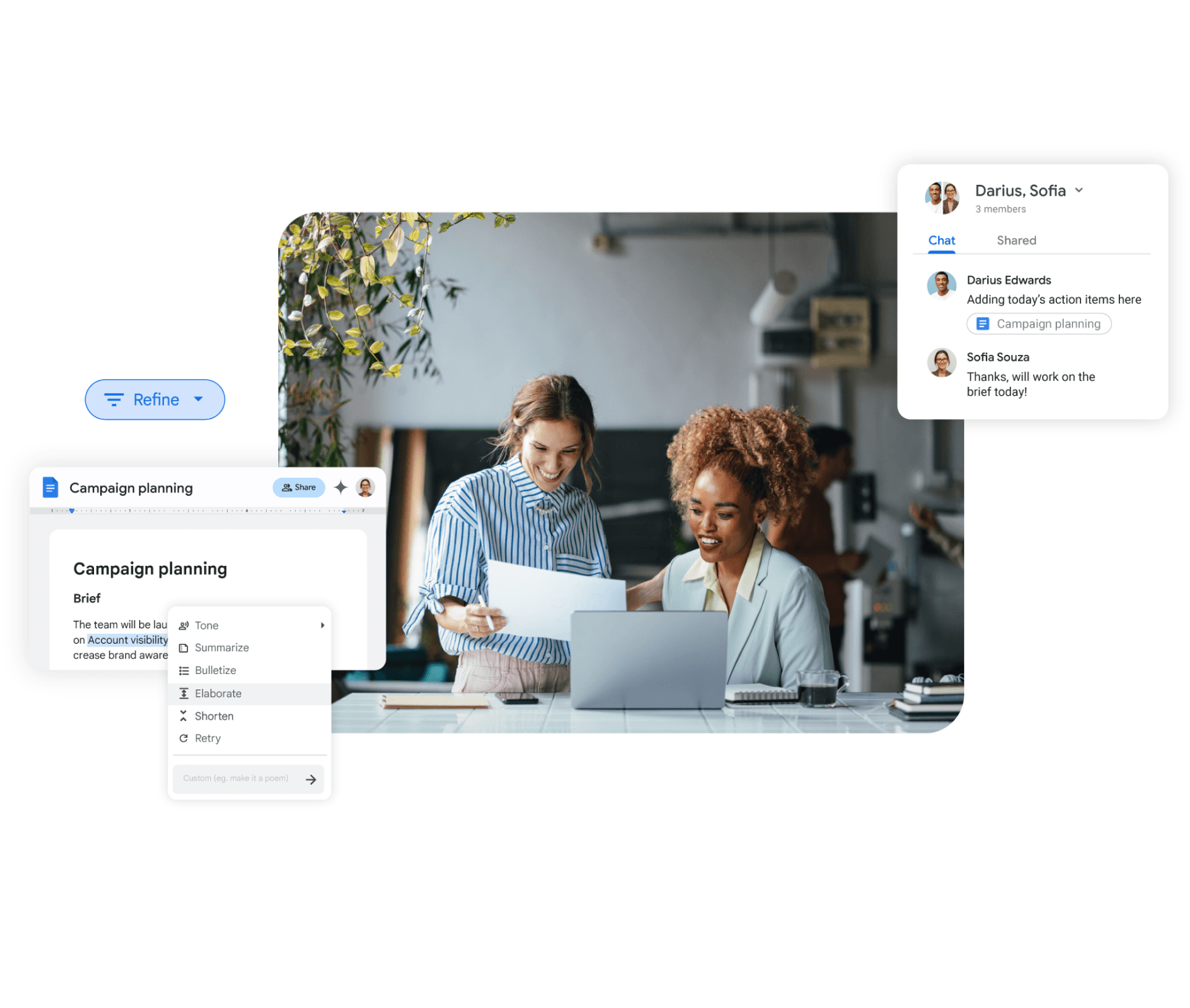
How it compares
A quick side-by-side look at what RecordMeeting includes by default.
| Feature | RecordMeeting | Manual recap | Generic AI summarizer |
|---|---|---|---|
| Summary every call automatically | Yes | If you remember | Yes |
| Linked to recording and transcript | Yes | No | Rarely |
| Multiple recap formats per call | Yes | Manual | Single format |
| Templates per call type | Yes | Manual | No |
| Decisions and action items separated | Yes | Manual | Sometimes |
| Free plan | Yes | n/a | Trial only |
Built for the way teams work
See how different teams use RecordMeeting to capture every conversation.
Sales call recaps
Send the recap before the next call, with key points and follow-ups already separated.
Learn moreCustomer success
Recap every onboarding and QBR without typing the email from memory.
Learn moreAll-hands and standups
Send the summary the moment the all-hands ends. Absent teammates read a two-paragraph recap and scan the key points list rather than watching a long recording.
Learn moreHiring debriefs
Panel members compare candidate summaries instead of replaying full interviews.
Learn more"I use it for Google Meet calls - super convenient: one click and the meeting is recorded, and afterwards you automatically get a transcript in a Google Doc with speaker labels and timestamps. A big plus for privacy: it doesn’t add any “bots” to the participant list, everything stays clean and professional. Search across meetings and 2×/3× playback are must-haves to quickly pull out decisions and action items. A real lifesaver for work, highly recommend!"

"Great app with a clean design and very intuitive controls. It was easy to set up and start recording meetings right away. The interface is simple, works smoothly in Google Meet, and the features are well thought out. Everything runs stable without lag, which is important during live meetings. Overall, a very convenient and reliable tool that does exactly what it promises."

"An excellent, easy-to-learn, and intuitive solution for recording video meetings and hosting live broadcasts in Meet.\ \ This convenient tool for recording and broadcasting in Google Meet is distinguished by its simplicity and intuitive interface."

"Started using Record Meeting AI as I've moved off Zoom licence and fully into Google Workspace environment. Does everything I want, plus more. Simple and intuitive UI. Look no further."

"Simple and effective app. It captures everything perfectly, so I don't have to worry about missing important details. Great job developers"

"A useful extension that works smoothly. With just one click, you can start recording without any issues."

"Wait, why don't all apps work like this? i just hit record and that is it. no complex setup or anything"

"Finally a recorder that doesnt look like it was made in 1995. super sleek and the google docs integration is 10/10."

"This app nails the basics perfectly. Simple, effective, and beautifully designed. No unnecessary clutter."

"A fantastic and reliable addition with no technical errors; I highly recommend it to everyone."

"Works well, the quality of the sound and video is good unlike Loom that is quite disappointing"

"Great quality recordings and the AI summaries are surprisingly accurate."

"I really appreciate this app. It’s well designed and very user-friendly."

"Love that it works with personal Gmail, not just Workspace 🙌"

"Works great, no complaints."

"Super fast and easy to use"

"great app and easy to use"

"great extensions \<3"

FAQ
Frequently Asked Questions
Everything you need to know about RecordMeeting.
- What is an AI meeting summary?
-
An AI meeting summary is a short recap generated automatically from a meeting recording.
RecordMeeting transcribes the call, then produces a two to four paragraph narrative plus a structured list of key points, decisions and action items.
- How accurate is the meeting summary?
-
Summaries are generated from the transcript, so they reflect what was actually said on the call. For most business meetings the recap is accurate enough to send without editing.
The decisions and action items are pulled from explicit statements, so anything stated clearly gets captured.
- How long does it take to generate the summary?
-
Most summaries are ready within five to ten minutes of the call ending.
A 30-minute call usually produces a summary faster than the call itself took, so you can send the recap before the next meeting starts.
- What is the difference between a summary, notes and minutes?
-
A summary is a short narrative recap with key points. Notes are structured per section with decisions and action items. Minutes are a formal record for governance meetings.
RecordMeeting generates all three from the same transcript so they stay consistent.
- Can I customise the summary format?
-
Yes. Workspace owners can pin a meeting summary template per call type, with custom sections, tone and length.
The model adapts to the template, so a custom layout still produces a coherent recap.
- Can I share the summary with a client?
-
Yes. The external share view shows a clean recap without workspace navigation.
You can add an optional logo, and per-summary access controls mean a client recap stays separate from your internal calls.
- Are meeting summaries included in the free plan?
-
Yes. Summaries are bundled with every recording on every plan, including the free tier.
There is no per-call fee and no quota separate from the recording quota.
- Are my meeting summaries private?
-
Summaries are held in your private RecordMeeting workspace with encryption covering both transfer and storage. They are never passed to third parties or used to train AI models.
You can delete any summary at any time and the deletion covers every storage layer.
Related resources
Explore more guides and features across RecordMeeting.
- AI meeting summary, how it works Automated summaries explained
- Meeting recap formats and use Automated summaries explained
- How to summarize a meeting Automated summaries explained
- Meeting debrief for async teams Automated summaries explained
- Meeting summary templates Automated summaries explained
- Meeting notes, the structured layer Better notes without the manual work
- AI notetaker, the full assistant view Let AI handle your meeting notes
Get a meeting summary before your next task
Structured recap with decisions and next steps, ready minutes after the call ends. Free to start.
