HIPAA-अनुपालन वाली मीटिंग रिकॉर्डिंग: स्वास्थ्य सेवा टीमों को क्या ध्यान रखना चाहिए
टेलीहेल्थ और केयर टीमों के लिए HIPAA मीटिंग रिकॉर्डिंग की एक व्यावहारिक गाइड। BAA, ट्रांसक्रिप्ट में PHI, Google Workspace सेटअप, और ऑडिट में खरे उतरने वाले रिटेंशन नियम।

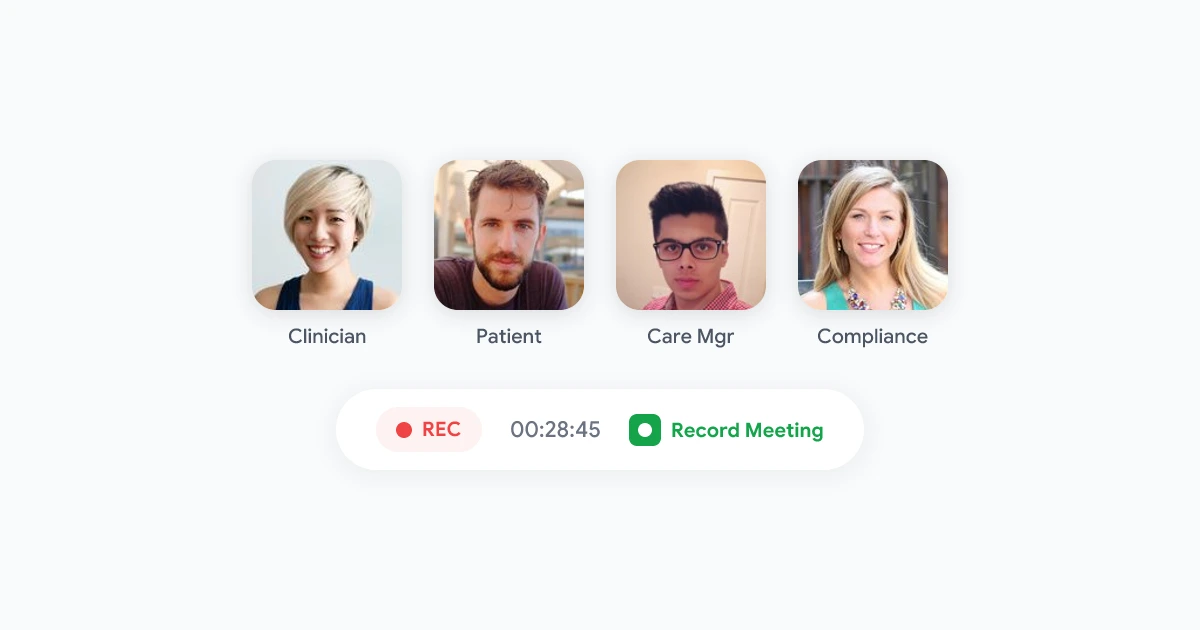
टेलीहेल्थ विज़िट, केयर कोऑर्डिनेशन कॉल, और मल्टीडिसिप्लिनरी रिव्यू अब एग्जाम रूम की तरह ही Google Meet पर चलते हैं। यह बदलाव कुशल है। लेकिन इसका मतलब यह भी है कि संरक्षित स्वास्थ्य जानकारी (PHI) एक रिकॉर्डिंग, ट्रांसक्रिप्ट, या AI सारांश में पहुंच सकती है, और किसी को तब तक पता नहीं चलता जब तक ऑडिट में सबूत न मांगा जाए।
HIPAA मीटिंग रिकॉर्डिंग पर प्रतिबंध नहीं लगाता। यह आपसे यह अपेक्षा करता है कि आप रिकॉर्डिंग्स को उसी तरह ट्रीट करें जैसे PHI को स्टोर या ट्रांसमिट करने वाले किसी अन्य सिस्टम को करते हैं। यह गाइड बताती है कि Google Meet वर्कफ़्लोज़ के लिए यह व्यवहार में कैसा दिखता है, Google Workspace क्या कर सकता है और क्या नहीं, और कैसे एक रिकॉर्डिंग प्रक्रिया बनाएं जिसे आपकी कंप्लायंस टीम डिफेंड कर सके।
व्यापक गोपनीयता संदर्भ के लिए, हमारी Google Meet रिकॉर्डिंग्स सुरक्षा गाइड देखें। प्रोडक्ट-लेवल कंट्रोल्स के लिए, Record Meeting सुरक्षा पेज रिव्यू करें।
HIPAA वास्तव में मीटिंग रिकॉर्डिंग्स के लिए क्या मांगता है
HIPAA तब लागू होता है जब एक कवर्ड एंटिटी (हॉस्पिटल, क्लिनिक, हेल्थ प्लान) या बिजनेस एसोसिएट (वेंडर जो उनकी ओर से PHI हैंडल करता है) पहचान योग्य मरीज जानकारी बनाता, स्टोर करता, या शेयर करता है।
एक मीटिंग रिकॉर्डिंग HIPAA की चिंता का विषय बन जाती है जब इसमें शामिल हो:
- मरीज का नाम, जन्म तिथि, या मेडिकल रिकॉर्ड नंबर जोर से बोले गए हों
- डायग्नोसिस, दवाएं, ट्रीटमेंट प्लान, या टेस्ट रिजल्ट्स जिन पर कैमरे पर चर्चा हुई हो
- स्क्रीन शेयर जो चार्ट्स, इमेजिंग, या EHR स्क्रीनशॉट्स दिखाते हों
- AI-जनरेटेड ट्रांसक्रिप्ट्स या सारांश जो उस ऑडियो से डेरिव किए गए हों
अगर कॉल पूरी तरह से ऑपरेशनल है और इसमें कोई मरीज आइडेंटिफायर नहीं है (उदाहरण के लिए, एक इंटरनल IT स्टैंडअप), तो स्टैंडर्ड वर्कप्लेस गोपनीयता नियम काफी हो सकते हैं। जैसे ही PHI दिखाई देती है, HIPAA नियम रिकॉर्डिंग फाइल, उसके बैकअप्स, एक्सेस लॉग्स, और डिलीशन शेड्यूल पर लागू हो जाते हैं।
मीटिंग रिकॉर्डिंग के लिए तीन HIPAA नियम सबसे ज़्यादा मायने रखते हैं:
| नियम | रिकॉर्डिंग्स के लिए इसका क्या मतलब है |
|---|---|
| प्राइवेसी रूल | आपको एक अनुमत उद्देश्य, न्यूनतम आवश्यक प्रकटीकरण, और मरीज अधिकार (एक्सेस, संशोधन, लेखा) की ज़रूरत होती है |
| सिक्योरिटी रूल | स्टोरेज, एक्सेस, और ट्रांसमिशन के आसपास प्रशासनिक, भौतिक, और तकनीकी सुरक्षा उपाय |
| ब्रीच नोटिफिकेशन रूल | अगर कोई अनधिकृत पार्टी PHI तक पहुंच जाती है, तो आपको सख्त समय सीमा के भीतर मरीजों और HHS को सूचित करना पड़ सकता है |
रिकॉर्डिंग करना ही उल्लंघन नहीं है। PHI को एक नॉन-कंप्लायंट सिस्टम में स्टोर करना, इसे बहुत ज़्यादा शेयर करना, या इसे बहुत लंबे समय तक रखना ही वह जगह है जहां टीमों पर जुर्माना लगता है।
Google Workspace, Google Meet, और BAA का सवाल
Google HIPAA-अलाइंड वर्कफ़्लोज़ को सपोर्ट कर सकता है, लेकिन तभी जब आप सही Google Workspace एडिशन कॉन्फ़िगर करें और Google के साथ एक बिजनेस एसोसिएट एग्रीमेंट (BAA) पर हस्ताक्षर करें।
उच्च स्तर पर:
- अपने Workspace डोमेन के लिए Google का BAA साइन करें (योग्य पेड प्लान्स पर उपलब्ध)।
- PHI को छूने वाले वर्कफ़्लोज़ के लिए केवल HIPAA-सपोर्टेड सर्विसेज़ को एनेबल करें। Google का HIPAA इम्प्लीमेंटेशन गाइड बताता है कि BAA एक्टिव होने पर कौन से प्रोडक्ट्स स्कोप में आते हैं।
- उन नॉन-कवर्ड सर्विसेज़ को बंद या ब्लॉक कर दें जो PHI को प्रोसेस कर सकती हैं (कुछ ऐड-ऑन्स, कंज्यूमर-टियर टूल्स, या तीसरे पक्ष के इंटीग्रेशन जिनके पास अपना BAA नहीं है)।
- डॉक्यूमेंट करें कि किन मीटिंग्स को रिकॉर्ड किया जा सकता है और फाइल्स के बाद कौन सी भूमिकाएं एक्सेस कर सकती हैं।
नेटिव Google Meet रिकॉर्डिंग फाइल्स को आयोजक के Google Drive में सेव करती है। यह पथ BAA-कवर्ड हो सकता है जब Workspace को सही तरीके से कॉन्फ़िगर किया गया हो। एक अलग Chrome एक्सटेंशन या ऐड-ऑन जो ऑडियो कैप्चर करता है, ट्रांसक्रिप्ट जनरेट करता है, या आपके कंट्रोल्ड Drive फ़ोल्डर के बाहर कॉपीज़ स्टोर करता है, एक नया सिस्टम है। उस वेंडर को अपना खुद का BAA चाहिए या उसे पूरी तरह से आपके पहले से कवर्ड Google एनवायरनमेंट के अंदर काम करना चाहिए और अपने सर्वर्स पर PHI को रिटेन नहीं करना चाहिए।
क्लिनिकल स्टाफ के बीच किसी भी रिकॉर्डर को रोल आउट करने से पहले, आपके कंप्लायंस ऑफिसर को एक सवाल का जवाब देना चाहिए: कॉल के बाद फाइल कहां रहती है, और उस स्टोरेज के लिए बिजनेस एसोसिएट कौन है?
एक व्यावहारिक HIPAA मीटिंग रिकॉर्डिंग पॉलिसी
पॉलिसीज़ तब फेल होती हैं जब वे दस पेज लंबी होती हैं और जीरो पेज एनफोर्स होती हैं। एक काम करने लायक HIPAA मीटिंग रिकॉर्डिंग पॉलिसी एक स्क्रीन पर फिट होती है और रियल टूल्स से कनेक्ट होती है।
1. परिभाषित करें कि रिकॉर्डिंग कब की जा सकती है
एक सरल निर्णय वृक्ष का उपयोग करें:
- मरीज के साथ टेलीहेल्थ → केवल तभी की जा सकती है जब डॉक्यूमेंटेड मरीज सहमति और अप्रूव्ड प्लेटफॉर्म कॉन्फ़िगरेशन हो।
- एक नामित मरीज पर चर्चा करते हुए केयर टीम हडल → भूमिका-आधारित ज़रूरत वाले स्टाफ के लिए की जा सकती है। बिना ट्रेनिंग के मेहमानों या छात्रों के लिए नहीं।
- वेंडर डेमो या सेल्स कॉल → कभी भी रियल मरीज डेटा नहीं। सिंथेटिक केस ही यूज़ करें।
- ऑल-हैंड्स या ट्रेनिंग → अगर कोई PHI डिस्कस नहीं की जाती तो रिकॉर्डिंग की जा सकती है। हर सेशन की शुरुआत में यह नियम बताएं।
इस मैट्रिक्स को अपने इंट्रानेट में पब्लिश करें और कैलेंडर इनवाइट टेम्प्लेट से लिंक करें जिसे क्लिनिशियन पहले से यूज़ करते हैं।
2. सहमति की घोषणा और दस्तावेज़ीकरण करें
मरीज-फेसिंग विज़िट के लिए, केवल वर्बल एनाउंसमेंट काफी नहीं है। कई कंप्लायंस प्रोग्राम्स को चाहिए:
- पहली रिकॉर्डेड टेलीहेल्थ विज़िट से पहले लिखित या इलेक्ट्रॉनिक सहमति
- EHR में एक नोट कि रिकॉर्डिंग हो सकती है और फाइल्स कहां स्टोर हैं
- केयर तक पहुंच खोए बिना रिकॉर्डिंग से इनकार करने का एक आसान तरीका
Google Meet पार्टिसिपेंट्स को एक रिकॉर्डिंग नोटिस दिखाता है जब होस्ट नेटिव रिकॉर्डिंग का उपयोग करता है। ब्राउज़र-बेस्ड टूल्स यह नहीं कर सकते। अगर आपका स्टैक एक एक्सटेंशन पथ यूज़ करता है, तो आपकी पॉलिसी को हर विज़िट की शुरुआत में एक स्पष्ट वर्बल स्क्रिप्ट की आवश्यकता होनी चाहिए।
3. कॉल के बाद एक्सेस को कंट्रोल करें
ज़्यादातर HIPAA इंसिडेंट्स एनक्रिप्शन की समस्याएं नहीं, बल्कि एक्सेस की समस्याएं होती हैं।
- क्लिनिकल रिकॉर्डिंग्स को एक डेडिकेटेड शेयर्ड ड्राइव में स्टोर करें जिसकी एक्सेस केयर भूमिकाओं तक सीमित हो
- रिकॉर्डिंग्स को पर्सनल माय ड्राइव फ़ोल्डर्स में सेव करने पर प्रतिबंध लगाएं
- उन फ़ोल्डर्स पर “लिंक वाले किसी के लिए” शेयरिंग डिसेबल कर दें जिनमें PHI हो सकती है
- उन सभी अकाउंट्स के लिए MFA की आवश्यकता करें जो उन फ़ोल्डर्स को ओपन कर सकते हैं
क्वार्टरली परमिशन ऑडिट उसी तरह चलाएं जैसे आप EHR रोल असाइनमेंट्स का ऑडिट करते हैं।
4. रिटेंशन और डिलीशन सेट करें
HIPAA अनंत आर्काइव्स की नहीं, बल्कि उचित रिटेंशन की अपेक्षा करता है।
| मीटिंग प्रकार | सामान्य रिटेंशन | नोट्स |
|---|---|---|
| टेलीहेल्थ विज़िट | 6 से 7 साल (राज्य के अनुसार अलग) | मेडिकल रिकॉर्ड पॉलिसी के साथ अलाइन करें |
| इंटरनल केस रिव्यू | 1 से 3 साल जब तक एक एक्टिव चार्ट से जुड़ा न हो | क्वालिटी रिव्यू बंद होने पर डिलीट करें |
| सिंथेटिक डेटा के साथ ट्रेनिंग | 90 दिन | कम रिस्क लेकिन फिर भी डॉक्यूमेंट करें |
जहां संभव हो ऑटोमेट डिलीशन करें। मैन्युअल क्लीनअप बिजी क्लिनिक्स में छह महीने के भीतर फेल हो जाता है।
5. स्क्रीन शेयर्स में PHI पर स्टाफ को ट्रेन करें
सबसे कॉमन लीक ऑडियो नहीं है। यह एक शेयर्ड विंडो के पीछे EHR टैब है।
हर क्लिनिकल Meet ट्रेनिंग में एक स्क्रीन शेयर चेकलिस्ट जोड़ें:
- शेयर करने से पहले असंबंधित मरीज चार्ट्स बंद कर दें
- एक सिंगल एप्लिकेशन विंडो शेयर करें, पूरा डेस्कटॉप नहीं
- बिलिंग या शेड्यूलिंग स्क्रीन्स को ओपन करने से पहले शेयरिंग बंद कर दें जिनमें आइडेंटिफायर्स हों
तकनीकी सुरक्षा उपाय जिनकी ऑडिटर्स को अपेक्षा होती है
डॉक्यूमेंटेशन ऑडिट्स जीतता है। ये तकनीकी कंट्रोल्स सीधे HIPAA सिक्योरिटी रूल भाषा से मैप होते हैं।
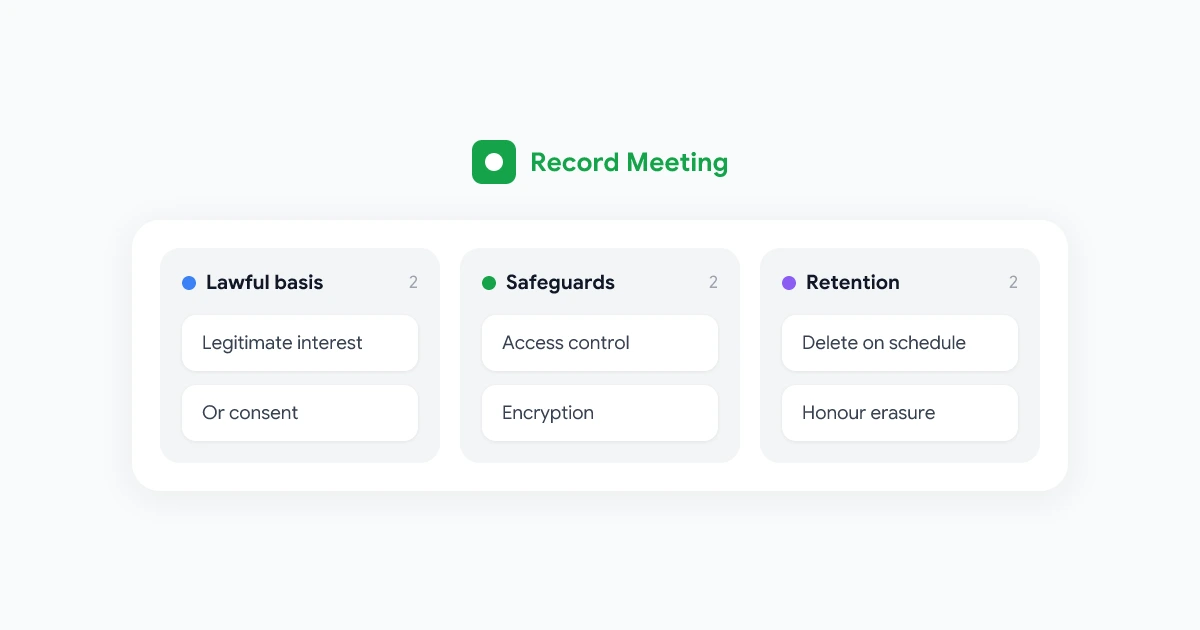
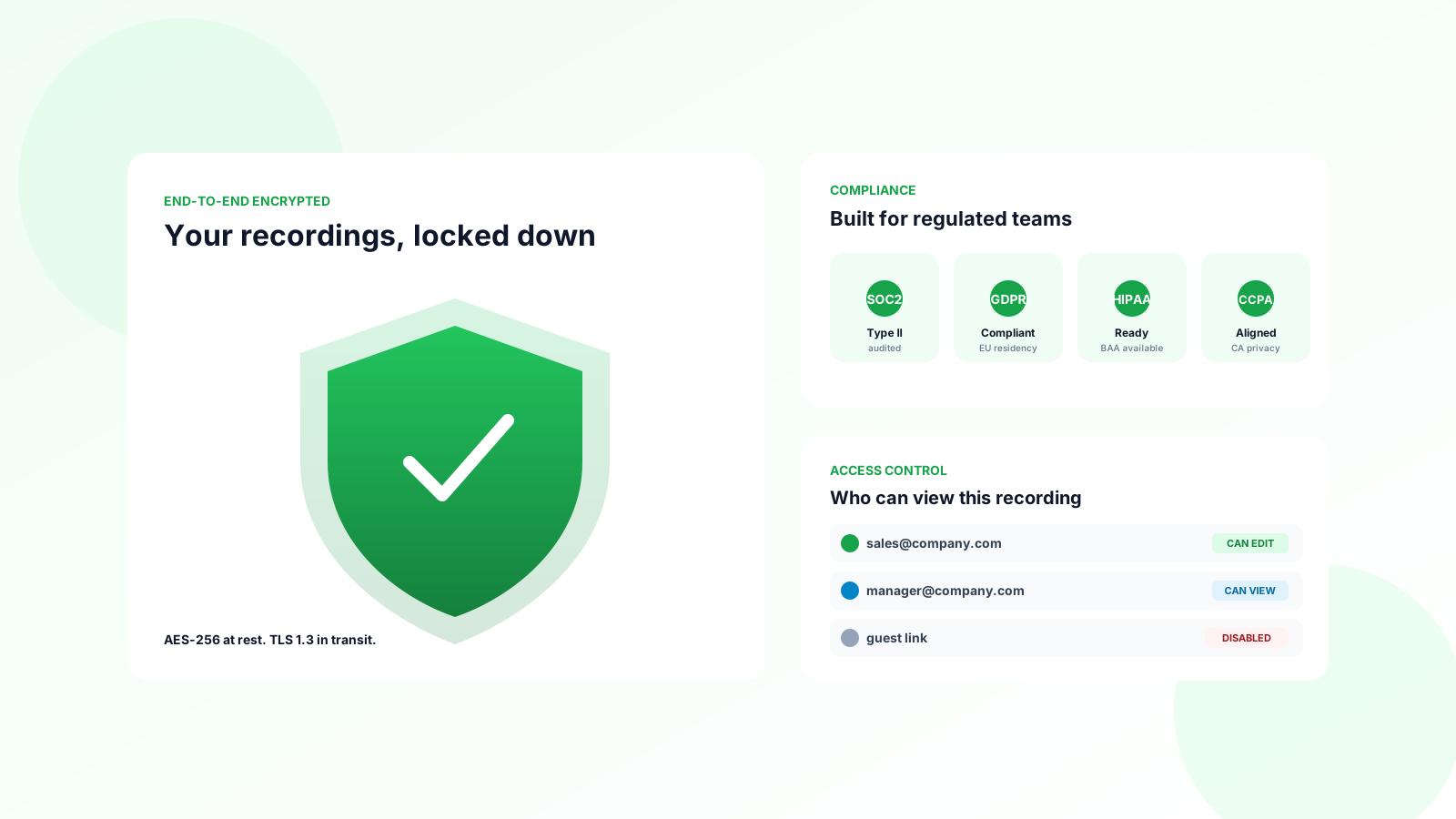
एक्सेस कंट्रोल। यूनिक यूजर आईडी, ऑटोमैटिक लॉगऑफ, और रिकॉर्डिंग लाइब्रेरीज़ तक रोल-बेस्ड एक्सेस। कोई शेयर्ड क्लिनिक लॉगिन नहीं।
एनक्रिप्शन। लाइव सेशन के लिए TLS। Google Drive में स्टोर्ड फाइल्स के लिए एट रेस्ट AES-256। अगर आपके रिस्क असेसमेंट को कस्टमर-मैनेज्ड कीज़ की आवश्यकता है, तो Google Workspace क्लाइंट-साइड एनक्रिप्शन या एंटरप्राइज़ टियर्स पर CMEK की योजना बनाएं।
इंटीग्रिटी। ड्राइव में वर्जन हिस्ट्री और ऑडिट लॉग्स दिखाते हैं कि किसने फाइल ओपन या डाउनलोड की। इंसिडेंट इन्वेस्टिगेशन के लिए उन लॉग्स को एक्सपोर्ट करें।
ट्रांसमिशन सिक्योरिटी। रिकॉर्डिंग्स को पर्सनल Dropbox, SMS, या अनसिक्योर्ड ईमेल पर न ले जाएं। BAA-कवर्ड एनवायरनमेंट के अंदर अप्रूव्ड लिंक्स का उपयोग करें।
AI ट्रांसक्रिप्ट्स और सारांश। अगर PHI ट्रांसक्राइब की जाती है, तो ट्रांसक्रिप्शन प्रोवाइडर लगभग निश्चित रूप से एक बिजनेस एसोसिएट है। पुष्टि करें कि टेक्स्ट US में प्रोसेस होता है या नहीं, क्या मॉडल डेटा रिटेन करते हैं, और क्या आप रिक्वेस्ट पर प्रॉम्प्ट्स और आउटपुट्स डिलीट कर सकते हैं। हमारी AI मीटिंग नोट्स गाइड प्रोडक्ट-न्यूट्रल हाइजीन को कवर करती है जो रेगुलेटेड सेटिंग्स में भी लागू होती है।
 Record Meeting आज़माएं
Google Meet को ब्राउज़र से रिकॉर्ड करें बिना किसी बॉट के जो कॉल में जॉइन करे। ट्रांसक्रिप्ट्स और सारांश कैप्चर करें जिन्हें आपकी टीम अप्रूव्ड स्टोरेज वर्कफ़्लोज़ में रूट कर सकती है।
मुफ्त में शुरू करें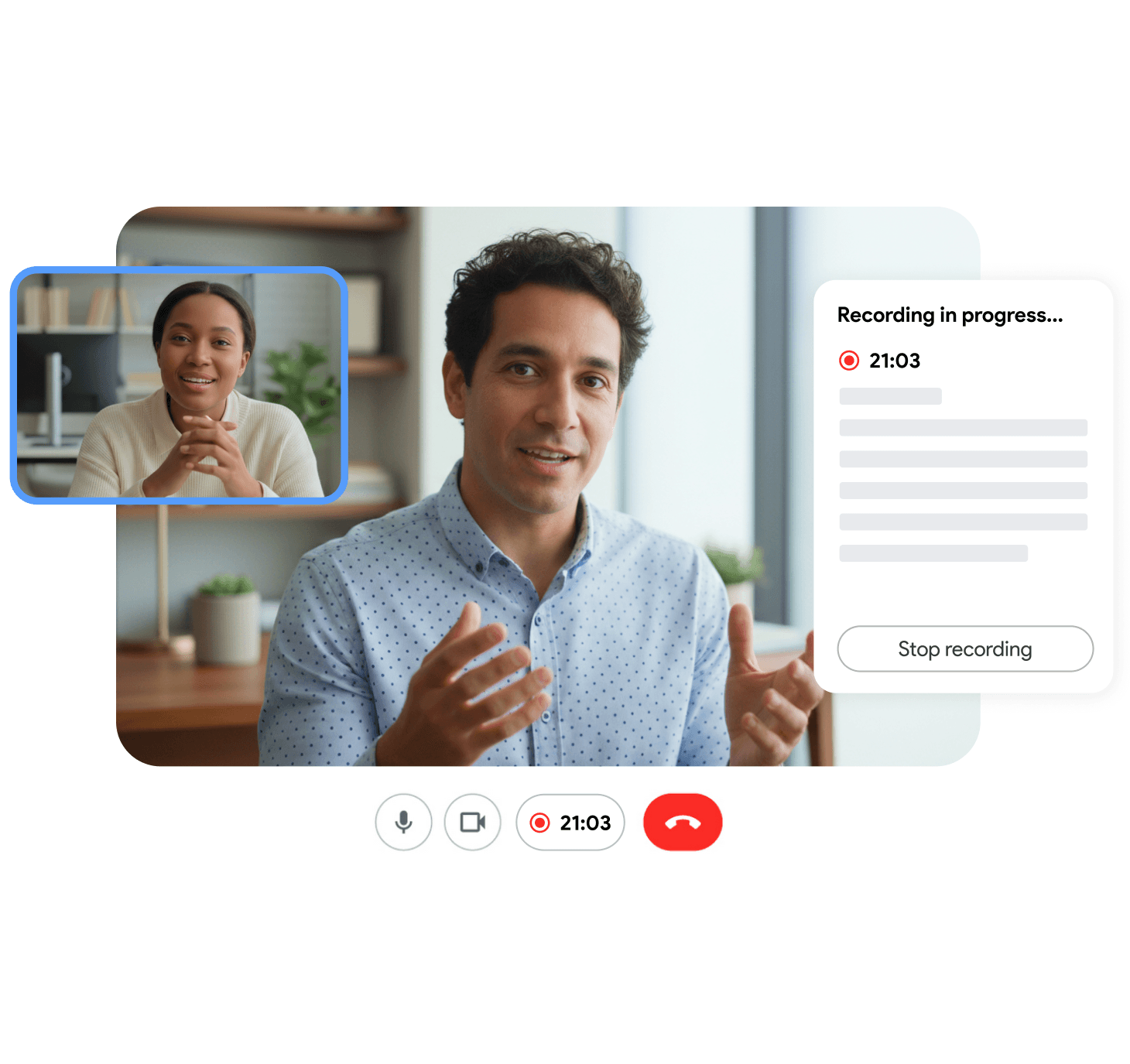
वेंडर और बिजनेस एसोसिएट चेकलिस्ट
किसी भी मीटिंग रिकॉर्डर (ब्राउज़र एक्सटेंशन सहित) को अप्रूव करने से पहले, लीगल और IT को यह इकट्ठा करना चाहिए:
- साइन किया गया BAA या पुष्टि कि टूल केवल आपके मौजूदा BAA-कवर्ड Google टेनेंट के अंदर डेटा स्टोर करता है
- AI ट्रांसक्रिप्शन या क्लाउड स्टोरेज के लिए सबप्रोसेसर लिस्ट
- डेटा रेजिडेंसी स्टेटमेंट (अगर आवश्यक हो तो US रीजन उपलब्धता)
- रिटेंशन डिफॉल्ट्स और क्या वेंडर कस्टमर कंटेंट पर मॉडल्स को ट्रेन करता है
- डिलीशन API या प्रक्रिया जो आपकी पॉलिसी टाइमलाइन्स से मेल खाती हो
- SOC 2 टाइप II या समकक्ष स्वतंत्र रिपोर्ट
- इंसिडेंट नोटिफिकेशन SLA (हफ्तों में नहीं, घंटों में)
अगर कोई वेंडर BAA साइन करने से इनकार करता है लेकिन प्रोडक्ट PHI को छूता है, तो जवाब नहीं है। HIPAA रिस्क असेसमेंट में कोई मिडिल ग्राउंड नहीं है।
आम गलतियां जो फाइंडिंग्स को ट्रिगर करती हैं
टेलीहेल्थ के लिए कंज्यूमर Gmail या फ्री Meet का उपयोग करना। कोई BAA नहीं, कोई कंप्लायंस स्टोरी नहीं।
रिकॉर्डिंग्स को आयोजक के पर्सनल ड्राइव में डिफॉल्ट शेयरिंग के साथ बैठने देना जो सालों पहले से इनहेरिट हुई है।
मल्टीडिसिप्लिनरी टीम को एक डाउनलोड लिंक ईमेल करना बजाय कंट्रोल्ड शेयर्ड ड्राइव्स का उपयोग करने के।
AI ट्रांसक्रिप्ट्स को एक अलग SaaS में रखना बिना यह रिव्यू किए कि क्या वह SaaS PHI के लिए अनुमत है।
वर्कफोर्स ट्रेनिंग को छोड़ना सिंथेटिक डेमोज़ पर जो गलती से रियल मरीज स्टोरीज़ का उपयोग करते हैं।
ब्रीच प्लेबुक न होना “मुझे लगता है कि यह रिकॉर्डिंग गलत कंसल्टेंट को फॉरवर्ड हो गई है” के लिए।
इनमें से हर एक को रिकॉर्डिंग को पूरी तरह से बंद किए बिना ठीक किया जा सकता है। आपको पैनिक की नहीं, प्रक्रिया की ज़रूरत है।
रिमोट टीम एटिकेट अभी भी मायने रखता है
HIPAA बेसिक रिस्पेक्ट को स्किप करने का बहाना नहीं है। क्लिनिकल रिकॉर्डिंग नियमों को हमारी रिमोट मीटिंग रिकॉर्डिंग एटिकेट गाइड में बताए गए टीम नॉर्म्स के साथ अलाइन करें:
- रिकॉर्डिंग का उद्देश्य शुरुआत में बताएं
- बताएं कि फाइल किसे मिलेगी
- प्रतिभागियों के लिए एक विकल्प प्रदान करें जो रिकॉर्डिंग से इनकार करते हैं (जहां क्लिनिकली उचित हो)
- क्लिनिकल पोर्शन खत्म होते ही रिकॉर्डिंग बंद कर दें, कैजुअल चैट शुरू होने पर नहीं
इम्प्लीमेंटेशन रोडमैप (30 / 60 / 90 दिन)
पहले 30 दिन
- हर टूल का इन्वेंटरी करें जो Meet कॉल्स को रिकॉर्ड, ट्रांसक्राइब, या सारांशित करता है
- Google BAA स्कोप की पुष्टि करें और PHI को छूने वाले नॉन-कवर्ड ऐप्स को डिसेबल करें
- अलाउ / डिनाय मैट्रिक्स और सहमति भाषा पब्लिश करें
दिन 31 से 60
- मौजूदा क्लिनिकल रिकॉर्डिंग्स को अप्रूव्ड शेयर्ड ड्राइव्स में माइग्रेट करें
- उन ड्राइव्स पर लिंक-बेस्ड एक्सटर्नल शेयरिंग हटाएं
- क्लिनिशियन को स्क्रीन शेयर हाइजीन पर ट्रेन करें
दिन 61 से 90
- रिटेंशन जॉब्स को ऑटोमेट करें और डिलीशन एविडेंस डॉक्यूमेंट करें
- एक टेबलटॉप ब्रीच एक्सरसाइज़ चलाएं जो एक गलत रिकॉर्डिंग शेयर का उपयोग करे
- मेट्रिक्स रिव्यू करें: ओपन एक्सेस ग्रांट्स, ऑर्फन्ड फाइल्स, औसत रिटेंशन आयु
अक्सर पूछे जाने वाले प्रश्न
निष्कर्ष
HIPAA-कंप्लायंट मीटिंग रिकॉर्डिंग एक प्रोग्राम है, न कि किसी एकल ऐप पर एक चेकबॉक्स। Google के BAA को Workspace के लिए एक्जीक्यूट करें, कंट्रोल करें कि फाइल्स कहां जाती हैं, एक्सेस को सीमित करें, रिटेंशन सेट करें, हर रिकॉर्डर और AI टूल को वेट करें जो PHI को छूता है, और क्लिनिशियन को ट्रेन करें कि स्क्रीन पर क्या नहीं दिख सकता।
अच्छी तरह से किया गया, तो रिकॉर्डिंग केयर की निरंतरता, सुपरविज़न, और परिवार संचार को बेहतर बनाती है बिना एवॉइडेबल ऑडिट रिस्क जोड़े। लापरवाही से किया गया, तो यह आपके स्टैक में सबसे आसान PHI लीक बन जाता है।
अपने स्टैक को Record Meeting सुरक्षा अवलोकन के खिलाफ रिव्यू करें, इस हफ्ते Google Drive परमिशन्स को टाइट करें, और अगली टेलीहेल्थ रिकॉर्डिंग को उस मेडिकल रिकॉर्ड की तरह ट्रीट करें जो यह है।