How to Take Better Meeting Notes with AI in 2026

Stop drowning in scribbled notes. Learn the practical AI-powered note-taking workflow that turns every meeting into searchable, shareable, action-ready documentation.

RecordMeeting
RecordMeeting Team
May 1, 2026
How to Take Better Meeting Notes with AI in 2026

If you have ever left a meeting realizing you missed half of what was said, you are not alone. Most professionals sit through 12 to 18 meetings every week, and the average human can only capture about 30% of the spoken content in real time.

AI note-taking has changed that math. With the right workflow, you can walk out of every call with a clean transcript, a one-paragraph summary, a tagged action list, and a searchable archive that actually answers questions later.


Why Manual Note-Taking Is Holding You Back

Manual notes force you to choose between two bad options. Either you focus on the conversation and miss the details, or you focus on typing and miss the room.

The hidden cost is bigger than you think. A 2025 Stanford study found that people who type during meetings retain 40% less context than those who only listen. Worse, follow-up emails written from memory introduce factual errors in roughly 1 out of every 3 messages.

AI removes that tradeoff. The recording captures everything verbatim. You stay present. The summary handles the rest.

The 5-Step AI Note-Taking Workflow

The trick is treating AI notes as a layered output, not a single document. Here is the workflow that consistently produces notes worth keeping.

Step 1: Record Every Meeting You Attend

You cannot summarize what you did not capture. Set up automatic recording so it is not a decision you make in the moment.

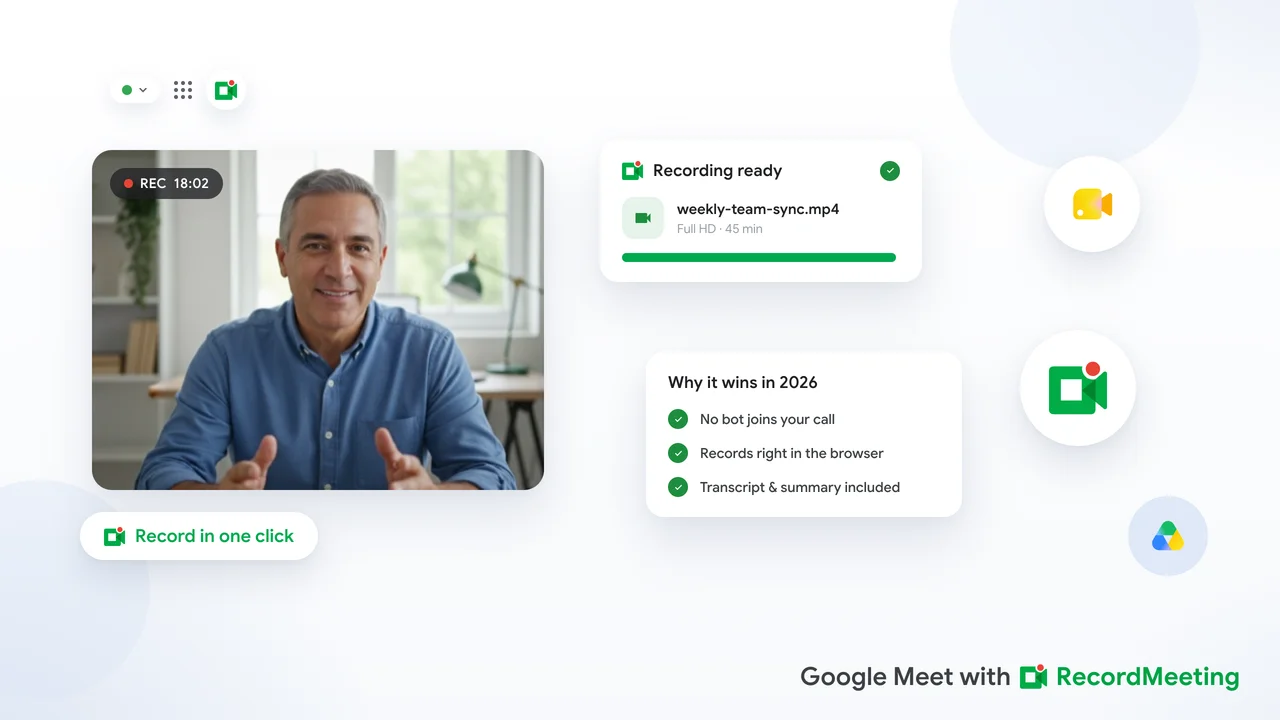
AI notetaker tools like RecordMeeting handle this automatically once configured. The meeting recorder detects each Google Meet session and starts capturing without any manual step.

Auto-record everything

Tools like RecordMeeting let you flip a single toggle so every Google Meet you join is captured by default. Decision fatigue solved.

Step 2: Generate a Verbatim Transcript

A timestamped, speaker-labeled transcript is the foundation. It lets you grep for any phrase, jump back to a moment, or quote someone exactly in a follow-up.

Modern speech-to-text models hit 95%+ accuracy on clear English audio. That is good enough that you should never type quotes from memory again.

Step 3: Layer a One-Paragraph Summary on Top

Summaries are for the people who did not attend. Keep them short, factual, and outcome-focused.

A useful summary answers three questions: what was decided, what is changing, and who is doing what next. Anything else is noise. Automatic meeting summaries generated from a timestamped transcript are accurate enough for most business use cases without any additional editing.

Step 4: Extract Action Items into Their Own List

Action items are the highest-value output of any meeting. Pull them out into a separate list with three fields: owner, deadline, and the specific deliverable.

If your AI tool cannot identify owners and deadlines automatically, paste the transcript into the meeting summary workflow you already use and prompt it explicitly.

Step 5: Make Everything Searchable Later

The biggest underrated feature of AI notes is search. Six weeks from now, when someone asks “what did we agree on with the legal vendor in March,” you want one search box, not 40 Google Docs.

Store transcripts, summaries, and action items together with the recording link. Tag by project, attendee, and date.

What Makes a Great AI Summary

Not all AI-generated summaries are useful. Here is the difference between a summary you keep and one you delete.

Bad summaryGreat summary
”The team discussed the roadmap and several topics came up.""Decided to ship feature X by April 15. Sarah owns scoping, Tom owns engineering review.”
Lists every speaker turnSkips small talk, captures decisions
800 words80 to 150 words
No structureDecisions, owners, deadlines, open questions

Push your AI tool toward the right side of that table. If it gives you the left side, change the prompt or change the tool.

Common Mistakes to Avoid

Even good workflows fail when teams skip the basics.

Recording only the “important” meetings. You cannot predict which 30-minute call will matter in six months. Record everything you legally can.

Trusting summaries blindly. AI hallucinates names, numbers, and deadlines occasionally. Skim the transcript before forwarding a summary to a customer or executive.

Skipping the transcript. Summaries lose context. Always link back to the full transcript so anyone can verify a quote.

Forgetting consent. In two-party-consent jurisdictions, you must announce recording at the start. Build it into your meeting opener so it is not awkward.

Try RecordMeeting

One-click recording for Google Meet with AI transcripts, summaries, and action items. Free to start.

Get Started

Frequently Asked Questions

Can AI replace a human note-taker entirely?
For 90% of internal meetings, yes. For high-stakes calls (legal, board, customer escalations) you still want a human reviewing the AI output before it gets distributed.
How accurate are AI meeting transcripts in 2026?
Top-tier speech-to-text models hit 95% accuracy on clear English audio. Accents, crosstalk, and poor microphones drop that to about 85%, which is still readable.
Where should I store AI-generated meeting notes?
Wherever the rest of your team already searches. Most teams keep notes alongside the recording in their meeting tool, then auto-export to Notion, Confluence, or Google Drive.

The Bottom Line

AI does not just save time. It changes what you can do with meetings entirely. Searchable archives, instant summaries, and zero missed action items turn meetings from a tax into a knowledge asset.

Start by recording the next call you are in. The rest of the workflow falls into place quickly. For more on the basics, see our guide to where Google Meet recordings are saved.