
Record your calls privately in Google Meet
Record and share your meetings transcripts with your team
Also works with





Trusted by the best teams around the world











One-click recording
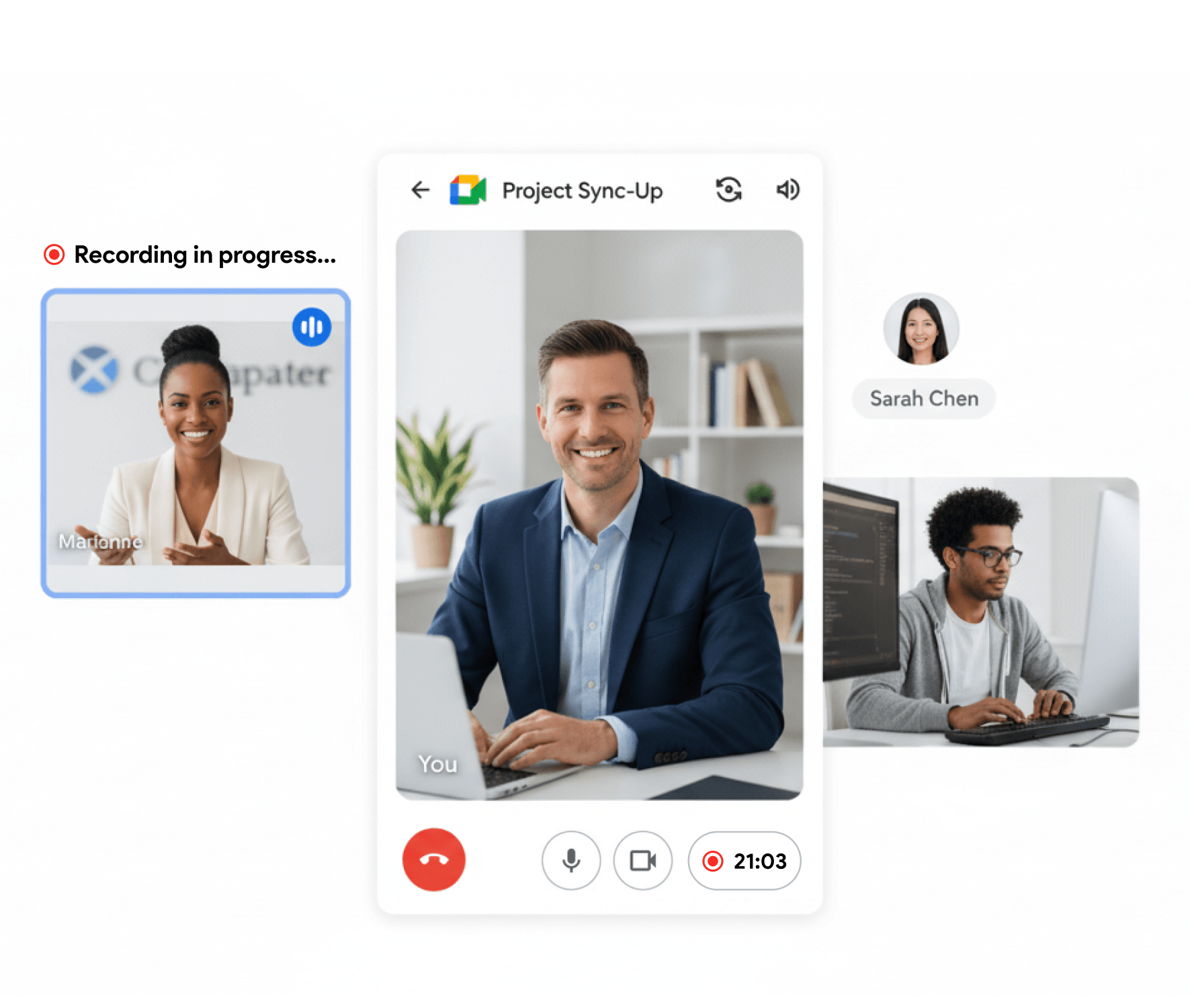
One click to record
Hit record inside {platform} and your meeting is captured instantly.
Hidden mode
Record without interrupting anyone in the call.
No bots invited
Recording runs in the background with no extra bots joining.
No recording announcement
Start recording without a voice announcement interrupting the conversation.

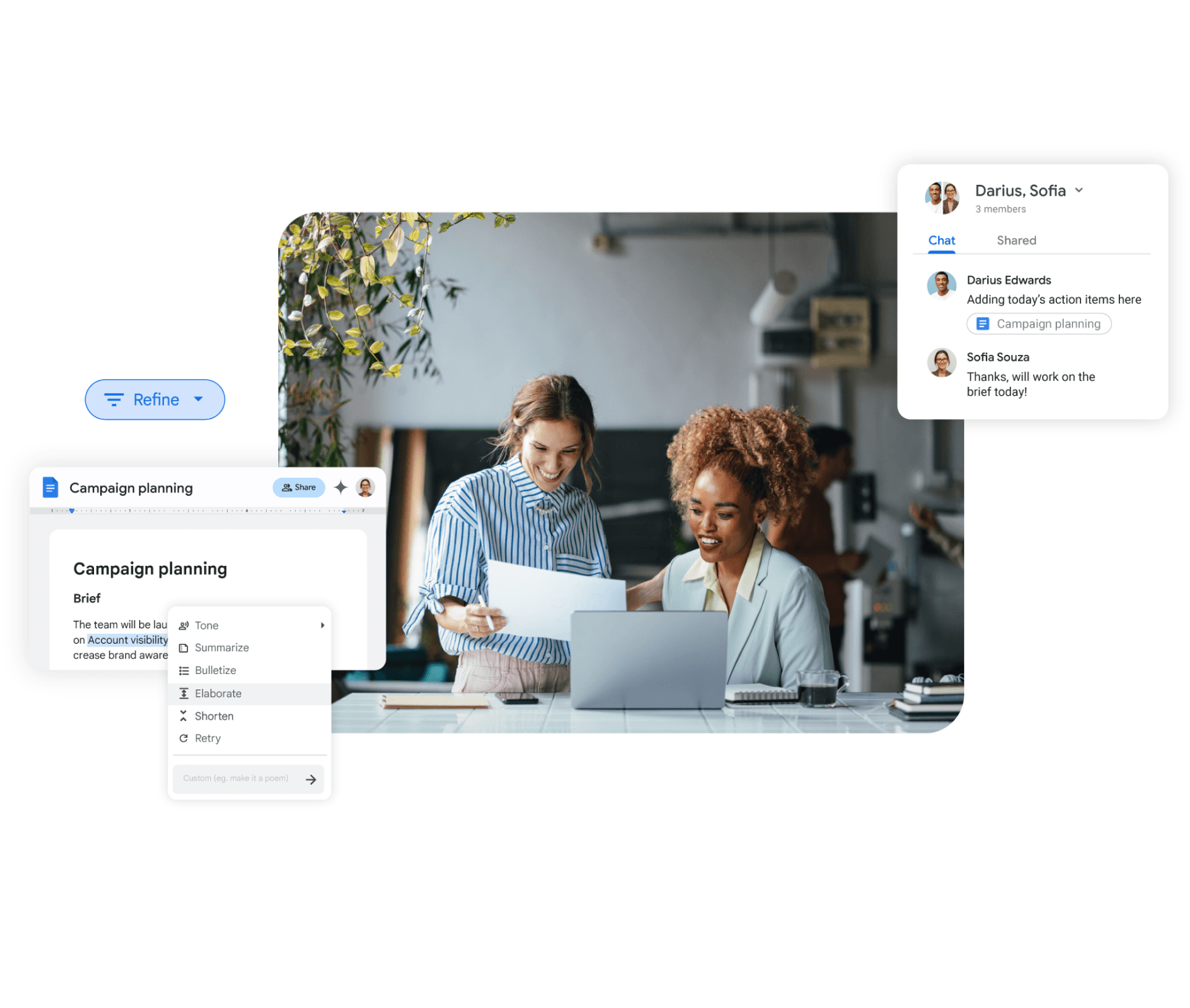
Share with your team
Share via link
Send a link so anyone on your team can watch instantly.
Stay organized
Group recordings by team or project for easy access.
Control access
Choose who can view, comment, or download each recording.
AI notes, instantly
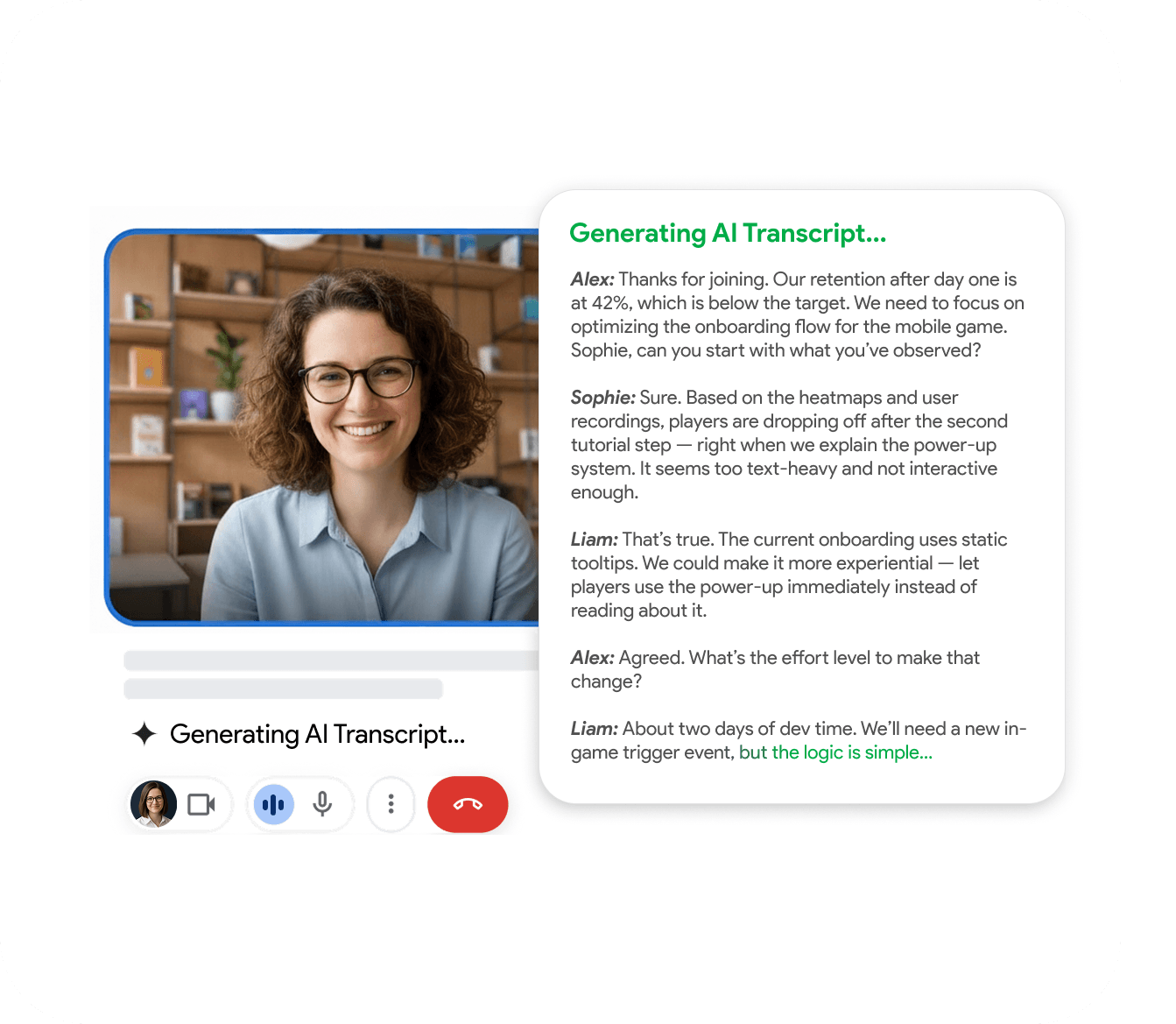
Auto transcription
Every word is captured and transcribed in real time.
AI summaries
Get key points and action items right after the call.
Search everything
Find any topic across all your past meetings in seconds.
Works on mobile
Record from your phone
Start and manage recordings from your phone wherever you are.
Sync to cloud
All recordings are synced and available on any device.
Full feature parity
Everything on desktop works on mobile too.
Choose Your Plan
Upgrade to Pro for unlimited recordings and AI features
"I use it for Google Meet calls - super convenient: one click and the meeting is recorded, and afterwards you automatically get a transcript in a Google Doc with speaker labels and timestamps. A big plus for privacy: it doesn’t add any “bots” to the participant list, everything stays clean and professional. Search across meetings and 2×/3× playback are must-haves to quickly pull out decisions and action items. A real lifesaver for work, highly recommend!"

"Great app with a clean design and very intuitive controls. It was easy to set up and start recording meetings right away. The interface is simple, works smoothly in Google Meet, and the features are well thought out. Everything runs stable without lag, which is important during live meetings. Overall, a very convenient and reliable tool that does exactly what it promises."

"An excellent, easy-to-learn, and intuitive solution for recording video meetings and hosting live broadcasts in Meet.\ \ This convenient tool for recording and broadcasting in Google Meet is distinguished by its simplicity and intuitive interface."

"Started using Record Meeting AI as I've moved off Zoom licence and fully into Google Workspace environment. Does everything I want, plus more. Simple and intuitive UI. Look no further."

"Simple and effective app. It captures everything perfectly, so I don't have to worry about missing important details. Great job developers"

"A useful extension that works smoothly. With just one click, you can start recording without any issues."

"Wait, why don't all apps work like this? i just hit record and that is it. no complex setup or anything"

"Finally a recorder that doesnt look like it was made in 1995. super sleek and the google docs integration is 10/10."

"This app nails the basics perfectly. Simple, effective, and beautifully designed. No unnecessary clutter."

"A fantastic and reliable addition with no technical errors; I highly recommend it to everyone."

"Works well, the quality of the sound and video is good unlike Loom that is quite disappointing"

"Great quality recordings and the AI summaries are surprisingly accurate."

"I really appreciate this app. It’s well designed and very user-friendly."

"Love that it works with personal Gmail, not just Workspace 🙌"

"Works great, no complaints."

"Super fast and easy to use"

"great app and easy to use"

"great extensions \<3"

FAQ
Frequently Asked Questions
Everything you need to know about RecordMeeting.
- How to record call recording without announcement?
-
Install the RecordMeeting Chrome extension, join your call, and start recording from the toolbar.
Capture runs in your browser with no bot joining the meeting, so there is no bot announcement or extra participant in the call. When the meeting ends, your video, transcript, and AI summary are saved to your workspace.
- What is RecordMeeting and how does it work?
-
RecordMeeting is an AI-powered meeting recorder and transcription tool that works directly inside Google Meet, Zoom, Microsoft Teams, and Webex.
Once you connect it to your calendar, it automatically joins your meetings as a bot, records audio and video, and delivers a full transcript plus an AI-generated summary to your inbox right after the call ends.
- Which platforms are supported?
-
RecordMeeting works with Google Meet, Zoom, Microsoft Teams, and Webex.
It integrates with Google Calendar and Microsoft Outlook to automatically detect and join your scheduled meetings. New platforms are added regularly.
- Do meeting participants need to install anything?
-
No. Participants do not need to install any app or extension.
RecordMeeting joins as a standard meeting participant (a bot), so everyone in the call can see it in the participant list. Only the meeting host needs to set up RecordMeeting once via their Google or Microsoft account.
- How accurate is the AI transcription?
-
RecordMeeting uses state-of-the-art speech recognition with an accuracy of over 95% for clear audio in supported languages.
Accuracy may vary with strong accents, heavy background noise, or technical jargon, but the AI also uses context from the conversation to improve precision.
- In which languages does transcription work?
-
Transcription is available in over 30 languages including English, Spanish, French, German, Portuguese, Russian, Japanese, Korean, Chinese, Arabic, Hindi, Italian, Dutch, and more.
Speaker identification and summaries are also available across all supported languages.
- Is my data secure?
-
Yes. RecordMeeting is built with privacy and security as a priority. All recordings and transcripts are encrypted at rest and in transit.
The service is compliant with GDPR and follows ISO 27001-aligned security practices. You can delete your recordings at any time, and we never sell your data to third parties.
- How much does it cost? Is there a free trial?
-
RecordMeeting offers a free plan that includes a set number of recording hours per month with no credit card required.
Paid plans unlock unlimited recordings, longer retention, advanced AI summaries, and team collaboration features. Visit the Pricing page for current plan details.
- Can I export transcripts and summaries?
-
Yes. You can export your transcripts as plain text, PDF, or DOCX files. AI summaries and action items can be copied directly or shared via a link.
Integrations with Notion, Google Docs, and Slack allow you to push notes automatically after each meeting.
Ready to record your meetings?
Start recording your Google Meet meetings today. It's free to get started.
