Meeting Recording Etiquette: A Practical Guide for Remote Teams
How to record meetings the right way. Consent, transparency, retention, and the social norms that make recordings feel helpful instead of creepy.

Recording a meeting is now standard practice. Recording it well is not. The difference shows up in trust, in legal exposure, and in whether people speak candidly when the red light is on.
This guide is the working etiquette playbook for remote teams in 2026. Use it as a baseline and adapt to your culture. For teams evaluating recorders, how RecordMeeting records Google Meet covers the technical setup including consent prompts and access controls.
Why Etiquette Matters More Than Technology
The technology is the easy part. Most teams have a tool that records, transcribes, and summarizes well enough.
The hard part is the social contract. People do not just need to consent. They need to feel comfortable enough to share opinions that are not yet fully formed. That requires norms, not just legal compliance.
Get the etiquette right and recordings become a trust-building tool. Get it wrong and every meeting turns into a stilted, performative read of pre-approved talking points.
The Five Rules of Good Recording Etiquette
Rule 1: Always Announce, Never Assume
Even if your tool announces automatically, the human host should say it out loud at the start of the meeting.
“Just a heads up, I have recording on so I can share the recap. Let me know if you’d rather I turn it off.”
This 10-second statement does three things. It satisfies the legal requirement in two-party consent jurisdictions. It gives anyone a graceful out. And it signals that recording is a deliberate, considered choice, not an ambient surveillance background.
Rule 2: Make the Off Switch Obvious
If someone asks you to stop recording, do it immediately and visibly. No “let me finish this point first.” No “let me check the settings.” Stop, confirm out loud that recording is off, and move on.
For sensitive topics that come up mid-meeting (HR issues, salary discussions, candid feedback about a third party), proactively offer to pause. “Want me to stop the recording for this part?”
The trust this builds is enormous. The cost of pausing for 10 minutes is zero.
Rule 3: Default to Narrow Sharing
The temptation is to share recordings with the whole team by default. Resist it.
Default sharing should match the meeting attendance. The four people in the meeting see the recording. Anyone else has to be added explicitly, with a stated reason.
This norm prevents the “wait, why does the entire department have access to my 1-on-1 with my manager” moment. It also keeps recordings useful by avoiding noise in shared folders.
For more on the technical side of access control, see our Google Meet privacy guide.
Rule 4: Set and Respect Retention Limits
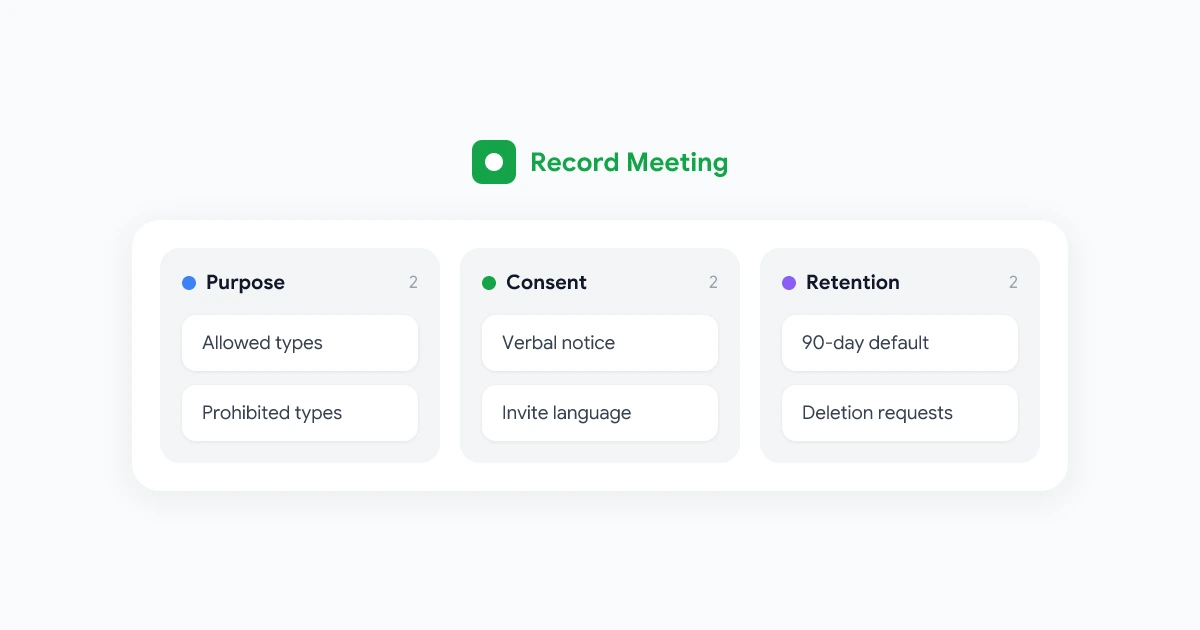
Pick a default deletion window and stick to it. 90 days for internal meetings is a reasonable starting point. Meeting notes automatically generated from a transcript give people what they need without requiring ongoing access to the video file.
Communicate the policy clearly. “Recordings auto-delete after 90 days unless flagged for keeping” is a sentence that should appear in your team handbook or your tool’s auto-recap.
Respect overrides. If someone asks you to delete a specific recording, do it. Do not negotiate, do not ask why, just delete.
Rule 5: Do Not Quote Recordings Out of Context
Recordings preserve the words, but not always the meaning. Quoting a clipped phrase from a conversation in a different forum (Slack, an email, a presentation) is the fastest way to destroy trust.
Two safe practices:
- Always link to the recording with timestamp when you quote, so the reader can verify context.
- Ask the speaker before public quoting unless it is an obvious public-record statement.
The “I never said that” / “well actually you did, let me find the timestamp” exchange feels like winning. It is not. It is a fast track to colleagues never speaking freely in a meeting again.
The Four Hardest Etiquette Situations
Situation 1: The External Participant Who Looks Uncomfortable
You are in a customer meeting. The customer’s body language shifts when they hear “this meeting is being recorded.” What do you do?
The right move is to address it directly. “I noticed the recording mention earlier. Would you prefer I turn it off?” This puts control back in their hands.
If they say yes, turn it off. The customer relationship is worth more than the recap.
Situation 2: The Co-Worker Who Wants to Stop Recording for “Just a Moment”
A teammate asks you to pause recording so they can vent about a third party. You pause. They unload.
Two minutes later, they ask you to start again. Do you?
The answer is yes, with a brief acknowledgment (“recording back on”) so the rest of the meeting flows normally. What they said while paused stays paused, even if it would have been useful for the recap.
Situation 3: The Hot-Mic Moment That Got Recorded
A senior leader makes a casual comment that, in retrospect, would have been better off the record. The comment is in the recording.
You have three options, in order of preference:
- Edit the recording to remove the segment if your tool supports it.
- Delete the recording entirely if editing is not possible.
- Restrict access and tell the leader so they can decide.
Never share the unedited recording without the leader’s awareness. The cost of awkwardness is much lower than the cost of broken trust.
Situation 4: The Departing Employee’s Recording Archive
When someone leaves the company, their recording archive contains 1-on-1s, candid feedback sessions, and probably a few moments they would rather did not exist.
The clean policy: delete the personal 1-on-1 archive on departure. Preserve customer-facing and project-relevant recordings if business need justifies it. Document the policy in advance, not in the moment.
This is also where retention windows pay off. If your default is 90-day auto-delete, most personal content is already gone by the time the departure happens.
Built-in consent prompts, configurable retention, and granular access controls. Recording etiquette is easier when the tool helps.
Get StartedA Sample Team Recording Policy
If your team does not have one, here is a starting template you can adapt.
Our team records most meetings to support better notes, faster onboarding, and clearer decision trails.
Defaults:
- All recurring internal meetings are recorded.
- 1-on-1s are recorded by default but can be paused at any time.
- Sensitive topics (compensation, HR, candidate review) are not recorded.
- External meetings are recorded only with explicit verbal consent.
Access:
- Recordings are visible only to meeting attendees by default.
- Cross-team sharing requires explicit permission from the host.
Retention:
- Internal meetings: 90 days, then auto-deleted.
- Customer meetings: 12 months.
- Anything flagged “keep” by the host: indefinite, until manually deleted.
Off-the-record:
- Anyone can request the host pause recording at any time.
- Anyone can request a recording be deleted within 7 days of creation.
Frequently Asked Questions
The Bottom Line
Good recording etiquette costs nothing and pays back in trust. Announce, allow opt-outs, default to narrow sharing, set retention limits, and never quote out of context.
For more on the practical workflow, see our guides on taking better meeting notes with AI and recording security and privacy.