
RecordMeeting vs Fathom
Free meeting recorder, without a bot in your calls
Fathom records by adding a notetaker bot to every meeting. RecordMeeting records from your own Chrome tab, on desktop and mobile, with no extra participant on the call.
Works with





Trusted by teams switching from Fathom











The short version
The headline differences between RecordMeeting and Fathom at a glance.
How recording happens
RecordMeeting
Runs in your Chrome tab
Fathom
Joins as a Fathom bot
Fathom is visible in the participant list; RecordMeeting is not.
Mobile recording
RecordMeeting
Yes, via web app
Fathom
Desktop only
Google Workspace add-on
RecordMeeting
Native Meet sidebar
Fathom
Bot integration only
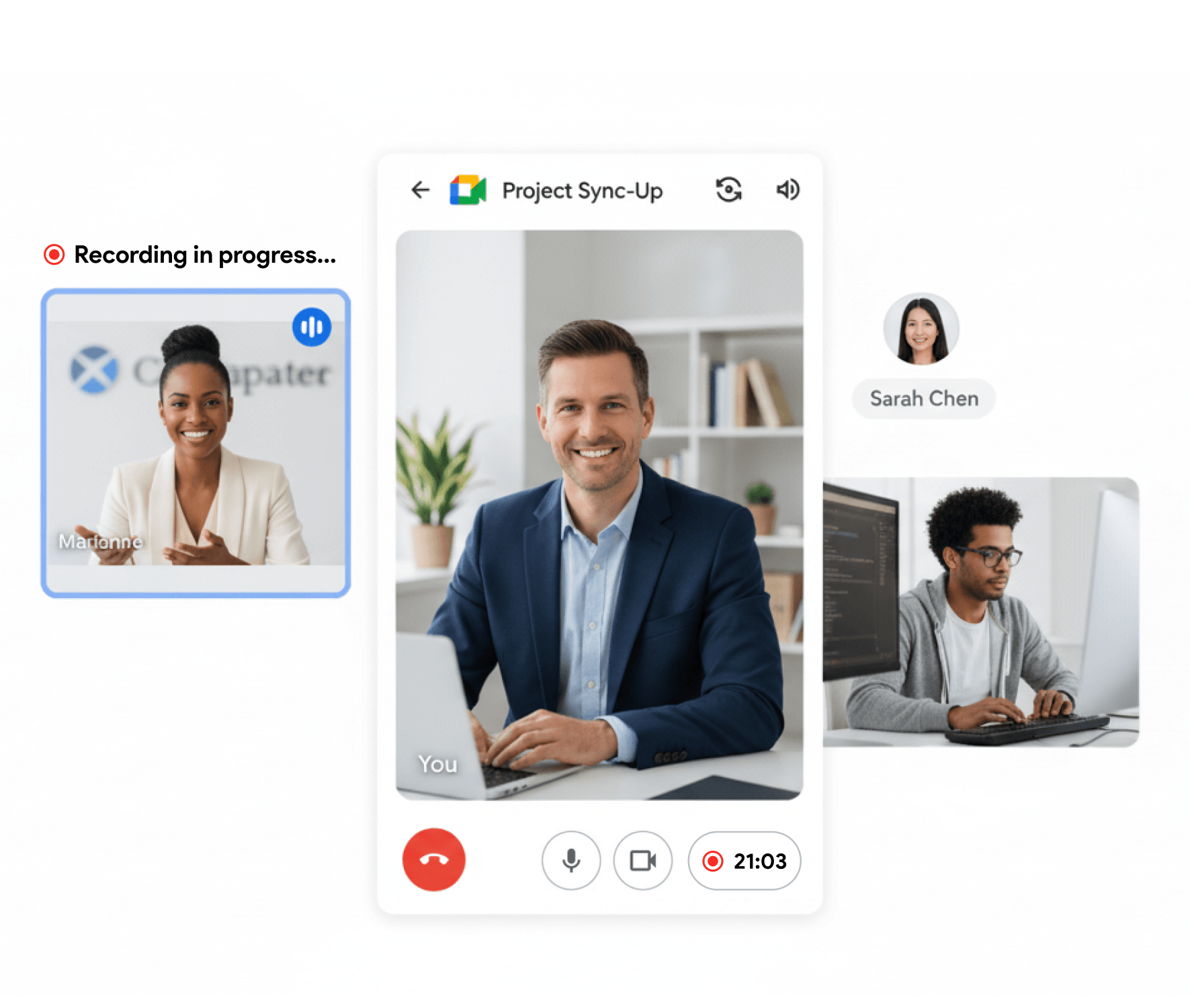
No notetaker on the call
Recording happens in your own browser tab, so there is no Fathom bot in the participant list of customer, partner or interview calls.
Mobile recording included
Record on the road via the web app on iOS and Android, not just from a desktop. Fathom is desktop-only at the time of writing.
Native Google Workspace add-on
Trigger recording right from the Meet sidebar. RecordMeeting is a Google-verified Workspace add-on, not just a third-party bot.
Fathom is a free meeting recorder that joins your call as a notetaker bot and produces AI summaries. RecordMeeting captures the meeting directly from your browser as a Chrome extension and Google Workspace add-on, without sending a bot into the call.
Why teams switch from Fathom
Record without a Fathom bot in the participant list
Fathom is free, but every call you record adds a bot to the meeting. RecordMeeting records from inside your Chrome tab, so the call looks normal to everyone else.
- No third-party participant labelled 'Fathom'
- Standard recording indicator, not a separate bot
- Better fit for client, candidate and exec calls

Built for Google Workspace
Record Google Meet from a verified Workspace add-on
RecordMeeting is a native Google Workspace add-on, with recording controls in the Meet sidebar. Fathom relies on a notetaker bot joining your meeting from outside.
- Workspace add-on plus Chrome extension, one workflow
- Recording starts and stops from inside Meet
- Works for free Gmail accounts and paid Workspace
Record anywhere
Desktop and mobile recording from the same workspace
Fathom is desktop-only. RecordMeeting records from a Chrome extension on desktop and from a mobile web app on the phone, so calls on the move land in the same place as the rest of your meetings.
- iOS and Android recording via the web app
- All recordings, transcripts and summaries in one workspace
- Export MP4 video, audio or transcript from any device
Feature-by-feature comparison
A side-by-side look at what each tool includes by default.
| Feature | RecordMeeting | Fathom |
|---|---|---|
| Records Google Meet | ||
| Records without a bot joining the call Fathom joins as a participant; RecordMeeting records from your browser tab. | ||
| Records Zoom, Teams, Webex | ||
| AI summary and action items | ||
| Free plan with unlimited recordings | Yes | Yes |
| Works without scheduling in advance | Limited | |
| Mobile recording | ||
| Native Google Workspace add-on | ||
| Exports MP4 video file | Limited | |
| Records Telegram, WhatsApp and Discord calls |
Comparison reflects publicly documented features as of publication. See Fathom for the latest details.
Which one should you pick?
- You want to record meetings on mobile, not just desktop.
- You don't want a notetaker bot in the participant list of customer or interview calls.
- You're a Google Workspace shop and want a native Workspace add-on alongside the Chrome extension.
- You want full MP4 video files, not just transcript and summary.
- You're a sales team already wired into Fathom's CRM integrations and team library workflow.
- You want a free product that emphasises sales-call coaching features out of the box.
FAQ
Frequently Asked Questions
Everything you need to know about RecordMeeting.
Does RecordMeeting also have a free plan?
Why does Fathom show up as a participant in my call but RecordMeeting doesn't?
Can RecordMeeting record on my phone?
Does RecordMeeting integrate with my CRM?
Is the AI summary as good as Fathom's?
See how RecordMeeting compares
Explore how RecordMeeting stacks up against other meeting recorders.
Skip the notetaker bot in your participant list. RecordMeeting captures Google Meet, Zoom and Teams from your own browser, so customers and candidates see a normal call, not an Otter joining the meeting.
Fireflies sends an AI notetaker bot into every meeting. RecordMeeting records from your own browser tab, so customers and candidates see a normal call, not Fred from Fireflies.
Try a free meeting recorder without a bot
Install the Chrome extension and record your next Google Meet, Zoom or Teams call without adding anything to the participant list.