
Free meeting recorder
Free meeting recorder for Google Meet, Zoom and Teams
Most recording tools lock the basics behind a paid plan. The RecordMeeting free plan records Google Meet, Zoom and Teams calls, up to 5 recordings of up to 1 hour each. No credit card required.
Works with


Trusted by teams at











No credit card required
Sign in with Google and start recording your next call. Free plan unlocks instantly.
Transcript and AI notes on Pro
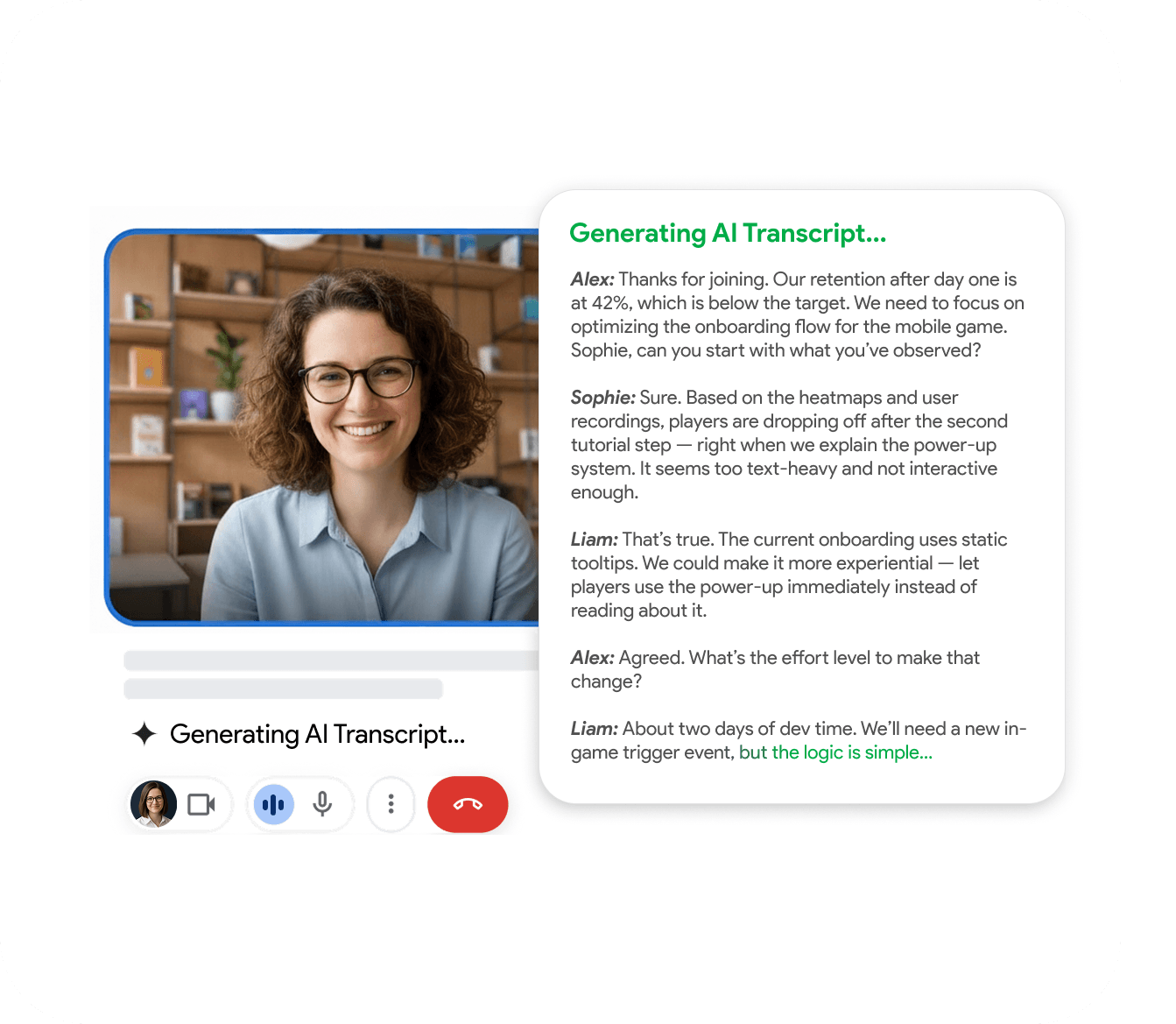
The free plan records your calls. Full transcription, AI meeting notes and downloads come with Pro when you need them.
Multi-platform from one tool
Record Google Meet, Zoom and Microsoft Teams from a single Chrome extension.
What free actually means here
Start recording without paying
Free Zoom limits calls to 40 minutes with no cloud recording. Free Google Meet has no recording. The RecordMeeting free plan records the call for you, with no bot in the meeting.
- Recording on Meet, Zoom and Teams
- Up to 5 recordings of up to 1 hour each
- Transcript and AI notes on Pro

How to start recording for free
Install, sign in, record
Install the Chrome extension, sign in with Google, click record on your next call. No payment method needed.
- Install from the Chrome Web Store
- Sign in with Google
- Record your first call in under five minutes
Built for the way teams work
See how different teams use RecordMeeting to capture every conversation.
"I use it for Google Meet calls - super convenient: one click and the meeting is recorded, and afterwards you automatically get a transcript in a Google Doc with speaker labels and timestamps. A big plus for privacy: it doesn’t add any “bots” to the participant list, everything stays clean and professional. Search across meetings and 2×/3× playback are must-haves to quickly pull out decisions and action items. A real lifesaver for work, highly recommend!"

"Great app with a clean design and very intuitive controls. It was easy to set up and start recording meetings right away. The interface is simple, works smoothly in Google Meet, and the features are well thought out. Everything runs stable without lag, which is important during live meetings. Overall, a very convenient and reliable tool that does exactly what it promises."

"An excellent, easy-to-learn, and intuitive solution for recording video meetings and hosting live broadcasts in Meet.\ \ This convenient tool for recording and broadcasting in Google Meet is distinguished by its simplicity and intuitive interface."

"Started using Record Meeting AI as I've moved off Zoom licence and fully into Google Workspace environment. Does everything I want, plus more. Simple and intuitive UI. Look no further."

"Simple and effective app. It captures everything perfectly, so I don't have to worry about missing important details. Great job developers"

"A useful extension that works smoothly. With just one click, you can start recording without any issues."

"Wait, why don't all apps work like this? i just hit record and that is it. no complex setup or anything"

"Finally a recorder that doesnt look like it was made in 1995. super sleek and the google docs integration is 10/10."

"This app nails the basics perfectly. Simple, effective, and beautifully designed. No unnecessary clutter."

"A fantastic and reliable addition with no technical errors; I highly recommend it to everyone."

"Works well, the quality of the sound and video is good unlike Loom that is quite disappointing"

"Great quality recordings and the AI summaries are surprisingly accurate."

"I really appreciate this app. It’s well designed and very user-friendly."

"Love that it works with personal Gmail, not just Workspace 🙌"

"Works great, no complaints."

"Super fast and easy to use"

"great app and easy to use"

"great extensions \<3"

FAQ
Frequently Asked Questions
Everything you need to know about RecordMeeting.
- Is the free plan really free?
-
Yes. No credit card required at sign up. The free plan records Google Meet, Zoom and Teams calls with no bot in the call.
- What is the recording limit on the free plan?
-
The free plan includes up to 5 recordings of up to 1 hour each. Check the pricing page for current limits. Transcripts, AI notes and downloads are part of Pro.
- Will I lose my recordings if I stay on free forever?
-
Your recordings are stored without a time limit. Past the free limit they stay locked until you upgrade.
- Can I share recordings on the free plan?
-
Yes. You can share recording links on the free plan. Team management and shared billing are part of Enterprise.
- When should I upgrade?
-
When you reach the free limit, or need transcripts, AI notes, downloads and recordings up to 6 hours. Upgrade from the workspace settings any time.
Related resources
Explore more guides and features across RecordMeeting.
Start recording meetings for free today
No credit card needed. Install the Chrome extension and record your first call now.
