
RecordMeeting vs Otter.ai
The smarter alternative to Otter.ai
Skip the notetaker bot in your participant list. RecordMeeting captures Google Meet, Zoom and Teams from your own browser, so customers and candidates see a normal call, not an Otter joining the meeting.
Works with





Trusted by teams switching from Otter.ai











The short version
The headline differences between RecordMeeting and Otter.ai at a glance.
How recording happens
RecordMeeting
Runs in your Chrome tab
Otter.ai
Joins as a bot participant
Otter shows up as 'Otter.ai' in the participant list. RecordMeeting does not.
Free plan
RecordMeeting
Free, no credit card
Otter.ai
Free with monthly minute cap
Output
RecordMeeting
Video, transcript and AI summary
Otter.ai
Transcript and summary, video limited
No bot in the call
RecordMeeting captures the meeting from your own browser tab. Nothing extra appears in the participant list, so customer and candidate calls feel normal.
Works on ad-hoc meetings
Otter needs a calendar invite or a manual link. RecordMeeting works from any open meeting tab, including unscheduled hops on Meet, Zoom or Teams.
Full MP4 video, not just text
Every recording lands as a full MP4 video plus transcript and summary. Replay the moment, not only the words.
Otter.ai is a transcription-first product that joins your meeting as a separate participant. RecordMeeting runs as a Chrome extension and Google Workspace add-on, recording the call directly from your browser without a bot in the room.
Why teams switch from Otter.ai
Record without putting a third-party bot in your meetings
Otter joins as a labelled notetaker, which is awkward on customer calls, candidate interviews and exec syncs. RecordMeeting records from inside your Chrome tab, with no extra participant on the call.
- Nothing called 'Otter' in the participant list
- Recording starts the moment you click in the meeting tab
- Standard Google Meet recording indicator, no surprise bot

One Chrome extension, every platform
Google Meet, Zoom, Teams, Webex and more from one place
Otter is strongest on the platforms it has integrations for. RecordMeeting captures any meeting your browser can join, including Telegram, WhatsApp web and Discord calls, with the same one-click flow.
- Same extension for Meet, Zoom, Teams, Webex, Telegram, WhatsApp and Discord
- Native Google Workspace add-on for the Meet sidebar
- Mobile recording via the web app for calls on the go
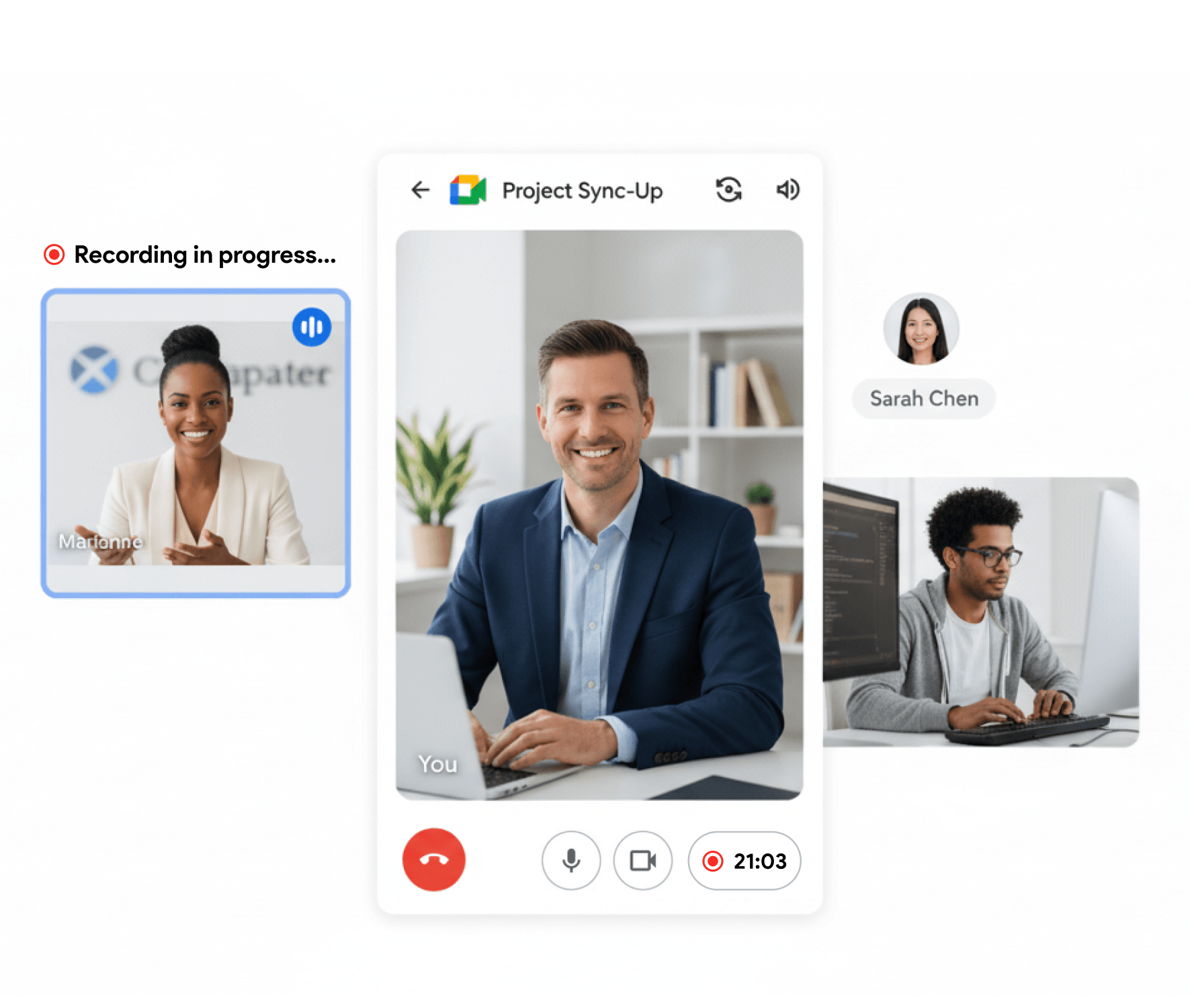
Transcript, summary and video
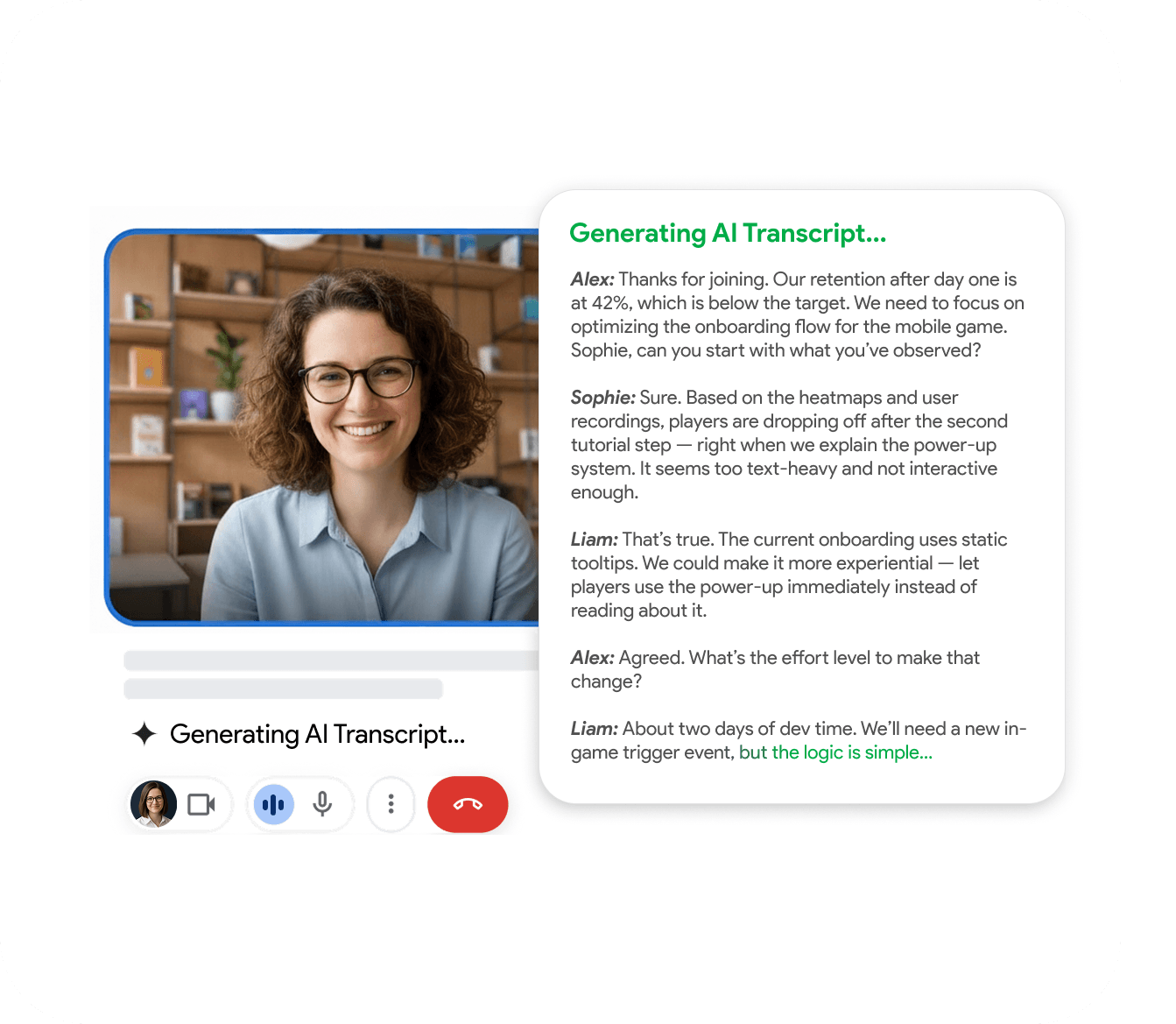
Searchable transcript and AI summary on every recording
Like Otter, every call gets a time-coded transcript and an AI summary with action items. Unlike Otter, you also keep the full MP4 video so the team can rewatch the actual moment, not just read about it.
- 50+ language transcription with speaker labels
- AI summary with decisions and action items
- Export MP4 video, MP3 audio, transcript or share a link
Feature-by-feature comparison
A side-by-side look at what each tool includes by default.
| Feature | RecordMeeting | Otter.ai |
|---|---|---|
| Records Google Meet | ||
| Records without a bot joining the call Otter joins as a participant; RecordMeeting captures locally from your browser. | ||
| Records Zoom, Teams, Webex | ||
| Live AI transcription | ||
| AI summary and action items | ||
| Free plan | Yes | Yes (limited minutes) |
| Works without scheduling in advance Otter requires a calendar invite or manual link; RecordMeeting works from any meeting tab. | ||
| Mobile recording | ||
| Full MP4 video export | Limited | |
| Native Google Workspace add-on | ||
| Hosted on infrastructure with ISO 27001 + GDPR |
Comparison reflects publicly documented features as of publication. See Otter.ai for the latest details.
Which one should you pick?
- You record Google Meet most often and want recording to start with one click from inside Meet.
- You don't want a visible bot named "Otter" joining your customer or candidate calls.
- You want to record ad-hoc meetings without scheduling them in a calendar first.
- You want both video and transcript, not just transcript.
- You need transcription on calls outside the browser (in-person meetings, phone, walk-and-talks).
- Your team is already deeply integrated with Otter's collaborative notes workflow.
- You primarily care about transcript-only output and don't need the video file.
FAQ
Frequently Asked Questions
Everything you need to know about RecordMeeting.
Does RecordMeeting send a bot into my Google Meet call?
Can I migrate my Otter.ai recordings to RecordMeeting?
Is RecordMeeting cheaper than Otter.ai?
Does RecordMeeting transcribe in multiple languages?
Will my customers know I'm recording with RecordMeeting?
See how RecordMeeting compares
Explore how RecordMeeting stacks up against other meeting recorders.
Fathom records by adding a notetaker bot to every meeting. RecordMeeting records from your own Chrome tab, on desktop and mobile, with no extra participant on the call.
Fireflies sends an AI notetaker bot into every meeting. RecordMeeting records from your own browser tab, so customers and candidates see a normal call, not Fred from Fireflies.
Try the smarter Otter.ai alternative
Free to get started. Install the Chrome extension and record your next call without a notetaker bot in the meeting.