
Meeting summary template
Meeting summary templates for every call type
A meeting summary template gives you a starting structure. Below are templates for the most common call types, and an alternative: automatic summaries from every recorded meeting.
Works with


Trusted by teams at











Starter templates ready to copy
Basic, client meeting and project status formats.
Consistent across the team
Templates keep summaries comparable across recurring meetings.
Or skip with automatic summaries
RecordMeeting produces summaries automatically from every recorded meeting.
Basic summary template
Date, purpose, points, decisions
Date and attendees, purpose of the call, main points discussed, decisions reached, follow-up tasks with owners and due dates. Use bullets, keep it scannable.
- Works for most business meetings
- Easy to copy into a doc tool
- Keep sections short and bulleted

Automatic summaries instead of templates
Same elements, no manual effort
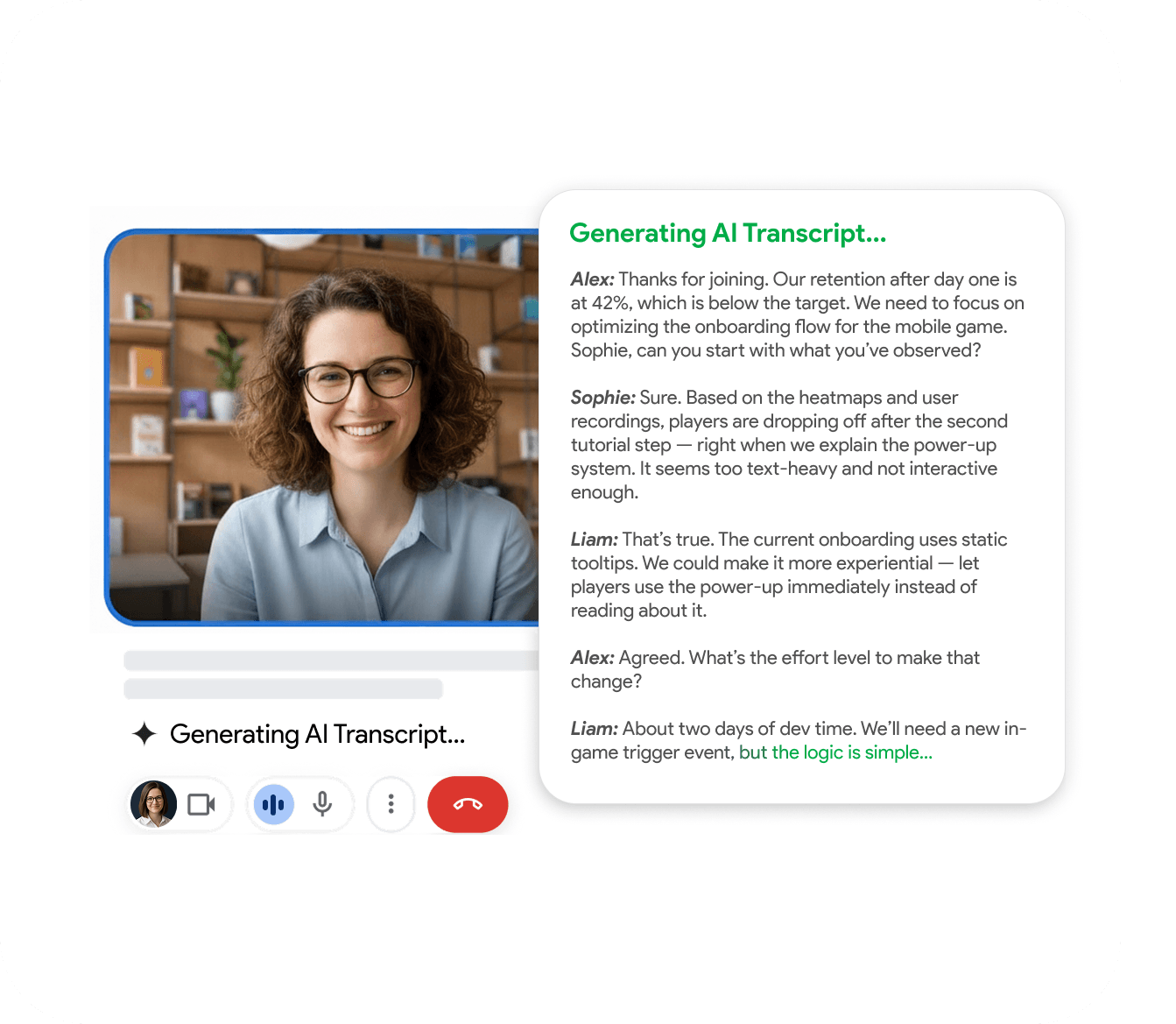
RecordMeeting produces a structured summary automatically using the transcript as source. Same elements as a good manual template, no discipline required.
- Free to start, no credit card
- Summary ready within minutes
- Always linked to the full record
Built for the way teams work
See how different teams use RecordMeeting to capture every conversation.
"I use it for Google Meet calls - super convenient: one click and the meeting is recorded, and afterwards you automatically get a transcript in a Google Doc with speaker labels and timestamps. A big plus for privacy: it doesn’t add any “bots” to the participant list, everything stays clean and professional. Search across meetings and 2×/3× playback are must-haves to quickly pull out decisions and action items. A real lifesaver for work, highly recommend!"

"Great app with a clean design and very intuitive controls. It was easy to set up and start recording meetings right away. The interface is simple, works smoothly in Google Meet, and the features are well thought out. Everything runs stable without lag, which is important during live meetings. Overall, a very convenient and reliable tool that does exactly what it promises."

"An excellent, easy-to-learn, and intuitive solution for recording video meetings and hosting live broadcasts in Meet.\ \ This convenient tool for recording and broadcasting in Google Meet is distinguished by its simplicity and intuitive interface."

"Started using Record Meeting AI as I've moved off Zoom licence and fully into Google Workspace environment. Does everything I want, plus more. Simple and intuitive UI. Look no further."

"Simple and effective app. It captures everything perfectly, so I don't have to worry about missing important details. Great job developers"

"A useful extension that works smoothly. With just one click, you can start recording without any issues."

"Wait, why don't all apps work like this? i just hit record and that is it. no complex setup or anything"

"Finally a recorder that doesnt look like it was made in 1995. super sleek and the google docs integration is 10/10."

"This app nails the basics perfectly. Simple, effective, and beautifully designed. No unnecessary clutter."

"A fantastic and reliable addition with no technical errors; I highly recommend it to everyone."

"Works well, the quality of the sound and video is good unlike Loom that is quite disappointing"

"Great quality recordings and the AI summaries are surprisingly accurate."

"I really appreciate this app. It’s well designed and very user-friendly."

"Love that it works with personal Gmail, not just Workspace 🙌"

"Works great, no complaints."

"Super fast and easy to use"

"great app and easy to use"

"great extensions \<3"

FAQ
Frequently Asked Questions
Everything you need to know about RecordMeeting.
How is the summary template different from the notes template?
Can I customize the template?
Should I use a template or automatic summaries?
Is the template free?
Does RecordMeeting let me apply a custom summary template?
Related resources
Explore more guides and features across RecordMeeting.
A summary that follows your template, automatically
Structured summaries match your format without any manual work. Free to get started.