
AI notetaker
The AI notetaker that runs without joining the call
RecordMeeting is an AI meeting assistant that captures the call, writes the transcript, structures the notes and emails the recap, automatically. It does all of this from your browser, so nothing extra appears in the participant list.
Works with


Trusted by teams at










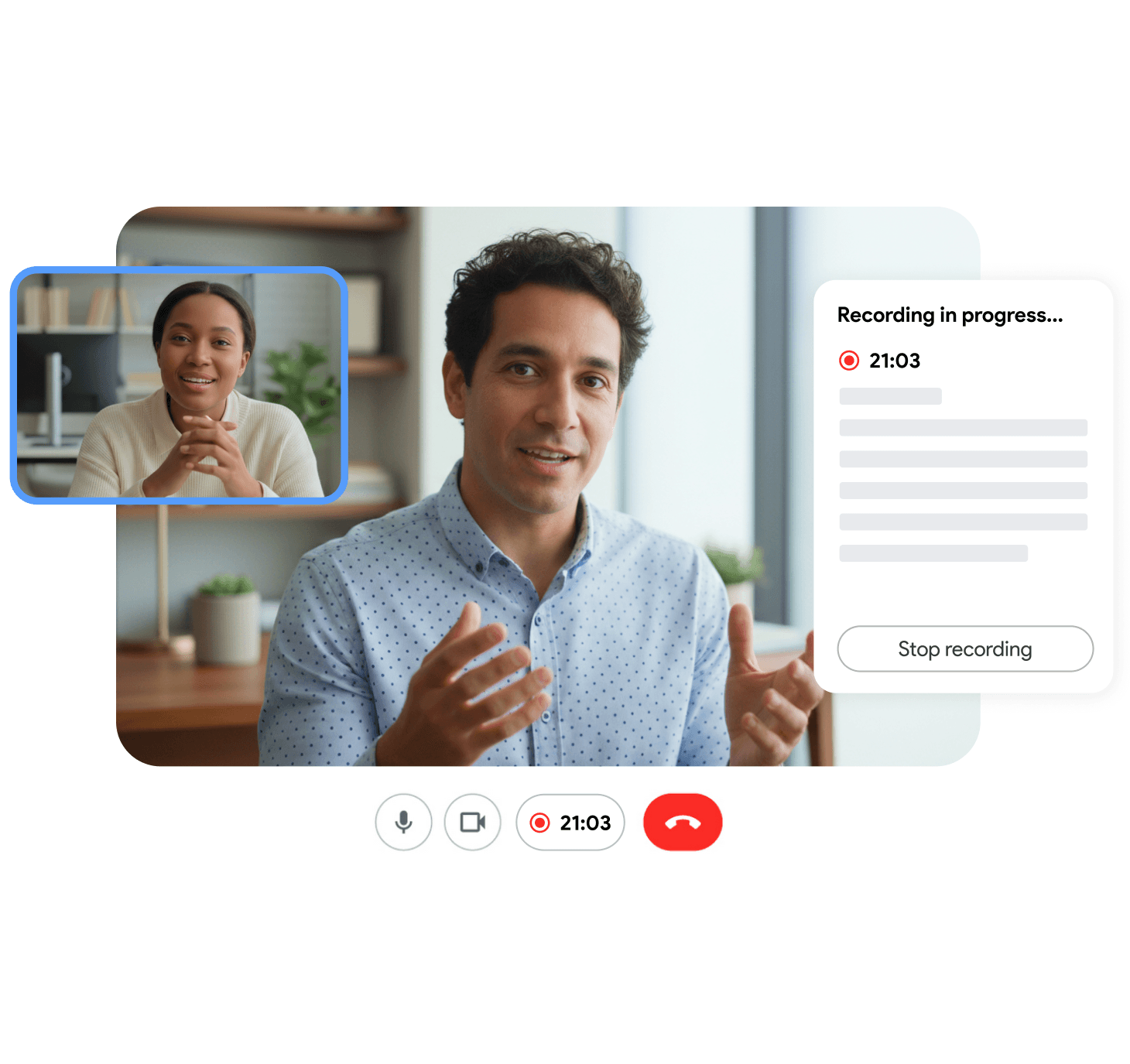
No bot in the participant list
The AI notetaker runs inside your browser tab. Nothing extra shows up in the meeting, so client calls and interviews stay normal-looking and prospect-friendly.
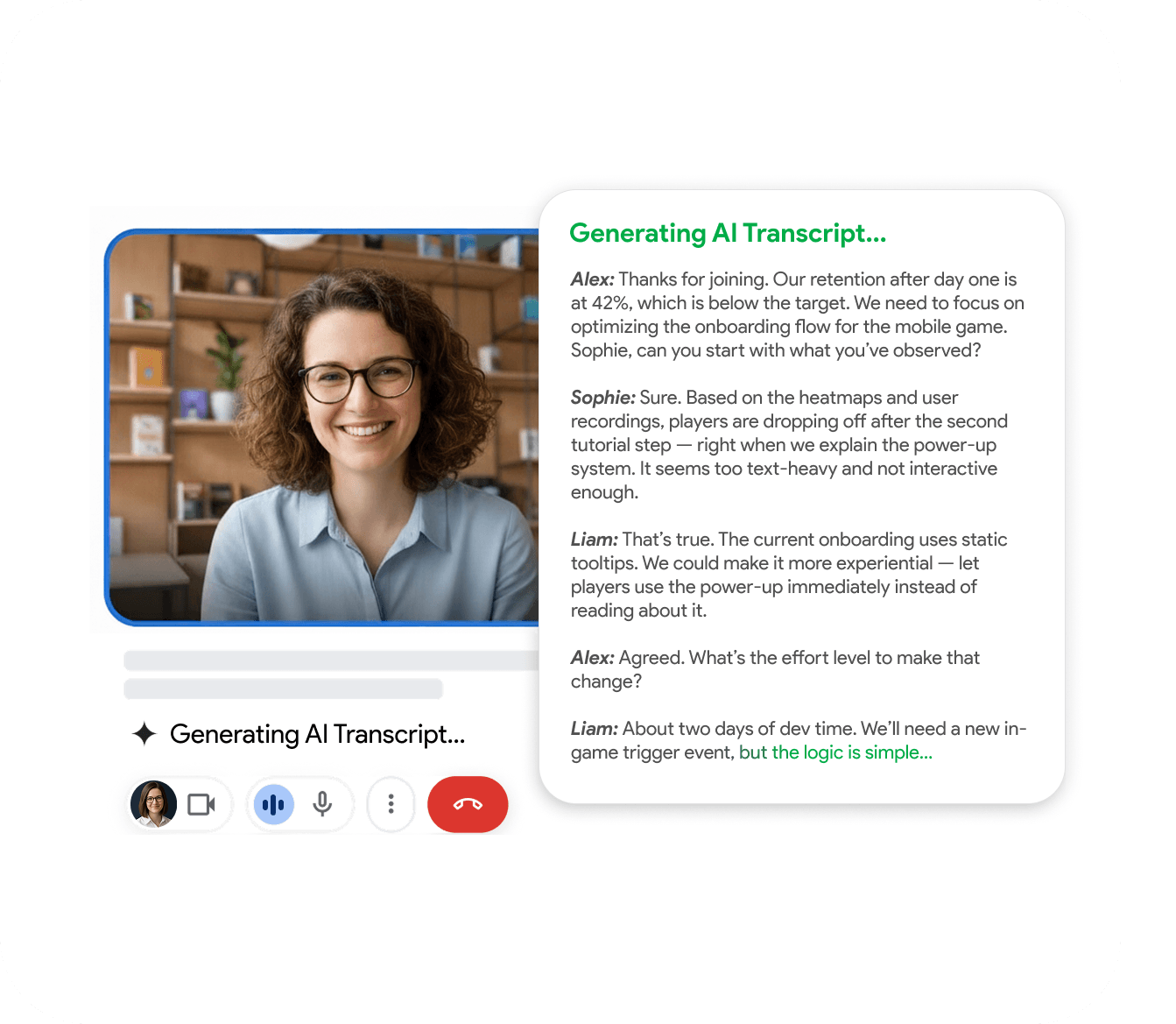
Records, transcribes, summarizes
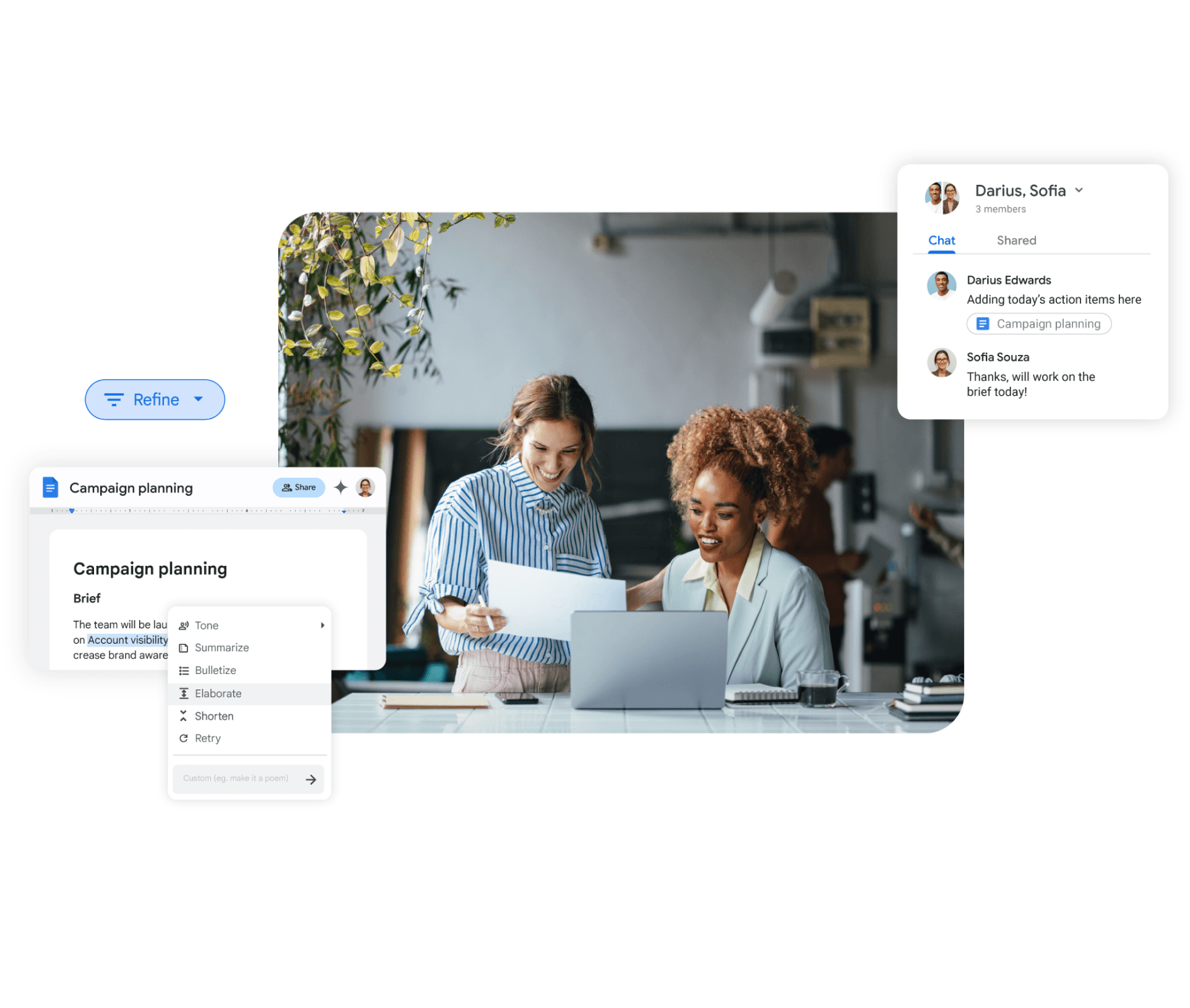
One assistant covers the whole loop: recording, transcript with speaker labels, structured notes, AI summary and action items. No stitching three tools together.
Free plan, real recordings
Free plan with a monthly recording quota. Full transcript, summary and notes on every recording. No credit card to start.
One assistant, three platforms
AI meeting assistant for Google Meet, Zoom and Teams
RecordMeeting works on every major call platform from one Chrome extension. Google Meet, Zoom (browser and desktop) and Microsoft Teams. The flow is the same: record, transcribe, summarize, share.
- Same Chrome extension across Google Meet, Zoom and Teams
- Notetaker for Zoom on free Zoom accounts
- Notetaker for Teams that works for guest joiners
No-bot recorder
Best AI notetaker without a participant bot
Most popular notetakers join the call as a visible bot participant. That is fine for internal calls, awkward for client calls, hiring interviews and prospects already pushing back on bot fatigue. RecordMeeting captures the call from your tab, with nothing extra in the room.
- Nothing new in the participant list
- Works on guest joins and external invites
- Mix bot and no-bot per meeting type in one workspace
Free AI notetaker
Free AI notetaker with full transcript and summary
The free plan covers individual use with a monthly recording quota. Every recording on the free tier still includes the full transcript with speaker labels, AI summary, structured notes and action items. No upsell to unlock the basics.
- No credit card to start
- Full transcript and summary on free tier
- Upgrade only when the workflow proves itself
How it compares
A quick side-by-side look at what RecordMeeting includes by default.
| Feature | RecordMeeting | Bot-based notetaker | DIY transcription stack |
|---|---|---|---|
| Bot in participant list | No, runs in your tab | Yes, visible bot | n/a |
| Recording, transcript, summary, notes bundled | Yes | Usually | Stitched together |
| Works on free accounts | Yes | Sometimes | Varies |
| Multi-platform from one tool | Meet, Zoom, Teams | Varies | Manual setup |
| Free plan with full features | Yes | Trial only | n/a |
| Speaker labels matched to calendar | Yes | Yes | Manual |
Built for the way teams work
See how different teams use RecordMeeting to capture every conversation.
Sales call recording
Capture every demo without a bot in the room and coach from the transcript.
Learn moreCustomer success
Recap every onboarding and renewal call, with action items already separated.
Learn moreHiring interviews
Compare candidate answers across rounds without a bot logo in the call.
Learn moreAll-hands and standups
The notetaker produces a summary and action items list right after the standup. Distributed team members catch up on the written record, not a recording replay.
Learn more"I use it for Google Meet calls - super convenient: one click and the meeting is recorded, and afterwards you automatically get a transcript in a Google Doc with speaker labels and timestamps. A big plus for privacy: it doesn’t add any “bots” to the participant list, everything stays clean and professional. Search across meetings and 2×/3× playback are must-haves to quickly pull out decisions and action items. A real lifesaver for work, highly recommend!"

"Great app with a clean design and very intuitive controls. It was easy to set up and start recording meetings right away. The interface is simple, works smoothly in Google Meet, and the features are well thought out. Everything runs stable without lag, which is important during live meetings. Overall, a very convenient and reliable tool that does exactly what it promises."

"An excellent, easy-to-learn, and intuitive solution for recording video meetings and hosting live broadcasts in Meet.\ \ This convenient tool for recording and broadcasting in Google Meet is distinguished by its simplicity and intuitive interface."

"Started using Record Meeting AI as I've moved off Zoom licence and fully into Google Workspace environment. Does everything I want, plus more. Simple and intuitive UI. Look no further."

"Simple and effective app. It captures everything perfectly, so I don't have to worry about missing important details. Great job developers"

"A useful extension that works smoothly. With just one click, you can start recording without any issues."

"Wait, why don't all apps work like this? i just hit record and that is it. no complex setup or anything"

"Finally a recorder that doesnt look like it was made in 1995. super sleek and the google docs integration is 10/10."

"This app nails the basics perfectly. Simple, effective, and beautifully designed. No unnecessary clutter."

"A fantastic and reliable addition with no technical errors; I highly recommend it to everyone."

"Works well, the quality of the sound and video is good unlike Loom that is quite disappointing"

"Great quality recordings and the AI summaries are surprisingly accurate."

"I really appreciate this app. It’s well designed and very user-friendly."

"Love that it works with personal Gmail, not just Workspace 🙌"

"Works great, no complaints."

"Super fast and easy to use"

"great app and easy to use"

"great extensions \<3"

FAQ
Frequently Asked Questions
Everything you need to know about RecordMeeting.
What is an AI notetaker?
Does the AI notetaker join the call as a bot?
Is there a free AI notetaker plan?
Does the AI notetaker work on Zoom and Teams?
How accurate is the AI notetaker's transcript?
What is the difference between an AI notetaker and a meeting summary tool?
Can I use an AI notetaker for client calls without telling them?
Is my data shared with third parties?
Related resources
Explore more guides and features across RecordMeeting.
- Best AI notetaker, the criteria that matter Let AI handle your meeting notes
- Free AI notetaker with full features Let AI handle your meeting notes
- AI meeting assistant overview Let AI handle your meeting notes
- AI notetaker for Zoom Let AI handle your meeting notes
- AI notetaker for Microsoft Teams Let AI handle your meeting notes
- RecordMeeting vs Fireflies.ai Recording guide and best practices
- Meeting summary, what the assistant emails Automated summaries explained
Let AI handle your notes on every call
Record, transcribe, and summarize any meeting automatically. No bot, no manual work. Free to start.