RecordMeeting vs Granola
The Granola alternative that keeps the recording
Granola writes notes and then throws the audio away. RecordMeeting records the whole call, video and audio, from your browser with no bot, so you can rewatch the moment, check the transcript against what was said and share the clip.
Works with





Trusted by teams switching from Granola










The short version
The headline differences between RecordMeeting and Granola at a glance.
What you keep after the call
RecordMeeting
Video, audio, transcript and notes
Granola
Transcript and notes only
Granola's help center says it does not record or save audio or video at any point.
What you install
RecordMeeting
A Chrome extension
Granola
A Mac or Windows desktop app
Granola's web app can view notes but cannot capture a meeting.
Paid plan
RecordMeeting
Pro from $9/month billed yearly
Granola
Business at $14/user/month
What you keep after the call
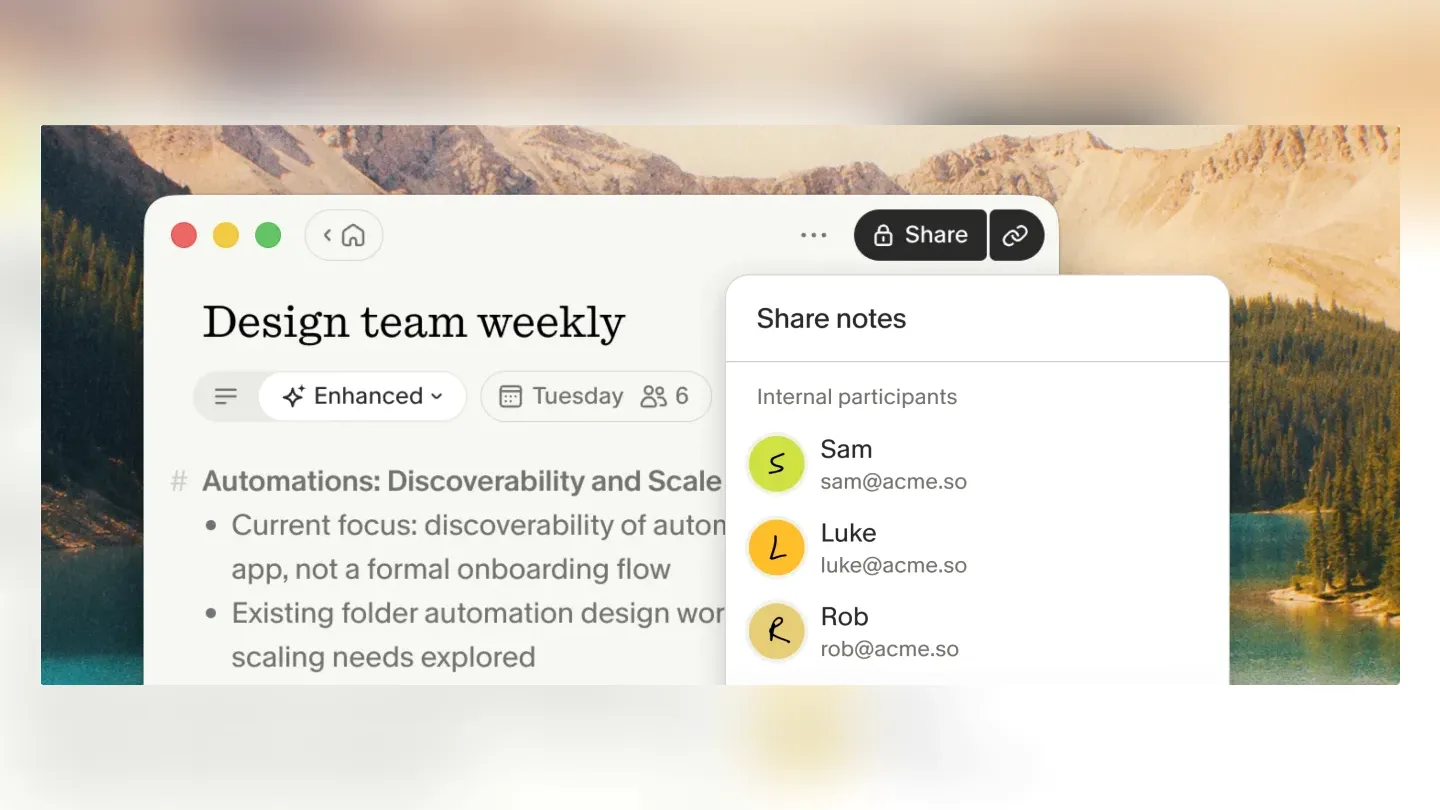
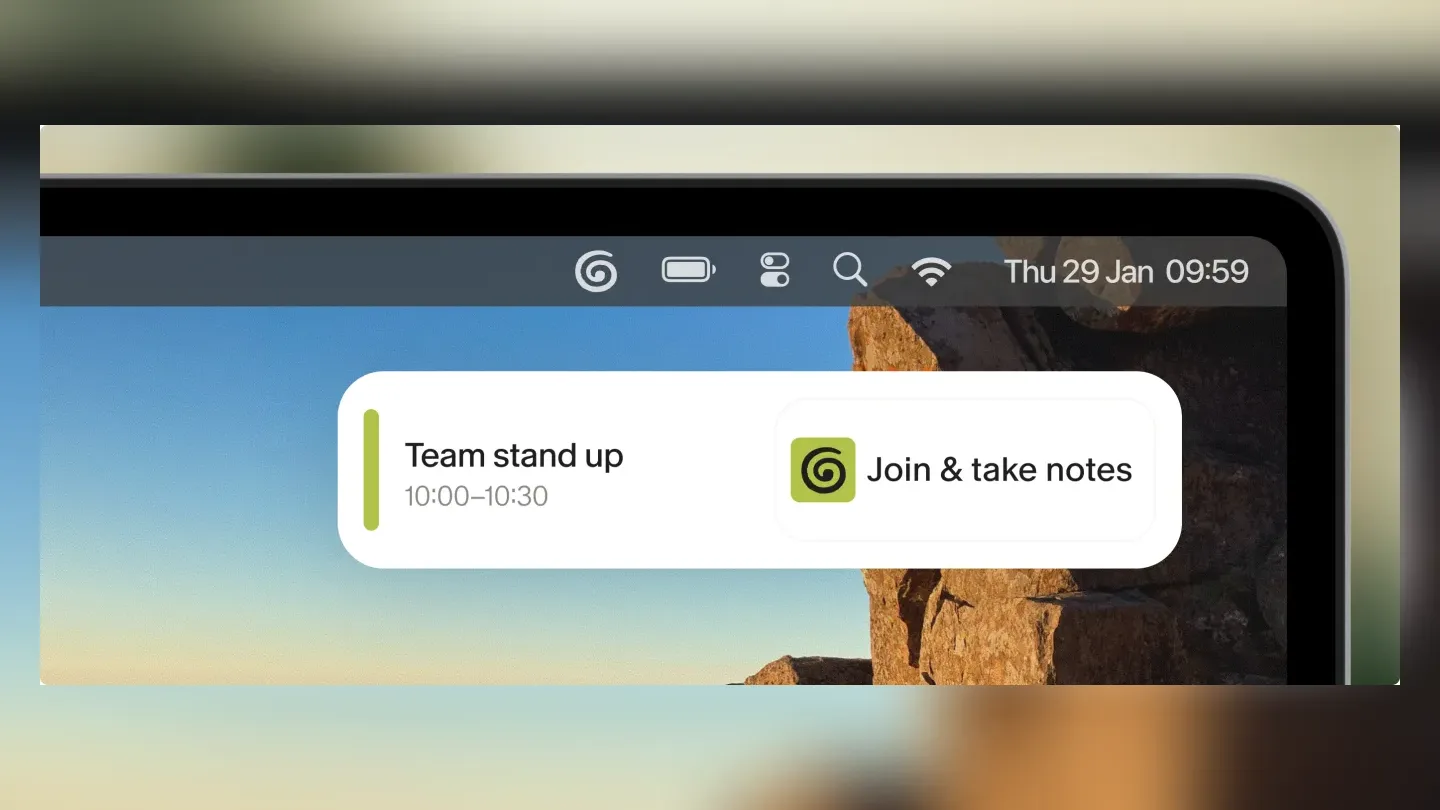
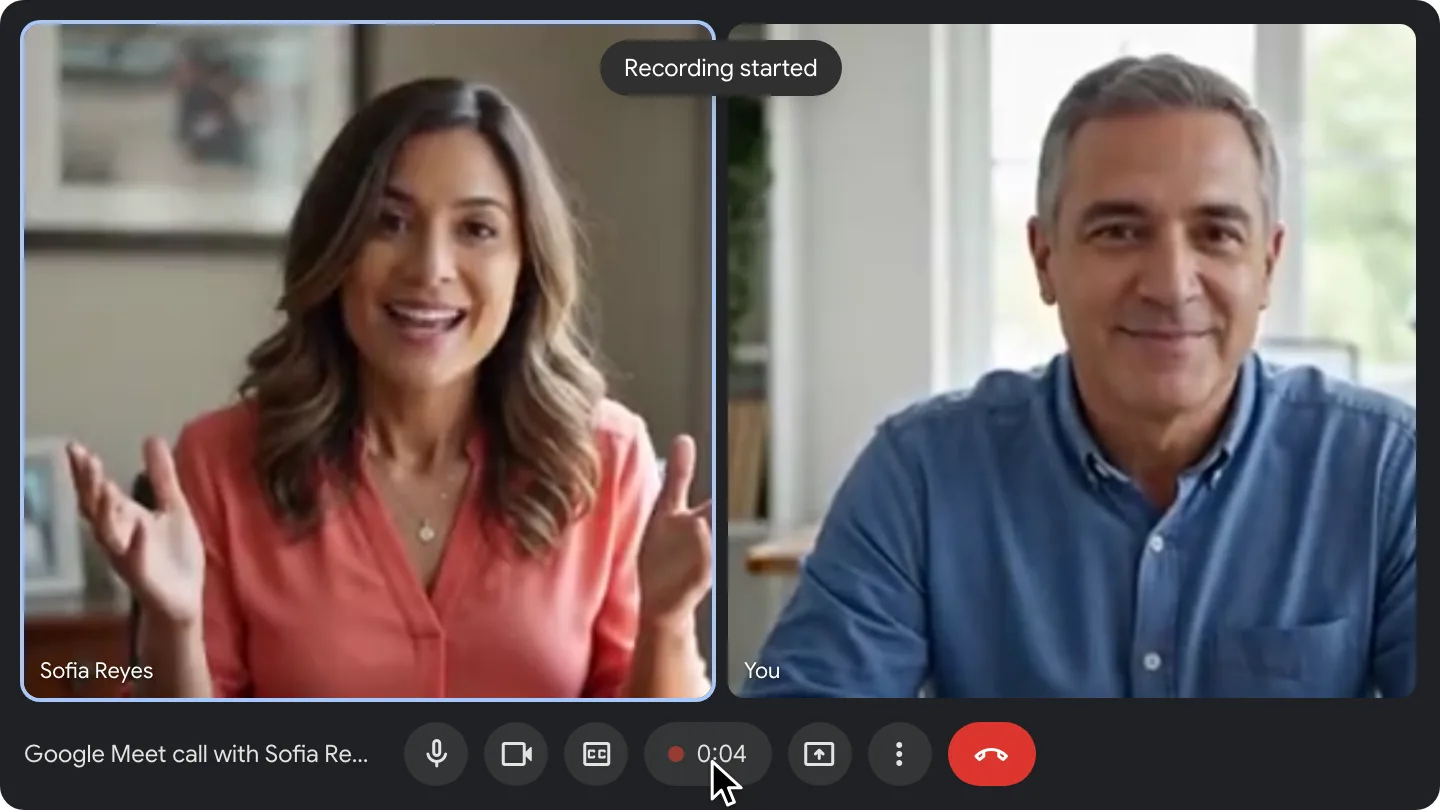
Granola's own product screenshots next to a RecordMeeting recording.
 Granola
 RecordMeeting
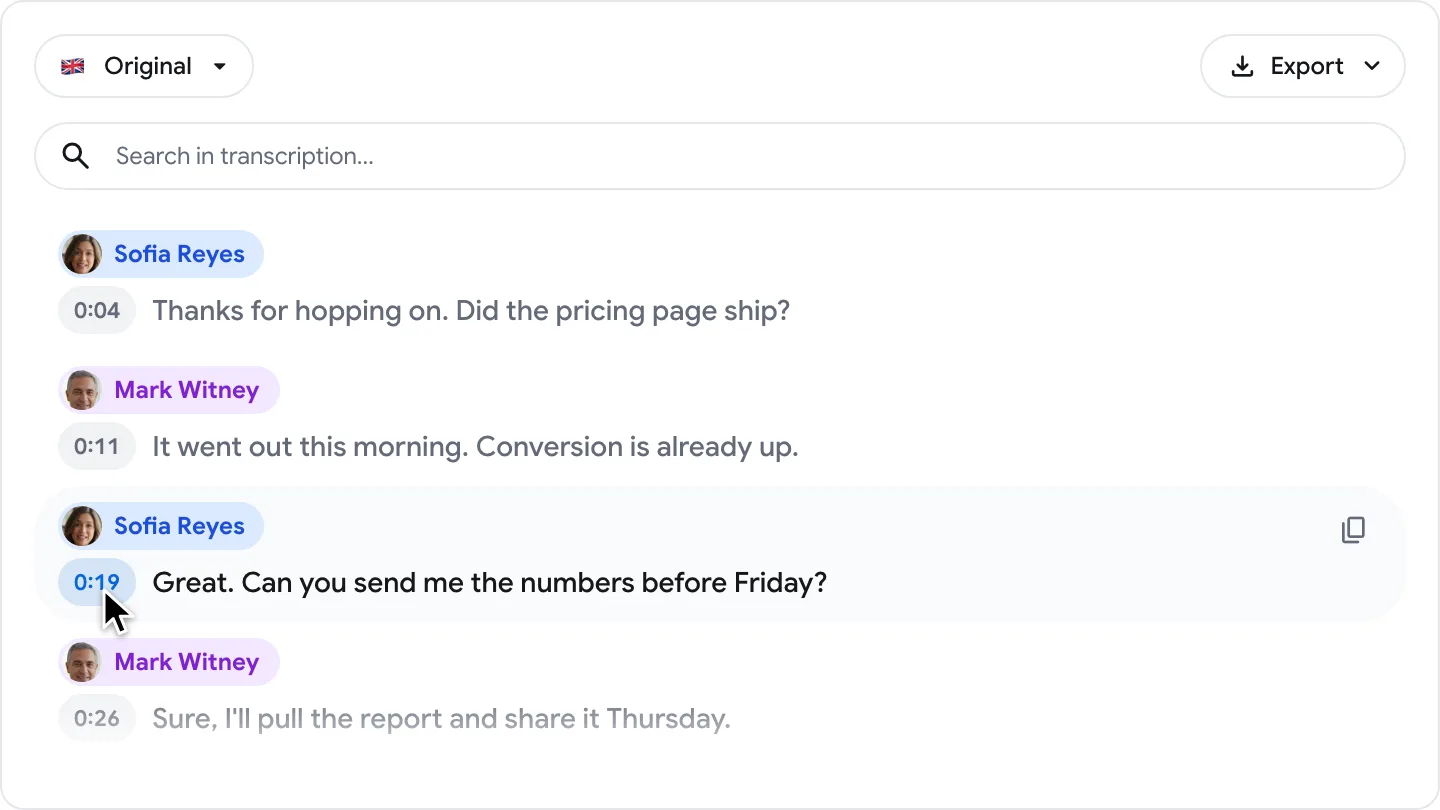
Granola screenshots from granola.ai. Granola and its logo are trademarks of their owner.
A recording you can rewatch
Granola keeps text only. RecordMeeting keeps the full video and audio, so the slide, the demo and the exact tone of a customer objection are still there next week.
Runs in the browser, on any computer
No desktop app to install or get approved by IT. RecordMeeting works in Chrome on Mac, Windows, Linux and Chromebook.
Share the meeting, not a summary
Send a link to the recording with its transcript. Teammates who missed the call can watch the part that matters instead of reading someone's notes about it.
Granola is an AI notepad for Mac and Windows. It listens to your microphone and computer audio, writes a transcript and enhanced notes, and by design never stores audio or video. RecordMeeting runs in Chrome as an extension and Google Workspace add-on, records the meeting itself, and builds the transcript, AI meeting notes and chat on top of that recording.
Why people switch from Granola
Notes are a summary. A recording is the evidence.
An AI summary is only as good as the transcript under it, and with Granola there is no audio left to check it against. RecordMeeting keeps the original call next to the transcript, so you can jump from any line to the second it was said.
- Full video and audio of every recorded call
- Time-coded transcript linked to the recording
- Screen shares and demos captured as video, not still snapshots

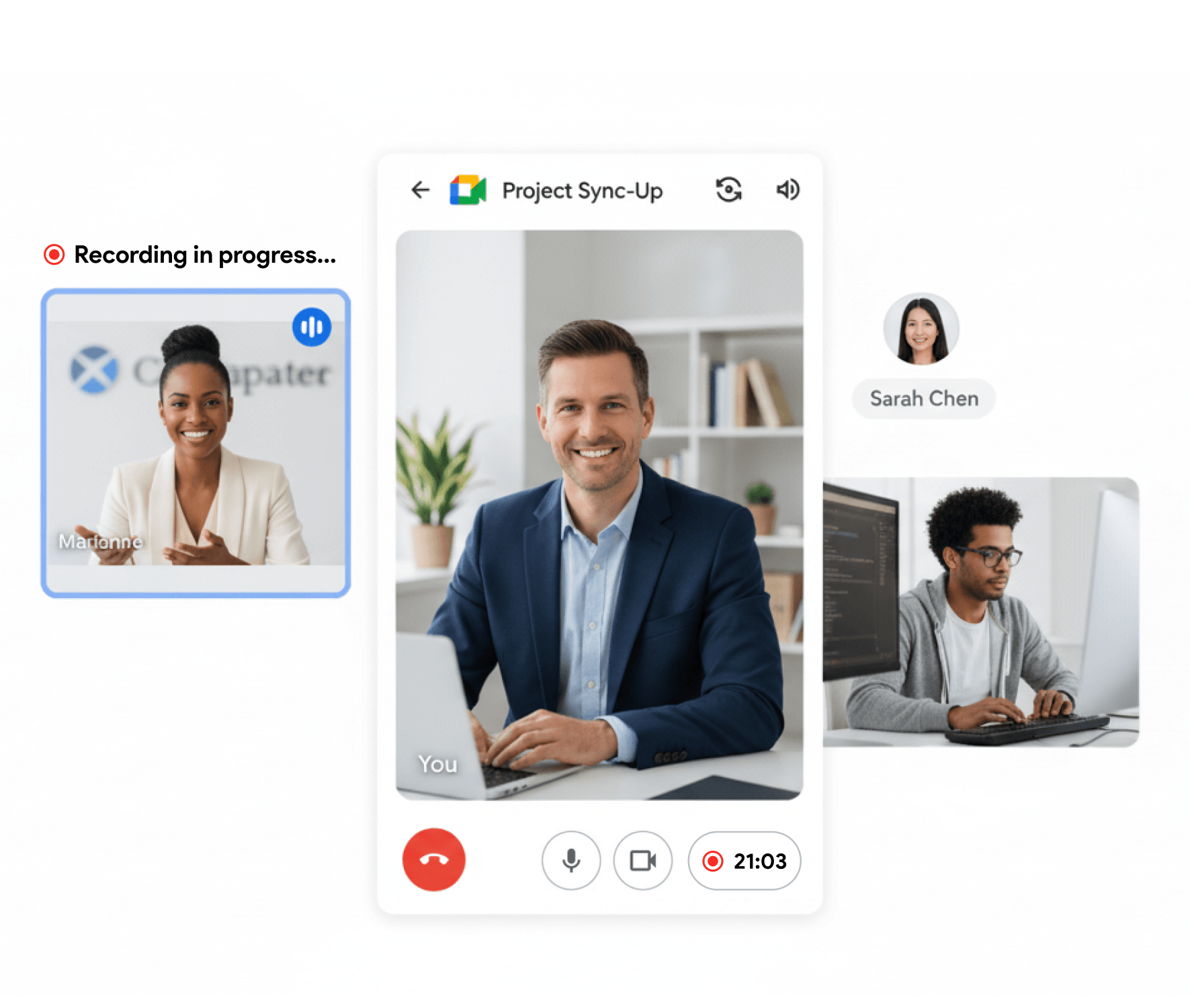
No desktop app required
Record from Chrome on Mac, Windows, Linux or Chromebook
Granola needs its desktop app running on the computer that is in the call, and it only ships for macOS and Windows. RecordMeeting is a Chrome extension plus a Google Meet add-on, so it works on locked-down work laptops, Linux machines and Chromebooks too.
- Install from the Chrome Web Store in under a minute
- Google Meet, Zoom, Teams, Webex, Slack and more in the browser
- In-person meetings from the web app on your phone
Transcript, AI notes and chat
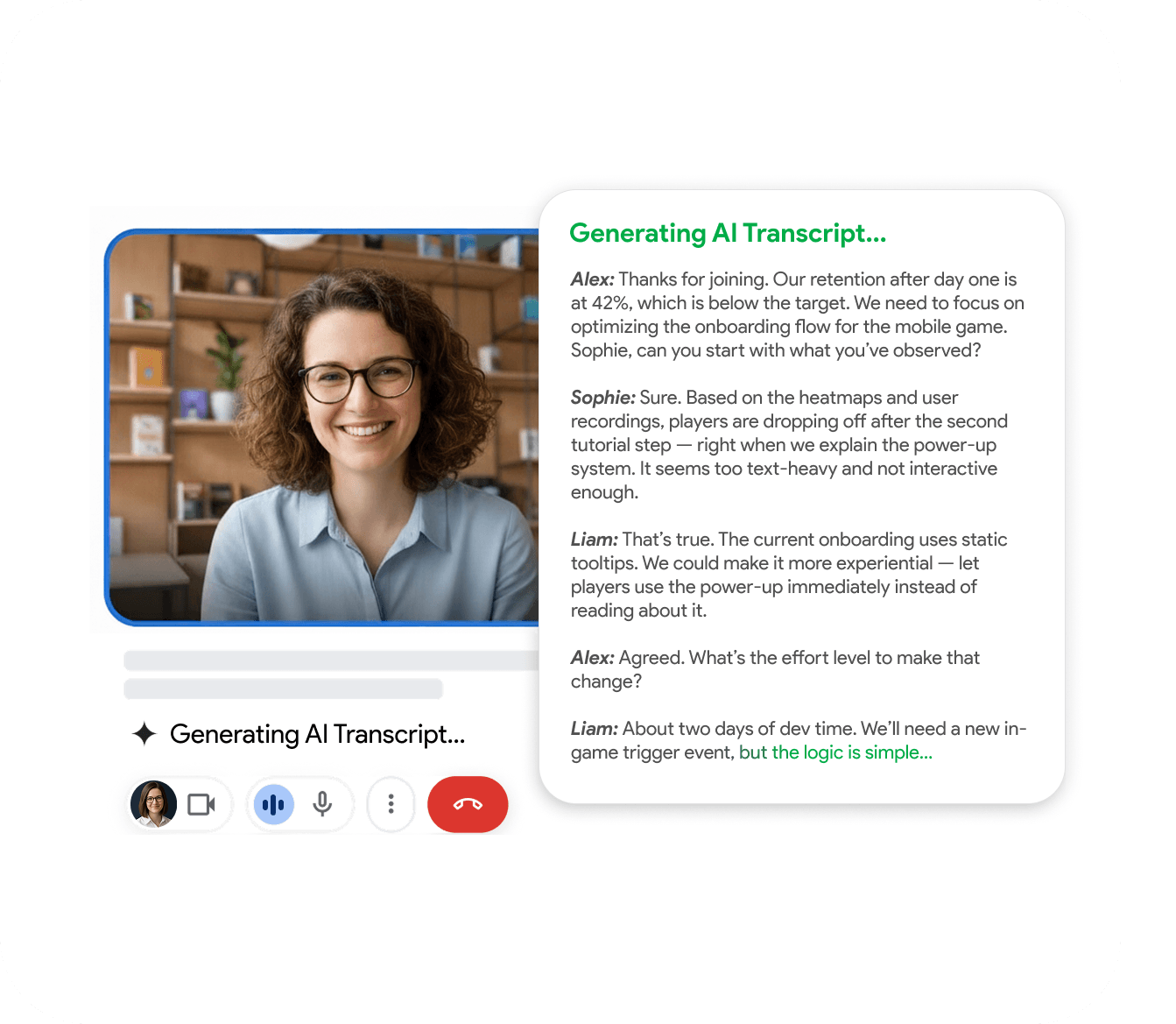
Everything Granola writes, plus the call it came from
RecordMeeting Pro turns every recording into a searchable transcript in 50+ languages, AI meeting notes with decisions and action items, and a chat you can question about the call. You can also upload a recording you already have, which Granola cannot import.
- Speaker labels you can rename to real names
- AI meeting notes and chat with your recordings
- Connect Claude or ChatGPT through the MCP server
Feature-by-feature comparison
A side-by-side look at what each tool includes by default.
| Feature | RecordMeeting | Granola |
|---|---|---|
| Records without a bot joining the call | ||
| Keeps a video recording of the meeting Granola transcribes live and deletes the audio. It has no video recording. | ||
| Keeps the audio to replay | ||
| Works without installing a desktop app Granola captures calls only from its Mac or Windows app. | ||
| Linux and Chromebook | ||
| Upload an existing recording to transcribe | ||
| Transcription languages | 50+ | 31 on desktop |
| AI meeting notes | ||
| Chat with your meetings | ||
| Share link includes the recording A shared Granola note shows the summary. A RecordMeeting link opens the recording. | ||
| Download MP4 video or audio | ||
| MCP server for Claude and ChatGPT | ||
| Live notepad during the call | ||
| Native mobile app | Web app |
Comparison reflects publicly documented features as of publication. See Granola for the latest details.
Which one should you pick?
- You want to rewatch or share the actual call, not only read notes about it.
- You need to check a quote, a number or a promise against what was really said.
- You can't install desktop apps on your work computer, or you use Linux or a Chromebook.
- Your meetings include screen shares, demos or slides you want to keep as video.
- You prefer typing your own notes during the call and letting AI fill them in.
- You never want any audio or video of the meeting to be stored.
- You rely on Granola's HubSpot, Attio or Affinity integrations.
FAQ
Frequently Asked Questions
Everything you need to know about RecordMeeting.
- Does Granola record audio or video?
-
No. Granola's help center states that it does not record or save audio or video at any point. It transcribes the call live, then deletes the temporary audio.
RecordMeeting keeps the full video and audio of every call you record.
- Is RecordMeeting a bot like Otter or Fireflies?
-
No. Like Granola, RecordMeeting does not send a bot into your meeting.
It captures the call from your own Chrome tab, so nothing extra appears in the participant list.
- Do I need to install a desktop app?
-
No. RecordMeeting is a Chrome extension and a Google Meet add-on.
Granola needs its desktop app for Mac or Windows to capture a call, and its web app can only view notes.
- Can I import my Granola notes?
-
RecordMeeting doesn't import Granola notes.
Granola lets you export your notes as a CSV, so you can keep them, and new meetings you record with RecordMeeting land in your workspace with their recording.
- How does pricing compare?
-
RecordMeeting Pro is $15 per month, or $9 per month billed yearly. Granola Business is $14 per user per month and is billed monthly.
Both have a free plan: RecordMeeting Free records up to 5 meetings of up to 1 hour each, and transcripts and AI notes come with Pro.
- Should I tell people I'm recording?
-
Yes. Whatever tool you use, let participants know the call is recorded, and check the consent rules where you and they are located.
See how RecordMeeting compares
Explore how RecordMeeting stacks up against other meeting recorders.
Skip the notetaker bot in your participant list. RecordMeeting captures Google Meet, Zoom and Teams from your own browser, so customers and candidates see a normal call, not an Otter joining the meeting.
Fathom records by adding a notetaker bot to every meeting. RecordMeeting records from your own Chrome tab, on desktop and mobile, with no extra participant on the call.
Fireflies sends an AI notetaker bot into every meeting. RecordMeeting records from your own browser tab, so customers and candidates see a normal call, not Fred from Fireflies.
Try the Granola alternative that keeps the recording
Free to get started, no credit card. Install the Chrome extension and record your next call with no bot and no desktop app.
