
Your download has started
Thanks for downloading! Just a few steps left
Follow the three steps below. If nothing happened, download it again.
- 1
Open the file
Open RecordMeeting.dmg from your Downloads folder.
- 2
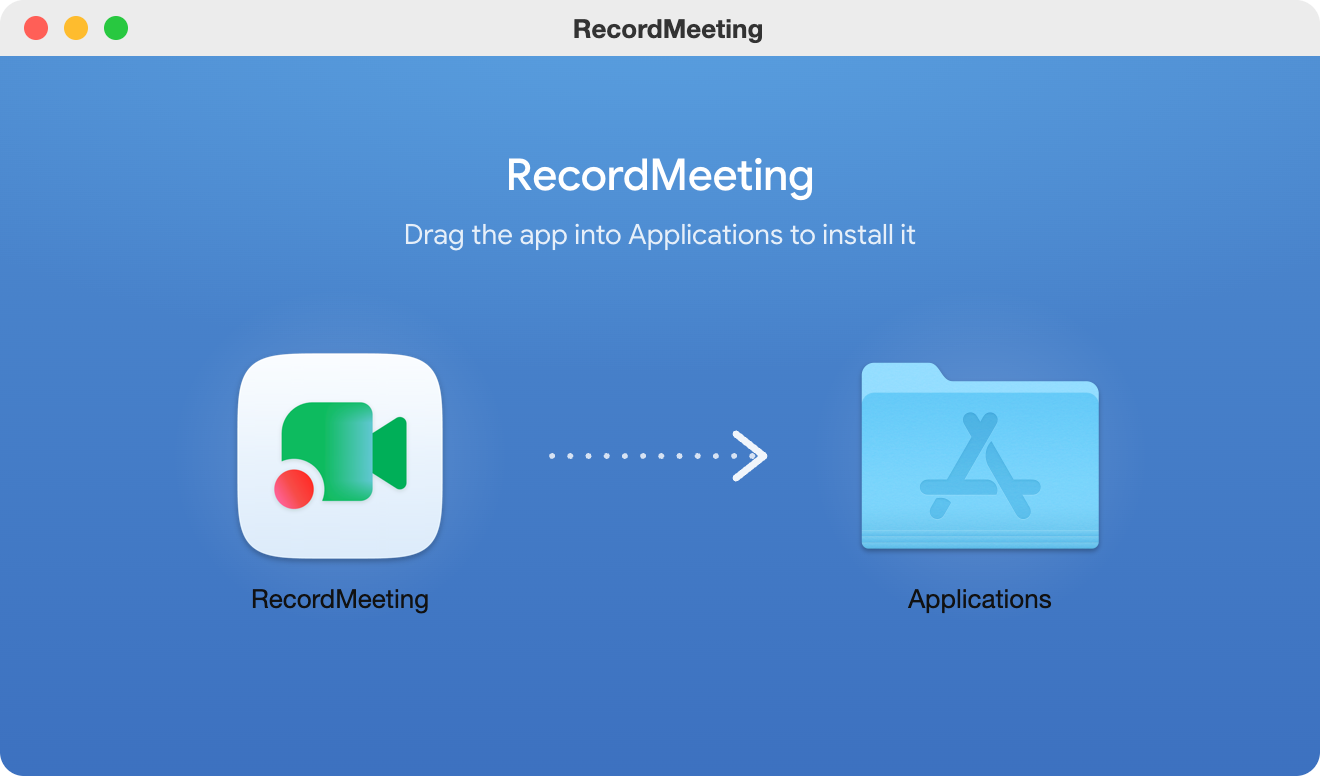
Double-click Install RecordMeeting
It puts itself in Applications and opens. No dragging needed.
- 3
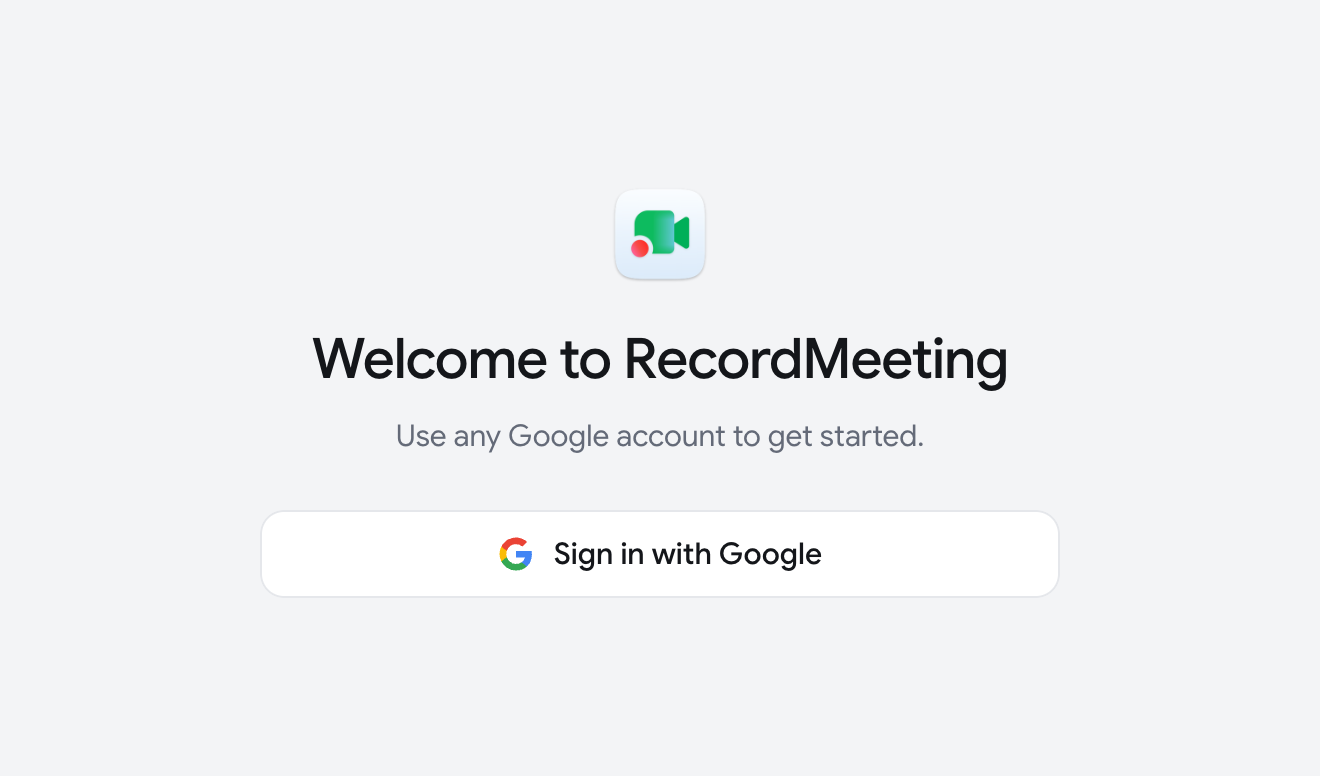
Sign in
Sign in with your RecordMeeting account. The app stays in your menu bar and opens when you start your Mac, so it is ready for your next call.
