Granola vs Otter.ai in 2026: Which Meeting Notetaker Fits You?
Granola has no bot but keeps no audio. Otter keeps the audio but sends a bot. Compare features and pricing, plus a third option that does both well.

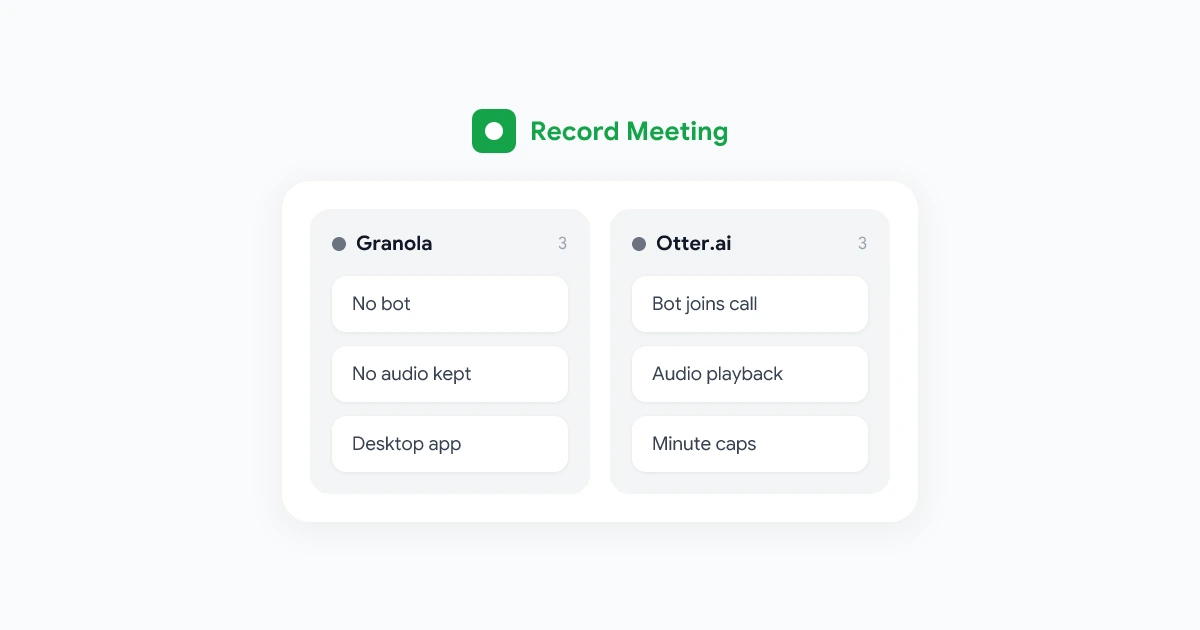
Granola and Otter.ai are two of the most popular AI notetakers, and they solve the same problem in opposite ways. Granola sits quietly on your computer with no bot in the call, but it keeps no recording. Otter joins your meetings as a notetaker and keeps the audio, so you can play it back.
Which one is right depends on what you care about more: a clean call with no extra participant, or a recording you can go back to. This guide compares them on the things that matter, and ends with a third option for people who want both.
Details below come from each company’s public pages, checked on October 28, 2026.
The short version
| Granola | Otter.ai | |
|---|---|---|
| How it joins the meeting | No bot, desktop app listens to your computer | Notetaker bot joins Zoom, Teams and Meet |
| Keeps audio to play back | No | Yes |
| Live transcript | Yes | Yes |
| Write your own notes during the call | Yes, the core feature | Not the main focus |
| What you install | Mac or Windows desktop app | Nothing for the bot, apps optional |
| Free plan | Notes from the last 30 days | 300 minutes a month, 30 minutes per conversation |
| Paid plan for one person | $14 per month (Business) | $16.99 monthly, or $8.33 per month billed yearly (Pro) |
| Upload a recording | No | Yes |
How they capture meetings
Granola runs as a desktop app on Mac or Windows. It listens to your microphone and to whatever your computer plays, transcribes it live, and deletes the audio afterwards. Nothing joins the meeting, so the participant list stays clean. The flip side is that Granola has to be running on the computer that is in the call, and it can’t capture a meeting you are not attending.
Otter sends a notetaker into Zoom, Microsoft Teams and Google Meet. It joins as a participant, records the conversation, and writes notes and a summary. Because it joins on its own, it can capture a meeting even when you are late or not there, as long as it is allowed in. The trade-off is visibility: everyone sees the notetaker in the participant list, and some guests ask for it to be removed.
Recording and playback
This is the biggest practical difference.
- Granola keeps no audio or video. Its help center says it does not record or save audio or video at any point. After the call you have a transcript and notes. You can read more in does Granola record audio.
- Otter keeps the audio. Even the free plan includes audio playback, so you can click a line in the transcript and hear it.
If you ever need to check a quote, a number or the tone of a conversation, Otter wins here.
Notes and AI features
Granola is built around a notepad. You type rough notes during the meeting, and Granola’s AI expands them into structured notes using the transcript. People who like to stay in control of what gets written down tend to love this. Granola also has chat across your meetings and an MCP server.
Otter is transcription first. It produces the transcript, a summary and action items automatically, and it has its own AI chat. You don’t need to write anything during the call.
Platforms
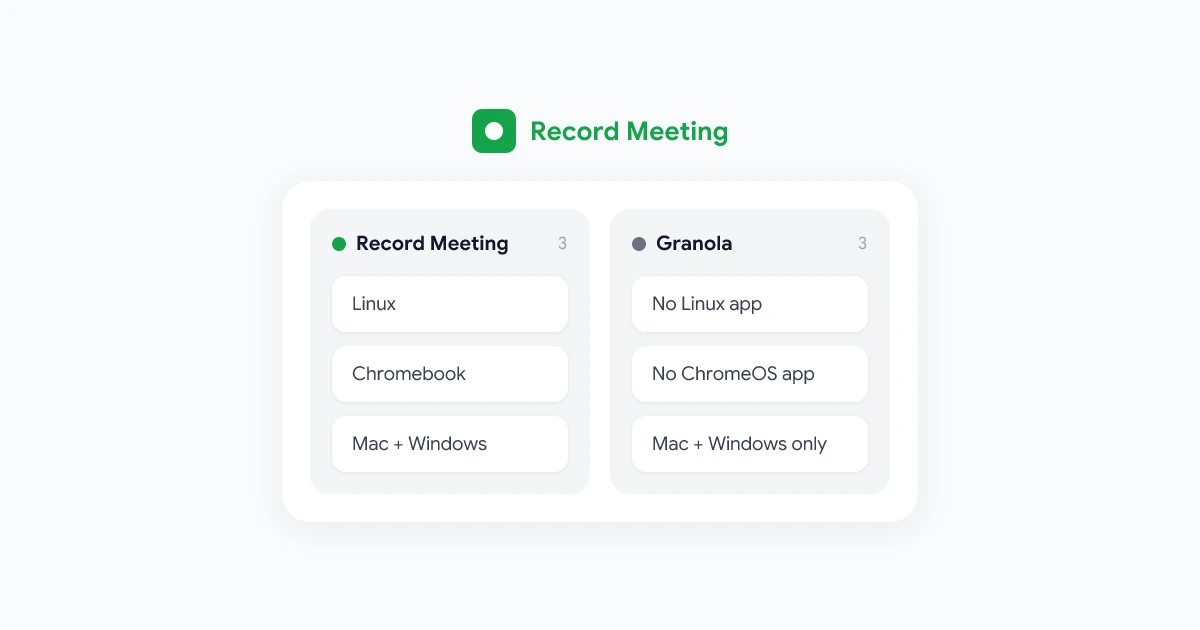
- Granola: desktop apps for macOS 14 or later and Windows, mobile apps for in-person meetings, and a web app that views notes but can’t capture calls. No Linux or ChromeOS support. See Granola for Linux and Chromebook.
- Otter: the bot works with Zoom, Teams and Google Meet regardless of your computer, plus web and mobile apps.
Pricing
Granola has three plans: Basic (free, notes from the last 30 days), Business at $14 per user per month billed monthly, and Enterprise from $35 per user per month. Full breakdown in Granola pricing.
Otter has a free Basic plan with 300 transcription minutes a month, a 30-minute limit per conversation and 3 lifetime file imports. Pro is $16.99 per month, or $8.33 per month billed yearly. Business is $30 per user per month, or $19.99 billed yearly.
For one person paying yearly, Otter Pro is cheaper than Granola Business. Billed monthly, Granola is cheaper.
Which one should you choose?
Choose Granola if:
- You don’t want any bot in your meetings.
- You like writing your own notes and having AI fill them in.
- You never need to replay the call.
Choose Otter if:
- You want audio you can play back.
- You want meetings captured even when you join late or can’t attend.
- A visible notetaker in the call doesn’t bother you or your guests.
A third option: no bot, and you keep the recording
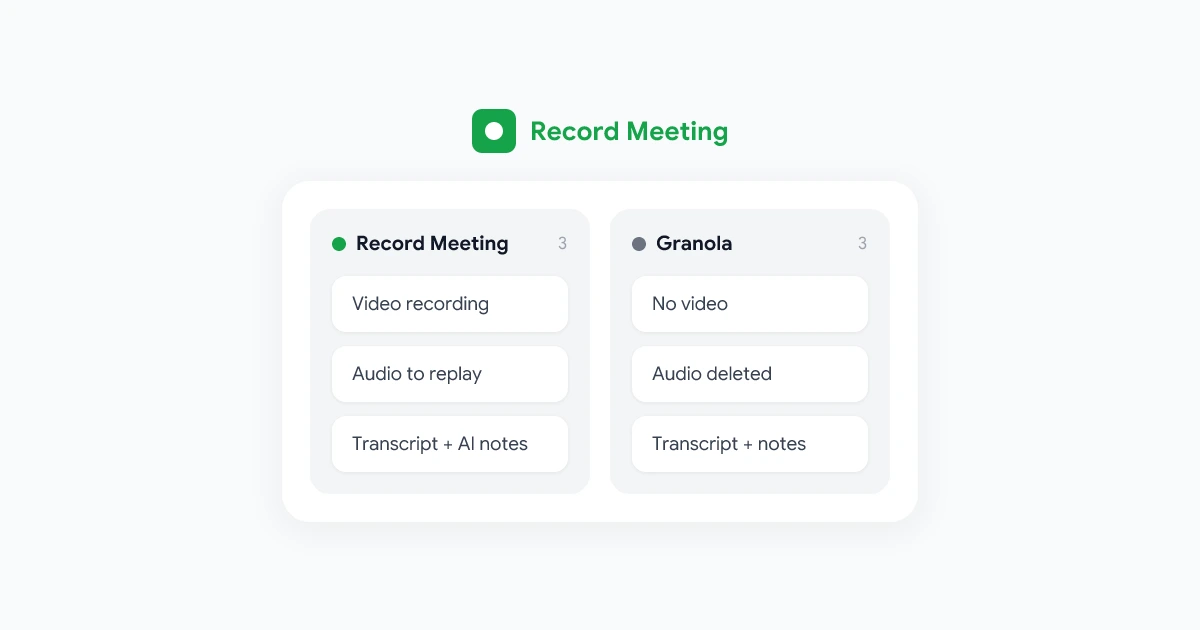
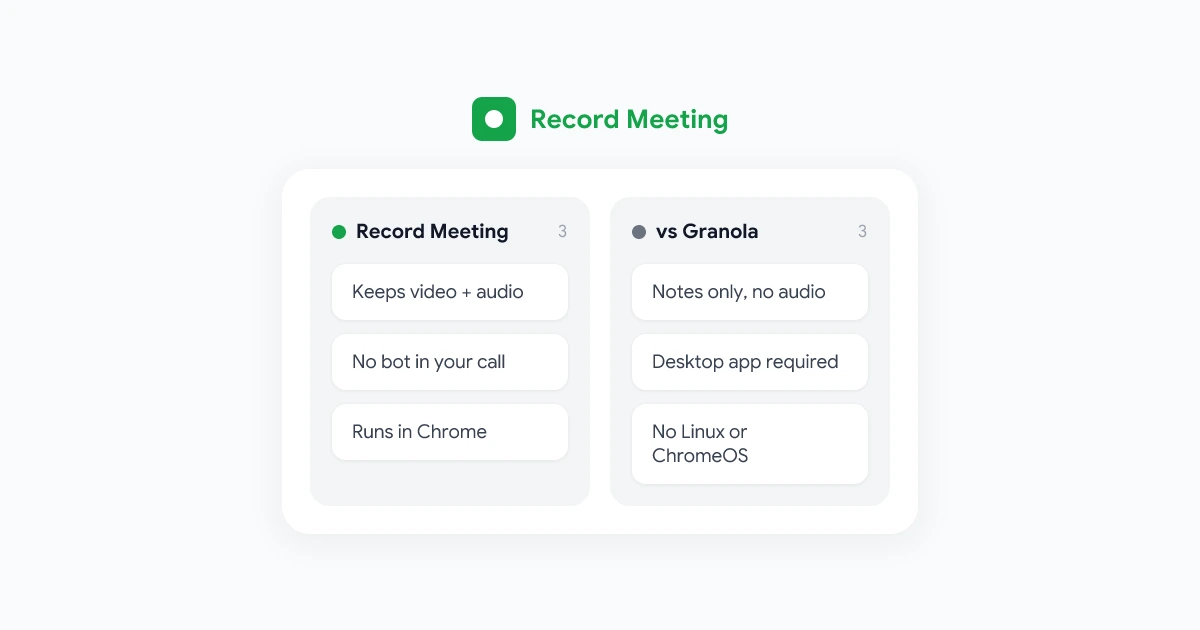
Granola users often switch because there is no recording, and Otter users often switch because of the bot. RecordMeeting sits between the two: it records from your own Chrome tab, so there is no bot in the call, and it keeps the full video and audio, not only the transcript.
- No bot, like Granola.
- Video and audio you can replay, which is more than Otter’s audio.
- No desktop app. A Chrome extension and Google Meet add-on that works on Mac, Windows, Linux and Chromebook.
- Google Meet, Zoom, Teams, Webex, Slack huddles and more.
- Transcripts in 50+ languages, AI meeting notes and chat with Pro.
- Share links that open the recording and transcript.
The free plan records up to 5 meetings of up to 1 hour each with no credit card. Pro is $15 per month, or $9 per month billed yearly. If you are still comparing, see RecordMeeting vs Otter.ai, RecordMeeting vs Granola and our list of the best Granola alternatives.
Frequently asked questions
Is Granola better than Otter?
Neither is better for everyone. Granola is better if you want no bot and like writing your own notes. Otter is better if you want audio playback and automatic notes without typing anything.
Does Otter record audio and Granola doesn’t?
Yes. Otter keeps the audio of your meetings for playback. Granola transcribes live and deletes the audio, and it never records video.
Which is cheaper, Granola or Otter?
For one person billed yearly, Otter Pro ($8.33 per month) costs less than Granola Business ($14 per month). Billed monthly, Granola Business costs less than Otter Pro ($16.99). Both have free plans.
Is there a tool with no bot that also records the meeting?
Yes. RecordMeeting records Google Meet, Zoom, Teams and other browser calls from your Chrome tab with no bot in the call, and keeps the video and audio.