Does Granola Record Audio or Video? What It Keeps After a Meeting
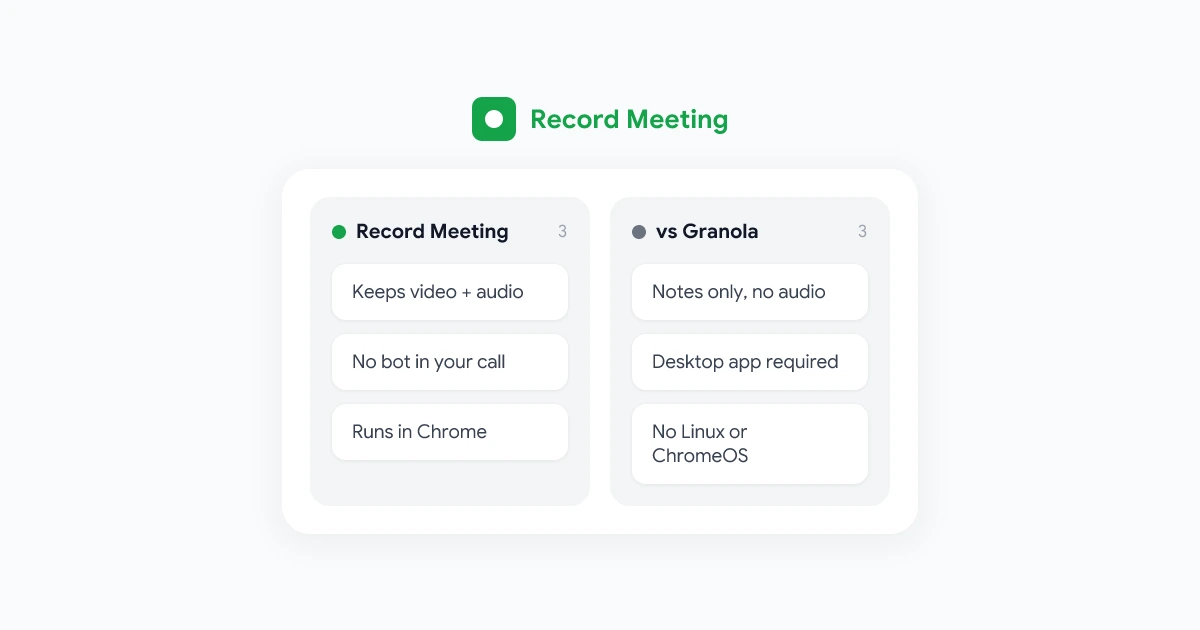
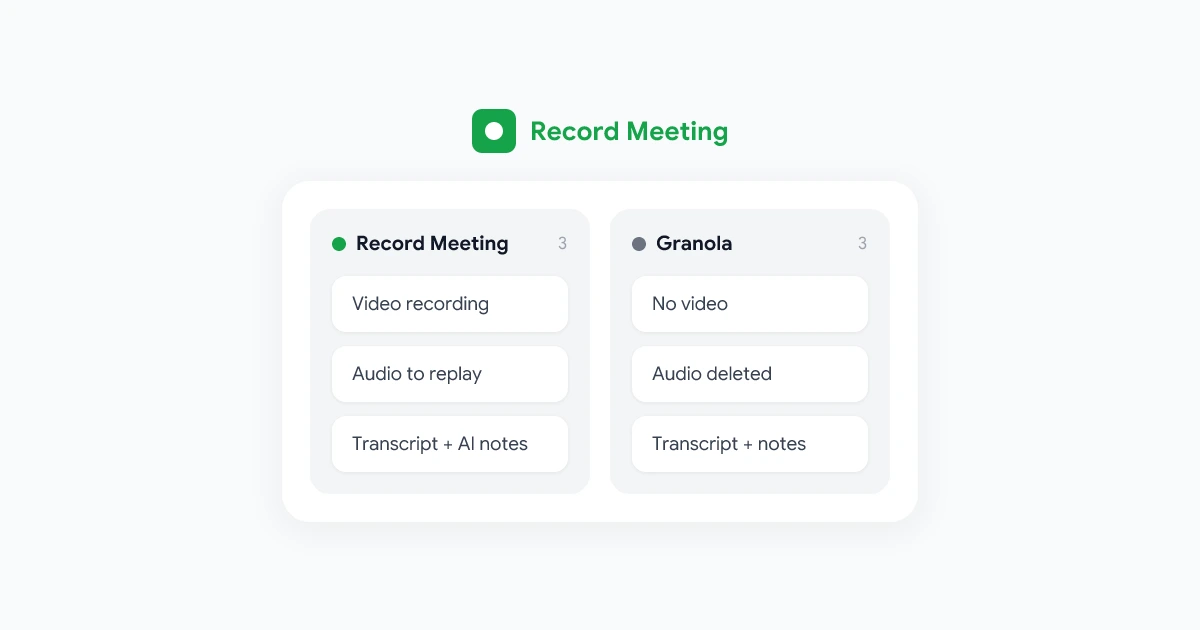
No. Granola transcribes your meeting live and then deletes the audio, and it never records video. Here is what Granola keeps and how to keep the recording too.
Category
Honest, detailed comparisons of RecordMeeting vs Otter.ai, Fireflies.ai, and other meeting tools, covering features, pricing and how each one records.
9 articles
No. Granola transcribes your meeting live and then deletes the audio, and it never records video. Here is what Granola keeps and how to keep the recording too.
Granola writes good notes but keeps no audio or video. Compare the best Granola alternatives in 2026, starting with one that records the whole call with no bot.
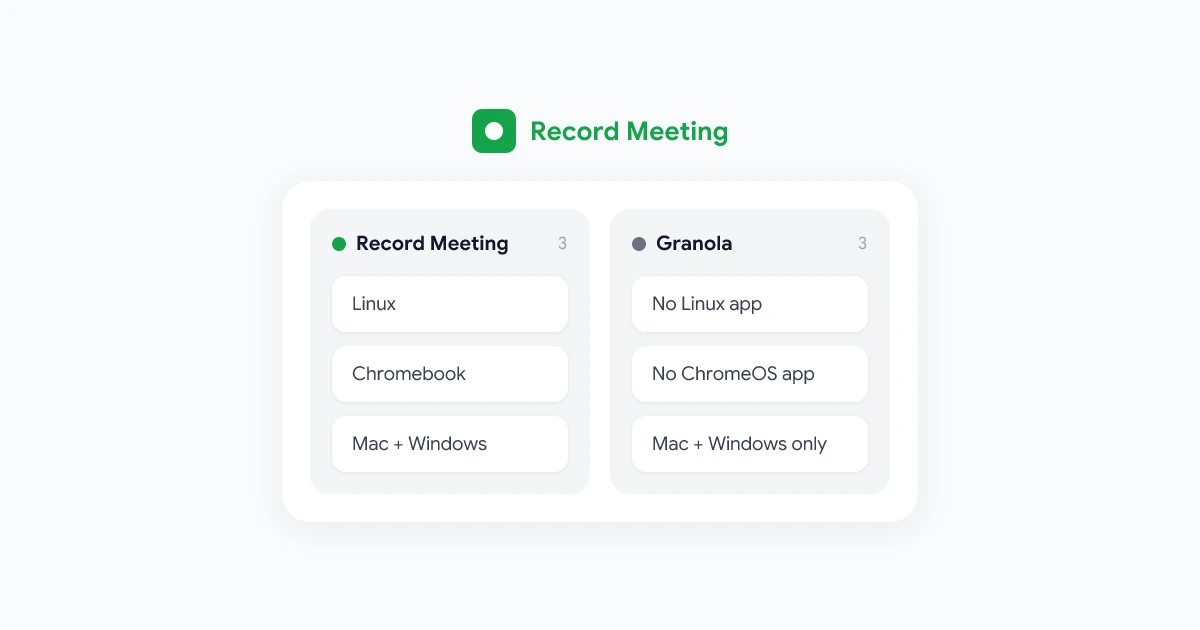
Granola captures meetings only from its Mac and Windows app. Here is what that means on Linux, Chromebook and work laptops, and how to record from Chrome.
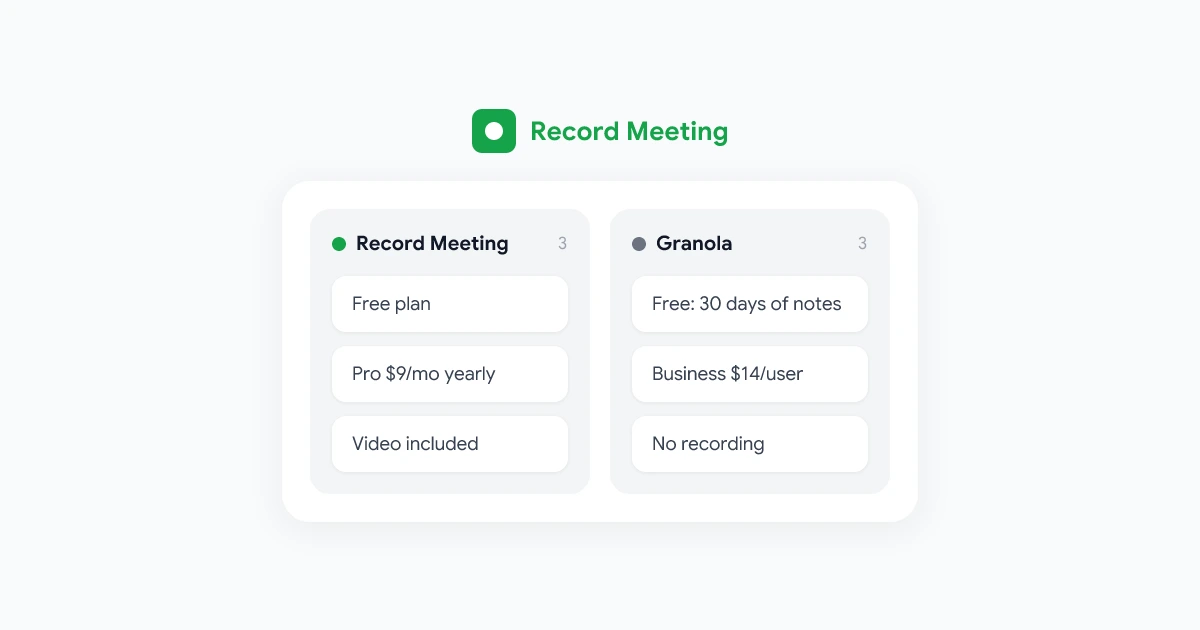
Granola has three plans: Basic (free), Business at $14 per user and Enterprise from $35. Here is what each includes, the free plan limits and a cheaper option.
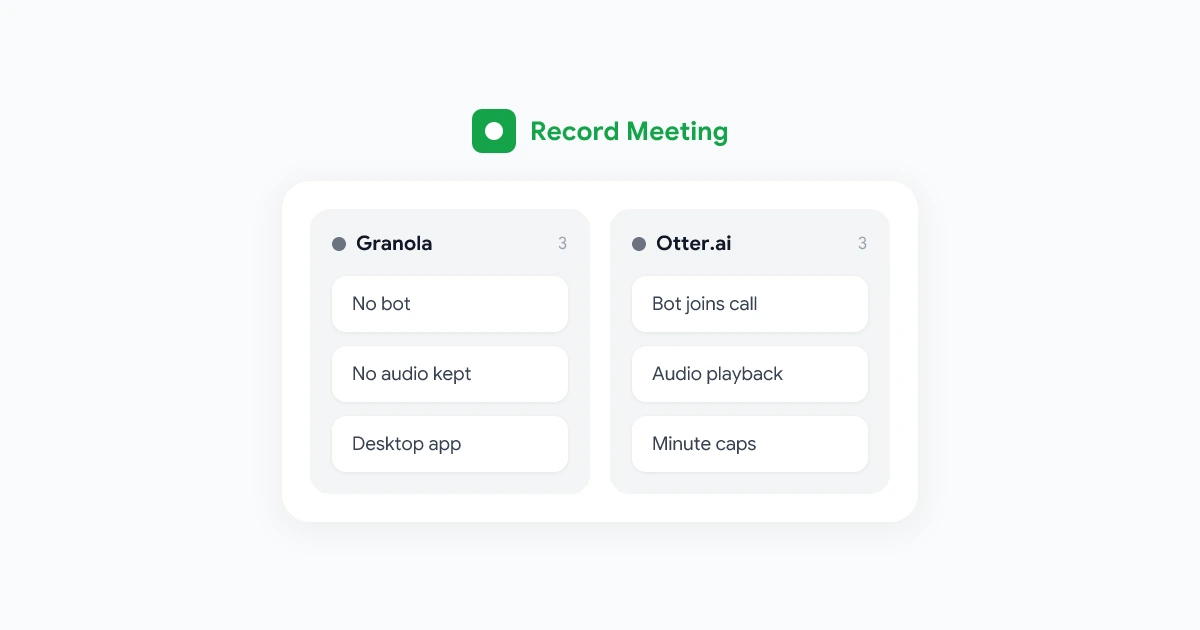
Granola has no bot but keeps no audio. Otter keeps the audio but sends a bot. Compare features and pricing, plus a third option that does both well.
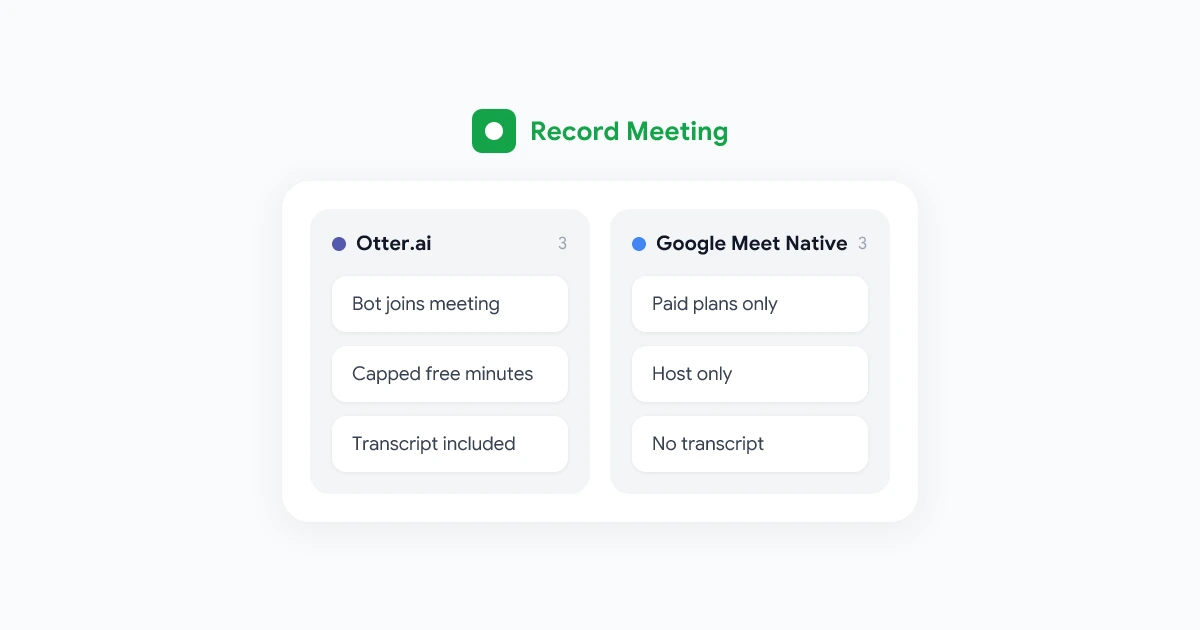
Otter.ai vs Google Meet recording compared: pricing, bot visibility, transcript quality, and admin controls, so you can pick the right tool for your calls.
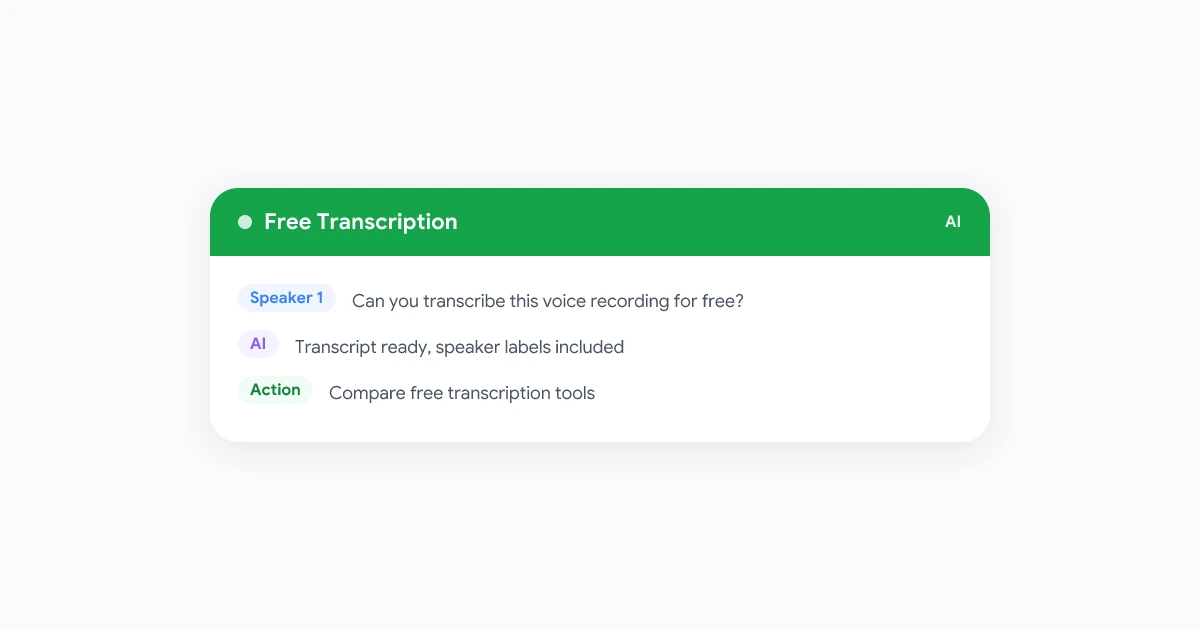
Compare the best free voice recording transcription software options in 2026, from Google Docs Voice Typing to Otter and Whisper-based apps, plus their real limits.
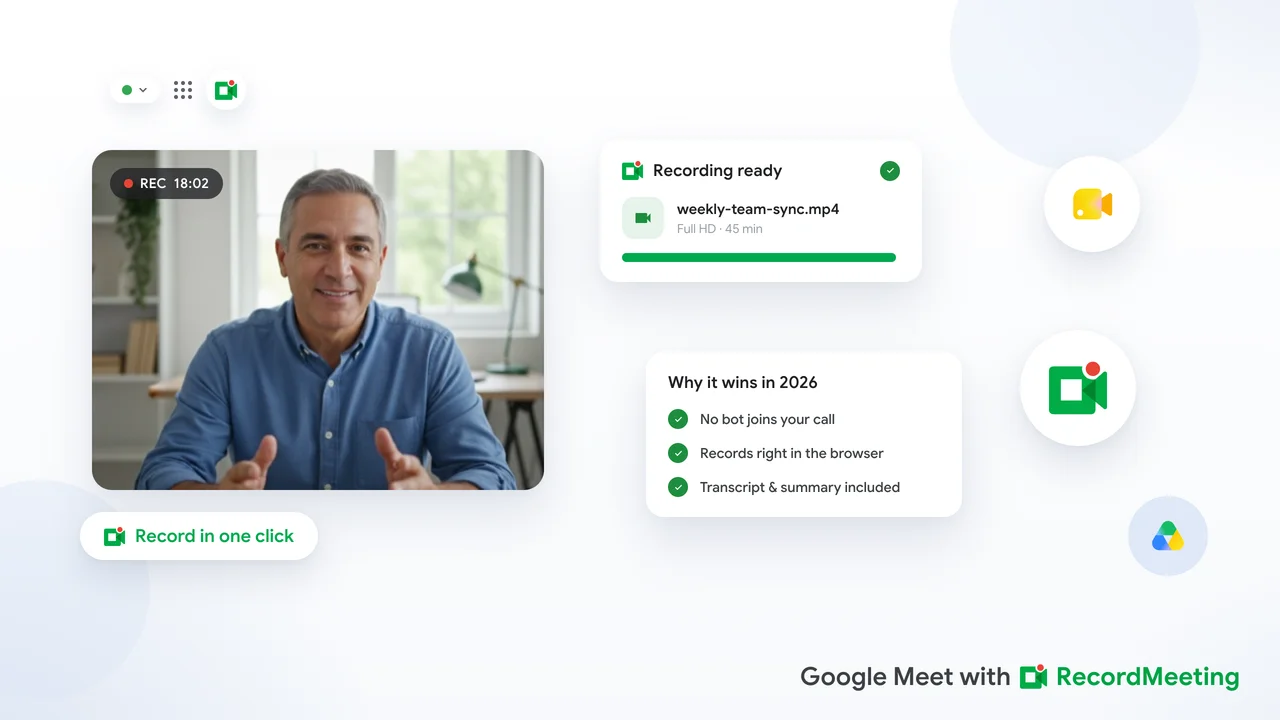
A practical guide to the best meeting recorder for Google Meet in 2026, covering browser extensions, bot-based tools, and what to look for on free and paid plans.
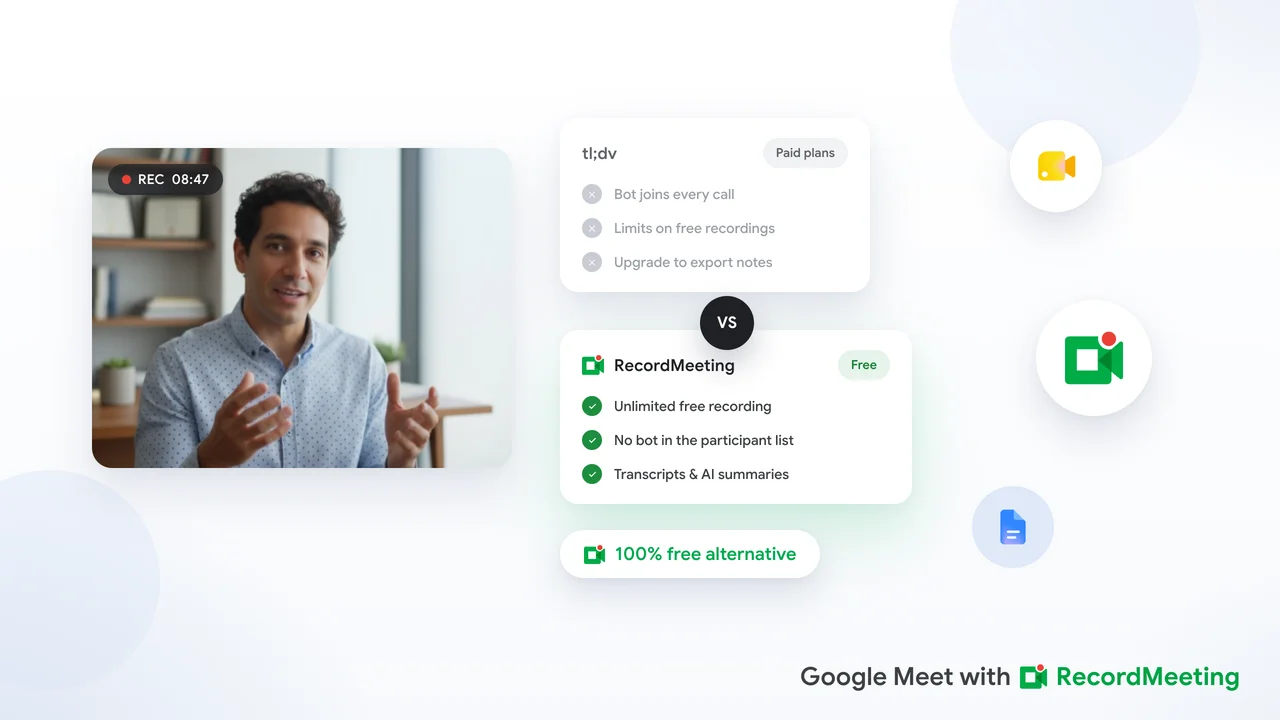
Looking for a free tl;dv alternative? This guide compares the top options for recording and transcribing Google Meet, with a focus on free plans, privacy, and ease of use.
Explore More
Discover more tips and guides across different topics.
Step-by-step instructions for recording, transcribing and sharing your meetings. From quick start to advanced workflows.
Deep dives into AI transcription, speaker detection, multilingual support, and the future of meeting intelligence.
What's new in RecordMeeting: feature releases, improvements to recording, transcription and AI notes, and highlights from the changelog.
Hands-on walkthroughs: set up your workspace, connect Google Calendar, customize AI summaries, and get more out of every meeting you record.
Real stories from teams using RecordMeeting, how they record, transcribe, and act on meeting intelligence.
Practical strategies to reduce meeting overload, run standups effectively, and get more done with async workflows.
How to record Google Meet, Zoom, Teams and other video platforms, including free and browser-based options.
AI-powered transcription, meeting minutes, voice-to-text tools, and how to turn audio into searchable text.
AI meeting assistants, automated note-takers, and intelligent tools that summarize and analyze your calls.
Record sales calls, coach your team with recordings, and close more deals using conversation intelligence.
The best apps and tools for recording calls on iPhone, desktop, and in-browser, free and paid options reviewed.
Side-by-side comparisons of RecordMeeting vs Otter.ai, Fireflies, tl;dv, Grain, and other meeting recorders.
Recording consent laws, call recording legality by state and country, and compliance guidance for teams.