Executive Meeting Notes: Template, Tips, and AI Shortcuts for C-Suite Teams
Learn how to write executive meeting notes that capture decisions, not discussion. Includes a template, best practices, and how AI can automate the first draft.

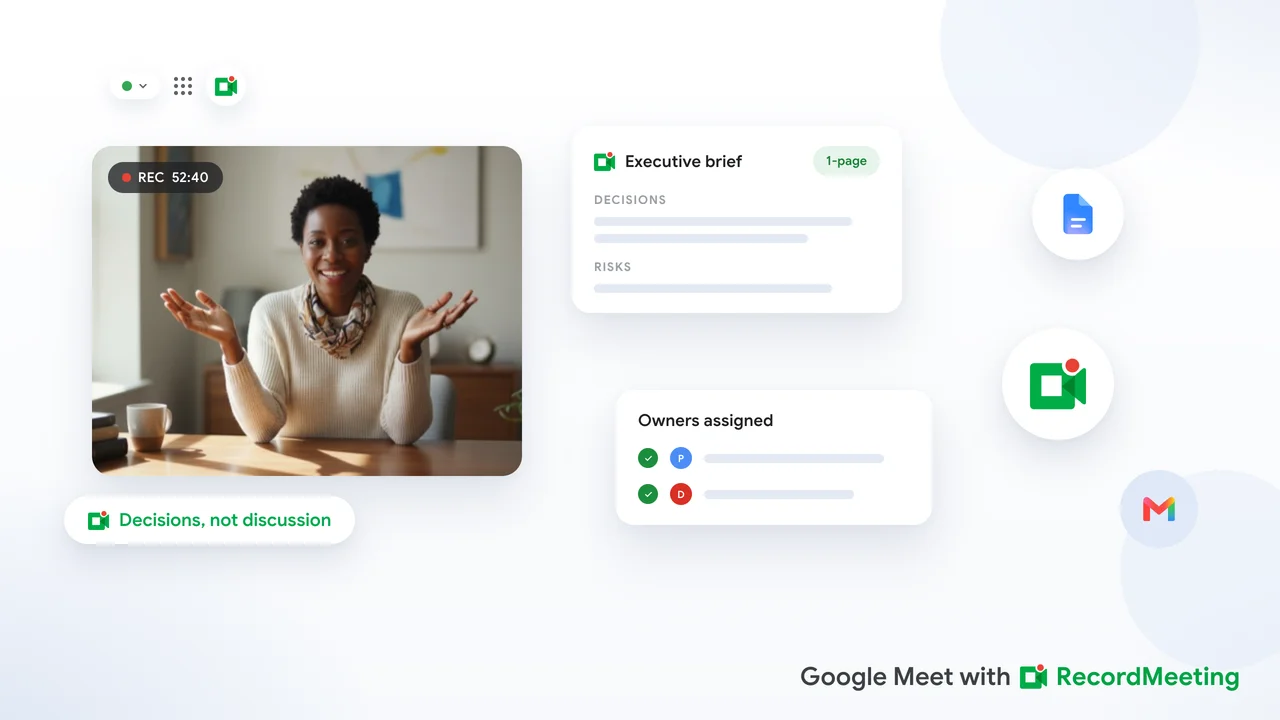
Executive meeting notes are not a word-for-word diary of the conversation. A CEO or VP rarely has time to wade through a four-page transcript looking for the two decisions that need follow-up. What they need instead is a tight, structured record that captures who decided what, who owns the next action, and what anyone who missed the call needs to know in under two minutes.
This guide covers the structure, template, and practical workflow for writing executive meeting notes that actually get read and acted upon. It also shows how AI tools can draft the first version so the EA or chief of staff can focus on review instead of transcription.
Why executive meeting notes differ from standard meeting minutes
Regular meeting minutes document process. Executive meeting notes document outcomes. The distinction matters because C-suite time is the scarcest resource in most organizations.
A standard set of minutes might capture attendance, agenda items, discussion points, motions, and action items in full. That format works for governance and legal records. An executive meeting notes template, by contrast, strips the discussion and keeps only the signal:
- Decision: what was resolved and by whom
- Action: what must happen next, who owns it, and when it is due
- Context: one sentence explaining why the decision was made (optional but useful when there is a non-obvious constraint)
- Flag: any unresolved issue that needs a follow-up meeting or escalation
If the full discussion is needed later, a recording handles that. The notes exist to answer “what do we do now?”
For a comparison with formal governance records, see the article on board meeting minutes automation, which covers the more detailed format used by corporate secretaries and legal teams.
Executive meeting notes template
Copy this structure for weekly leadership syncs, strategy reviews, and any high-stakes executive call.
Header block
Meeting: [Meeting name, e.g., Q3 Strategy Review]
Date: [Month DD, YYYY]
Time: [Start] to [End] [Time zone]
Platform: [Google Meet / In-person / Hybrid]
Attendees: [Names and titles]
Note-taker: [Name]
Key decisions
List each decision as a one-line action statement:
- Approved: Hire two senior engineers in Q3. (Owner: VP Engineering, deadline: July 31)
- Approved: Shift product launch to October to align with partner timeline.
- Deferred: Cloud vendor selection — awaiting legal review of MSA draft.
Decisions should start with “Approved,” “Rejected,” or “Deferred” so anyone scanning the notes understands the outcome without reading the full entry.
Action items
Use a table for clarity:
| Action | Owner | Due date | Status |
|---|---|---|---|
| Share updated budget model with CFO | VP Finance | Jun 27 | Open |
| Schedule follow-up call with partner team | Chief of Staff | Jun 25 | Open |
| Draft revised roadmap for board deck | VP Product | Jul 5 | Open |
Open questions
Items that came up but were not resolved:
- Is the new pricing model subject to sales tax in California?
- Should the product team involve legal before the beta launch?
Open questions become the first agenda items at the next relevant meeting.
Attachments referenced
- Q3 Hiring Plan v2 (shared in Drive)
- Partner Proposal (sent by email June 22)
What to leave out of executive meeting notes
Over-documentation is the most common mistake. These things do not belong in the notes:
- Verbatim back-and-forth dialogue
- Who said what during brainstorming (unless a specific name matters for accountability)
- Tentative ideas that were discarded in the same session
- Repeated summaries from the presenter that recap slides already in the deck
If you are not sure whether something belongs, ask: would a VP who missed this meeting need this item to stay aligned and take action? If not, leave it out.
How to write executive meeting notes in real time
Writing concise notes during a fast-moving exec meeting is a skill that takes practice. These habits help:
Prepare with the agenda. Review the agenda and pre-read materials before the meeting. Understanding the context lets you spot a decision the moment it happens instead of catching up while taking notes.
Use shorthand for decisions. Develop a quick marking system. Many EAs use “D:” for decision, “A:” for action, and “Q:” for unresolved question during the live meeting. These markers make it easy to assemble the final document in the right structure after the call ends.
Capture the “what,” then the “who” and “when.” The moment a decision is made or an action is assigned, write the item immediately even if incomplete. You can fill in the owner’s name and deadline as they are named in the next few sentences.
Do not clean up during the call. Clean up is a post-meeting task. Trying to polish notes in real time causes you to miss the next point. Keep a draft structure visible in a second window and drop raw notes into it during the meeting.
Using AI to draft executive meeting notes
Recording the meeting and generating a transcript shifts the workflow. Instead of typing while listening, the note-taker focuses entirely on the conversation and uses the transcript afterward to build the structured notes.
This approach is especially useful for executive meetings where nuance and precision matter. A transcript makes it possible to verify the exact wording of a decision, confirm who was assigned which action, and check whether an unresolved question was actually left open or quietly resolved later in the discussion.
 Try Record Meeting
Record Google Meet without a bot joining the call. Get a timestamped transcript with speaker labels so you can pull decisions and actions into your executive notes template in minutes.
Get Started Free
Recommended AI workflow for executive meetings
Before the meeting
- Open the meeting in Google Meet and start recording from the browser using Record Meeting.
- Keep your executive notes template open in a separate window.
- Take minimal notes during the call to stay present.
After the meeting
- Pull up the transcript with speaker labels and timestamps.
- Scan for decisions: look for phrases like “we’ll go with,” “the plan is,” “approved,” “decided,” “we’re moving forward.”
- Scan for actions: look for “will you,” “let’s have [name],” “by [date],” “your job is.”
- Map each decision and action into the template.
- Review once to catch open questions that surfaced but were not resolved.
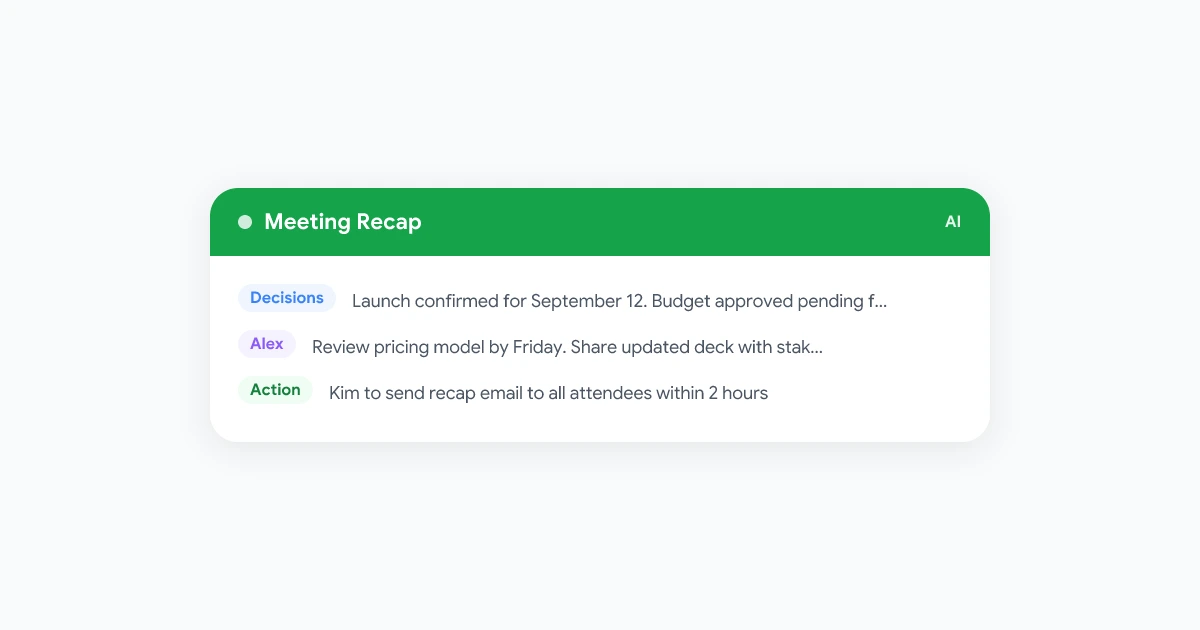
- Send the notes to attendees within two hours of the meeting ending.
The transcript also serves as an audit trail if any attendee later questions what was decided. You do not distribute the full transcript in most cases. The structured notes are the deliverable. The transcript stays on file.
For teams that work asynchronously or across time zones, this workflow pairs naturally with the approach covered in async meeting recap templates.
Distribution and confidentiality for executive meeting notes
Executive notes often contain sensitive information: budget numbers, personnel decisions, strategic plans, or competitive assessments. Distribution should be controlled from the moment the notes are drafted.
Use a shared drive with access controls. Store notes in a folder visible only to attendees and relevant stakeholders. Avoid forwarding via email chains that are easy to accidentally widen.
Label drafts clearly. Add “DRAFT” to the filename and opening line until the executive has reviewed and approved the notes. This is especially important if decisions may be revisited.
Send promptly. The faster notes go out, the more useful they are. Actions that arrive two days later risk being ignored because work has already moved in a different direction. Aim to distribute within two hours, or by end of business on the same day.
Know what your retention policy requires. Strategic and personnel decisions made in executive meetings may have longer record-keeping requirements than routine team calls. Check your meeting recording retention policy to confirm what applies.
Common mistakes and how to fix them
| Mistake | Fix |
|---|---|
| Notes arrive the next day | Block 30 minutes immediately after the call to complete the document |
| Too much detail on discussion | Cut everything that is not a decision, action, or open question |
| Missing owner on actions | Every action item must have a name next to it, not “team” |
| Decisions buried in paragraphs | Use the “Approved / Rejected / Deferred” format so they are instantly scannable |
| Notes sent to the wrong group | Build a standard distribution list in your calendar invite so it never changes by accident |
| No version control | Use a dated filename and archive old versions rather than overwriting |
Executive meeting notes for different meeting types
The core template works across formats, but the emphasis shifts depending on the meeting.
Weekly leadership sync: Focus on blockers and decision escalations. Keep notes to one page. If there were no decisions, say so explicitly so everyone knows the notes are complete.
Quarterly business review: Longer notes are appropriate. Use one section per business unit. Include the scorecard items that were reviewed and any commitments made for the next quarter.
Strategy offsite: Notes from multi-day sessions should still be decision-focused, but a one-paragraph context summary per session is helpful when the notes are shared with stakeholders who were not present.
One-on-one executive briefings: Many executives prefer no notes from private briefings. When notes are taken, they typically go only to the two people in the meeting. Confirm the preference before drafting.
Try Record Meeting
Auto-generate AI summaries and action items from Google Meet recordings. No bot, no notification to other participants, no plugin required for attendees.
Get Started Free
Frequently asked questions
Keep executive meetings moving with better notes
The value of a well-structured set of executive meeting notes shows up in the week after the meeting, not during it. When actions are clearly owned, decisions are easy to reference, and open questions have a path to resolution, the meeting actually produces results instead of just consuming calendar time.
Start with the template in this article. Record your Google Meet sessions so you have a reliable transcript to work from. Use AI to generate a first draft, then spend your energy on the review that matters. For Google Meet users, Record Meeting captures the session from the browser without requiring any action from other participants, making it easy to build this workflow into every executive call.