Weekly standup recording best practices for distributed teams
Learn how to record standup meetings on Google Meet without slowing the team down. Consent, summaries, retention, and async catch-up in one guide.
The fastest way to record standup meeting updates for a distributed team is to capture the live Google Meet call, post a short written summary, and link the recording only when someone needs proof or tone. You do not need a full replay for every teammate in every time zone.
Daily and weekly standups are short by design. A five-minute sync can still leave three people on another continent without context. Recording fixes the gap when you pair it with clear norms: announce at the start, share a skim-friendly recap, and delete the file on schedule. This guide covers when to record, how to run it on Google Meet, what to publish after, and the team rules that keep standups fast instead of performative.
For the product workflow behind async standup catch-up, see Record Team Standups. For recap formatting, use our async meeting recap template. For consent and sharing norms, read the meeting recording etiquette guide for remote teams.
Key takeaways
- Record when time zones overlap poorly: If at least one core teammate routinely misses live, a capture plus summary beats a second sync.
- Lead with text, not video: Post blockers and owners in chat or Docs. Link the recording for edge cases.
- Keep standups under 15 minutes: Recording does not replace time discipline. Long standups get long files nobody watches.
- Announce every time: Say you are recording at the top. Offer to stop if anyone prefers.
- Short retention: Many teams delete standup recordings in 14 to 30 days. Match your retention policy.
When it makes sense to record standups
Not every standup needs a file. Record when the cost of a missed update is higher than the cost of a 30-second read.
Good reasons to record
- Distributed teams across three or more time zones: Someone is always asleep during the live slot.
- Sprint weeks with heavy blockers: Names and dependencies change daily. A searchable transcript beats memory.
- New hires ramping on a product: They need tone and names, not only ticket titles.
- Rotating facilitators: The person running standup changes each week and you want a consistent archive.
Skip recording when
- Everyone attends live and updates land in a shared board anyway.
- The team is co-located in one room with no async readers.
- Standups routinely stretch past 20 minutes because of problem-solving. Fix the format first.
According to Bufferβs 2025 State of Remote Work report, async communication is the top practice cited by fully remote teams. A recorded standup plus a written recap is async communication done right: facts first, video optional.
How to record standup meetings on Google Meet
You can record a standup with Google Meetβs built-in recorder on eligible Workspace plans, or with a browser extension that saves to your team Drive. Pick the path your admin allows and stick to it so access rules stay predictable.
Before the call (2 minutes)
- Confirm recording is allowed under your company policy. Standups often include workload and blocker details that count as internal data.
- Add one line to the calendar invite: βThis standup may be recorded for async teammates. Reply if you prefer it off.β
- Open your capture tool before the first person joins so you do not lose the opening round.
During the standup (10 to 15 minutes)
- Announce recording out loud in the first 10 seconds. Example: βRecording is on so APAC can catch up. Tell me if you want it stopped.β
- Run the standard three questions per person: done, doing, blocked. Keep each turn to 90 seconds or less.
- Park deep dives: When a blocker needs a workshop, note names and schedule a follow-up after standup ends.
- Stop recording when standup ends. Do not leave capture running into ad hoc conversation unless everyone agrees.
After the call (5 to 10 minutes)
- Pull blockers and owners from the transcript or summary. Our AI meeting notes workflow shows how to map transcript lines into action items.
- Post the written recap in your team channel before you share the video link.
- Restrict the recording link to the standup group. Default narrow, widen only with a reason.
Native Google Meet recording requires a host on a supported Workspace edition and saves to the organizerβs Drive. Browser-based recorders such as Record Meeting capture from your tab without a bot joining the call, which keeps small standups feeling like standups.
What to share after a recorded standup
The goal is a 30-second catch-up, not a 15-minute replay.
The minimum async package
Post these three items in Slack, Google Chat, or email:
| Item | What to include | Why it matters |
|---|---|---|
| Blockers | Name, blocker, who can unblock | Absent teammates act without watching video |
| Action items | Owner, task, due date | Standups create commitments, not vibes |
| Recording link | Restricted URL, optional timestamp for long blocker talk | Proof and tone when text is not enough |
Many teams skip the recording link entirely when the written recap is complete. That is fine. Save the file for disputes, onboarding, or sprint reviews.
Standup recap template (copy and paste)
# Standup | [Date]
## Blockers
- **[Name]**: [Blocker] β [Unblocker or follow-up time]
## Action items
| Owner | Task | Due |
|-------|------|-----|
| [Name] | [Deliverable] | [Date] |
## Recording
[Restricted link]. Watch only if you need context on [topic].
Delete after [date] per team policy.
This mirrors the six-block format in our async meeting recap template. Standups usually have no formal decisions row. Say βNo decisionsβ or omit it.
Where the recording lives
Store standup files in a Shared Drive folder with the same membership as the standup invite. Avoid posting open links in public channels. For link hygiene and permission tiers, see how to share meeting recordings securely.
Team norms that keep standups useful on camera
Recording changes behavior when norms are vague. Set these rules once and revisit quarterly.
Announce and respect opt-out
Verbal notice at the start is non-negotiable, even if your tool shows a banner. If a teammate asks you to stop, stop immediately and confirm out loud. The same rule applies in our remote team recording etiquette guide.
No status theater
People perform for cameras. Counter it with format discipline:
- Round-robin only: No monologues to the manager.
- No problem-solving in the standup: Schedule a separate 10-minute call.
- Visible timer: End at 15 minutes even if someone is mid-sentence.
Summaries beat full replays
Teammates in Singapore should read blockers in 45 seconds. Offer the recording as backup, not homework.
Name who owns the recap
Rotate the note-taker weekly or assign it to the facilitator. Unowned recaps do not ship. Pair human review with AI draft text so names and dates stay accurate.
Retention and privacy for short daily calls
Standup recordings pile up fast. Five minutes a day is more than 20 hours a year in one team folder.
Suggested retention windows
- Daily standup recordings: 14 to 30 days unless tagged for an incident or audit.
- Written recaps in chat: Follow your chat retention settings. Many teams keep 90 days.
- Blocker follow-ups: Close the loop in your ticket system. Do not rely on old video.
Document the window in your team handbook. Tie deletes to the same schedule you use for other internal meetings. Our meeting recording retention policy guide includes category-based examples you can copy.
Privacy checks
- Standups sometimes mention customer names, health leave, or performance issues. Pause recording for sensitive segments.
- Do not share standup files with people who were not on the invite.
- If your team operates in the EU or handles regulated data, align with your GDPR meeting recording guide before you turn capture on by default.
Tooling tips for Google Meet standups
Small habits save minutes across the week.
- Pin the agenda in Chat before you join. Our Google Meet tips that save hours every week covers pre-meeting setup.
- Use the same Meet link each day so Record Meeting or your adminβs retention rules apply consistently.
- Enable captions for live readers and cleaner transcripts after the call.
- Mute when not speaking in groups larger than six. Cleaner audio means better blocker extraction.
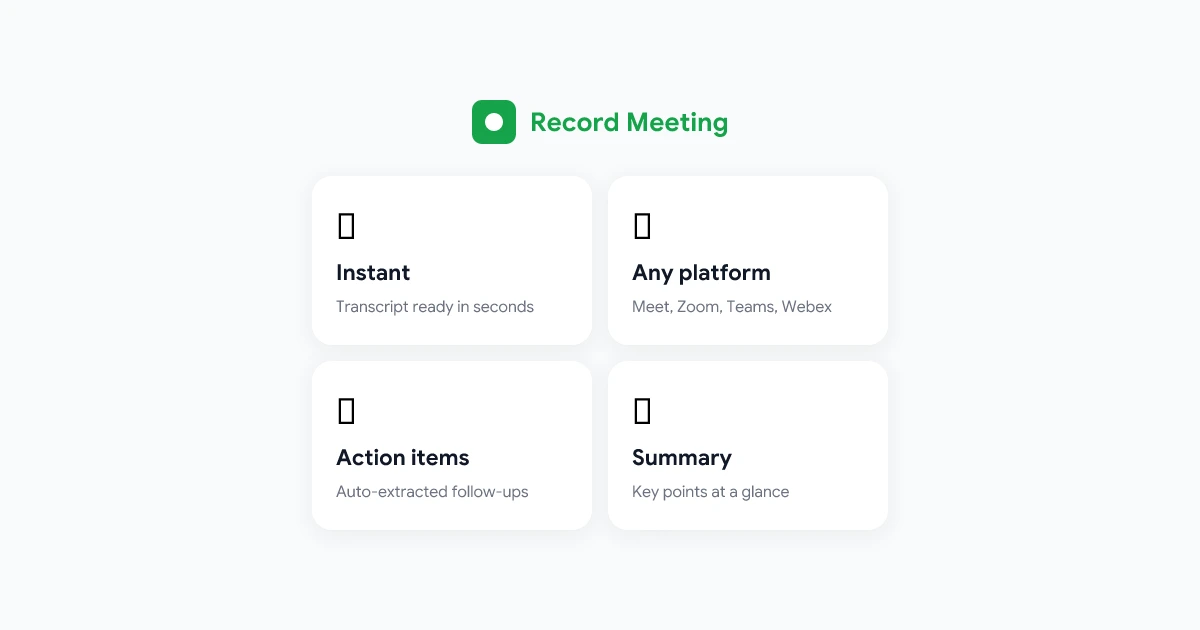
Record Meeting records from the browser, transcribes the standup, and surfaces blockers in a summary you can paste into the recap template. Only the facilitator needs the extension installed. Everyone else joins Meet as usual.
Record Google Meet standups from the browser. Get transcripts, blocker summaries, and shareable links without a bot in the call. Free to start.
Get Started Free
FAQ
Should we record every daily standup?
No. Record when async teammates depend on the update or during high-churn sprints. If everyone attends live and your board is the source of truth, skip the file and keep the written blockers post.
How long should a recorded standup be?
Aim for 10 to 15 minutes for the live call. If recordings routinely exceed 20 minutes, you are problem-solving in standup. Move deep work to a separate meeting and keep the recording short.
Do all participants need recording software installed?
No. Only the person who starts capture needs the extension or host permissions. Everyone else joins Google Meet normally. That pattern is the same for team standup recording with Record Meeting.
Is a transcript enough without the video?
Often yes. Blockers and owners live in text. Keep the video for tone, onboarding, or disputed wording. Many distributed teams publish transcript plus summary and delete video after 30 days.
What if someone joins late and missed the recording announcement?
Restate that the call is being recorded when they join. If they object, pause capture for their update or offer to send them a written summary instead of the file.
Run one recorded standup this week
Pick the next standup where someone in another time zone will miss live. Announce recording, keep the round under 15 minutes, and post blockers in chat before you drop the link.
Once the rhythm sticks, absent teammates stop scheduling βquick syncs to catch up.β They read, unblock, and ship. That is what a good standup recording practice should do.