Fireflies AI Alternative: Best Meeting Notetakers Compared (2026)
Looking for a Fireflies AI alternative? Compare Record Meeting, Otter, Fathom, and tl;dv on bots, pricing, transcripts, and Google Meet support.

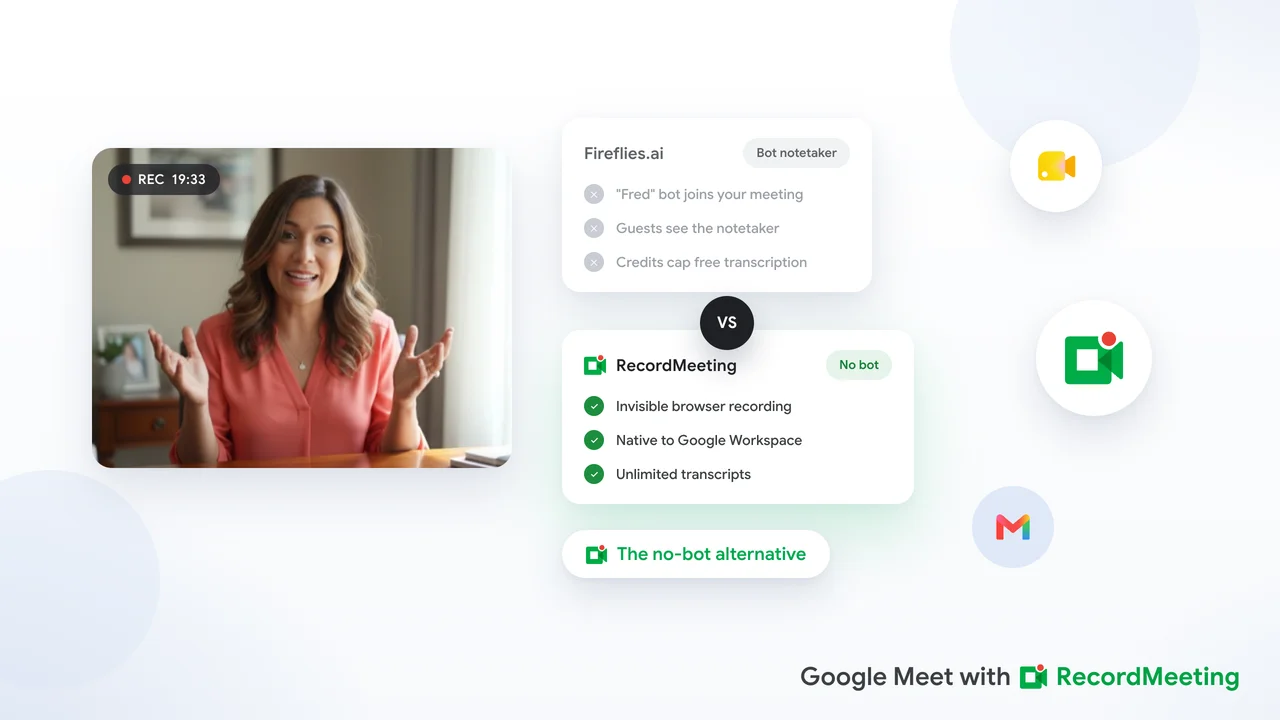
If you need a Fireflies AI alternative, start with how you capture meetings today. Fireflies.ai sends a bot named Fred into Zoom, Google Meet, and Microsoft Teams calls, then turns the audio into transcripts, summaries, and CRM updates. Teams switch when they want less visible presence in the room, clearer storage limits, or capture that fits Google Workspace without calendar plumbing.
This guide compares the best Fireflies AI alternatives for remote teams in 2026. You will see where each tool wins, what Fireflies still does well for sales pipelines, and how to move off Fred without losing your meeting archive.
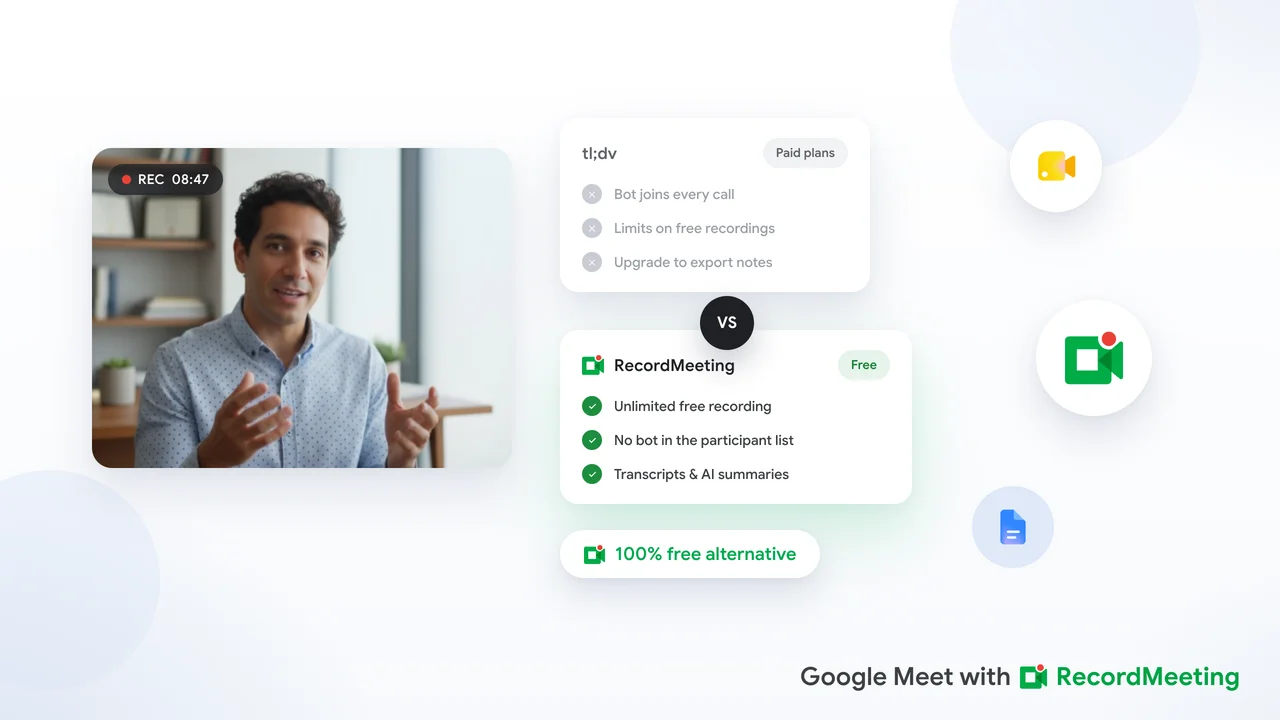
For a head-to-head feature breakdown with Record Meeting, see why modern teams choose Record Meeting over Fireflies. If you also evaluate analytics-heavy tools, our Read AI alternative guide covers a similar switch pattern.
Key takeaways
- Match capture model to culture: Bot-first tools like Fireflies work when guests expect a recorder. Browser-based capture fits client calls where a visible notetaker feels intrusive.
- Watch storage and AI credits: Fireflies free storage is capped per seat, and advanced features consume AI credits that do not grow when you add teammates.
- Free tiers differ: Fathom and Otter offer generous personal free plans. Record Meeting includes a free tier for trying browser-based capture on Google Meet.
- Compliance comes first: Pair any recorder with a written policy. Use our meeting recording policy template before you roll recording out company-wide.
- Pilot before you migrate: Run your top two options on the same call type for two weeks. Compare transcript quality, summary usefulness, and admin controls.
Why teams look for Fireflies AI alternatives
Fireflies earned a strong position among revenue teams. According to Fireflies’ own product overview, it records live meetings, labels speakers, generates summaries, and syncs notes to CRMs and project tools. For sales orgs that live in Salesforce or HubSpot, that closed loop is hard to beat.
Common reasons teams search for Fireflies AI alternatives anyway:
- Bot fatigue: Fred appears in the participant list as “Fireflies.ai Notetaker.” External clients, candidates, and executives sometimes ask to remove the recorder before the call starts. Fireflies states the bot cannot be hidden for compliance reasons.
- Storage ceilings: The free plan includes a fixed storage pool per seat. Heavy meeting volume fills that quota faster than monthly recording caps on some competitors.
- AI credit math: AskFred, soundbites, and other advanced features draw from a shared credit pool. Power users on Pro or Business plans often buy add-on credits during busy quarters.
- Google Meet-first stacks: Teams standardized on Google Workspace want capture that lives inside Meet without extra calendar guests.
- Video on lower tiers: Full video recording on Fireflies requires Business tier or above per current pricing. Teams that need replay of screen shares may outgrow Pro quickly.
None of this means Fireflies is wrong for every team. It means your requirements may have shifted since you first connected your calendar.
Not looking for Adobe Firefly?
Search results sometimes mix up Fireflies.ai (meeting notetaker) with Adobe Firefly (generative image AI inside Creative Cloud). They solve different problems. If you landed here while searching for an Adobe Firefly alternative, you want a design tool, not a meeting recorder. This article covers Fireflies.ai and other AI notetakers only.
What Fireflies AI does well
Before you switch, note what you might give up:
- CRM automation: Fireflies pushes call notes into Salesforce, HubSpot, and dozens of other apps without manual copy-paste.
- Conversation intelligence: Talk-time analytics, topic tracking, and team-level trends sit beside raw transcripts.
- Multilingual transcription: Fireflies supports 100+ languages on supported capture paths.
- Flexible capture: Calendar bot, Chrome extension, desktop app, mobile recording, and file upload all feed one notebook.
Fireflies is less ideal when nobody on your team opens CRM auto-logs, guests push back on bots, or you need a simple searchable archive without a credit meter running in the background.
Best Fireflies AI alternatives at a glance
| Tool | Best for | Capture style | Standout strength | Typical paid price |
|---|---|---|---|---|
| Record Meeting | Google Meet-heavy teams, no bot | Browser extension + Workspace add-on | Silent capture, 16 languages, searchable archive | Free tier, Pro from $9/mo (annual) |
| Fireflies.ai | CRM-heavy sales orgs | Bot joins call | Deep CRM sync, conversation intelligence | Free tier, Pro from ~$10/seat/mo (annual) |
| Otter.ai | English-first note-taking | Bot (OtterPilot) | Fast English transcription, large user base | Free tier, paid from ~$17/user/mo |
| Fathom | Individual reps on Zoom | Bot | Generous free tier for personal use | Free for individuals, team plans paid |
| tl;dv | Multilingual distributed teams | Bot | 30+ languages, clip-friendly video | Free tier, paid plans available |
| Grain | Sales highlight reels | Bot | Short video clips from customer calls | ~$15 to $19/user/mo |
| Read.ai | Engagement analytics | Bot | Attention scores and live coaching prompts | ~$15 to $19/user/mo |
Prices change. Treat the table as directionally accurate and confirm on each vendor’s pricing page before procurement.
Record Meeting: a Fireflies AI alternative without the bot
Record Meeting is the strongest Fireflies AI alternative when your team records Google Meet daily, also uses Microsoft Teams, and spends more time searching transcripts than tuning CRM automations.
How it differs from Fireflies
- No bot in the participant list: Record Meeting runs as a Chrome extension and Google Workspace add-on. Capture happens in the browser without a visible third-party guest named Fred.
- Archive-first design: Every call lands in a searchable workspace with AI summaries, speaker labels, and timestamp links. Jump to a moment without parsing talk-time charts.
- Google Workspace depth: Install from the Chrome Web Store or Google Workspace Marketplace and record inside Meet with one click.
- 16 languages: Useful for distributed teams where English is not the default meeting language.
Where Fireflies still wins
Fireflies’ CRM auto-logging and conversation intelligence dashboards remain more developed for revenue teams that treat every call as pipeline data. Record Meeting covers the same moments through summaries and timestamp search, but the Salesforce-first automation layer is Fireflies’ home turf.
Who should choose Record Meeting
- Operations, product, and HR teams that replay full calls and search text
- Companies standardized on Google Workspace and Google Meet
- Teams that also record Microsoft Teams and want one vendor
- Organizations writing a formal recording policy and need IT-friendly browser-based capture
 Try Record Meeting
Record Google Meet without a bot in the room. Get AI transcripts, summaries, and action items in a searchable archive.
Get Started Free
Install Record Meeting, then run it on two recurring meetings before you cancel Fireflies. Compare transcript accuracy on the call types that matter most to your team.
Other Fireflies AI alternatives worth evaluating
Otter.ai
Otter remains a familiar pick for English-language note-taking. OtterPilot joins as a bot, similar to Fireflies. Transcription quality is strong for US and UK English. Teams that need broader locale coverage may want to compare language lists before they migrate. See our Record Meeting vs Otter.ai comparison for a full breakdown.
Fathom
Fathom targets individual professionals who want free AI summaries on Zoom with minimal setup. Strong option when one rep needs personal notes, less suited as a company-wide archive with centralized retention and Google Meet at scale.
tl;dv
tl;dv competes on multilingual meetings and short video clips teams can share in Slack or Notion. Choose it when translation and highlight reels matter more than CRM depth.
Grain
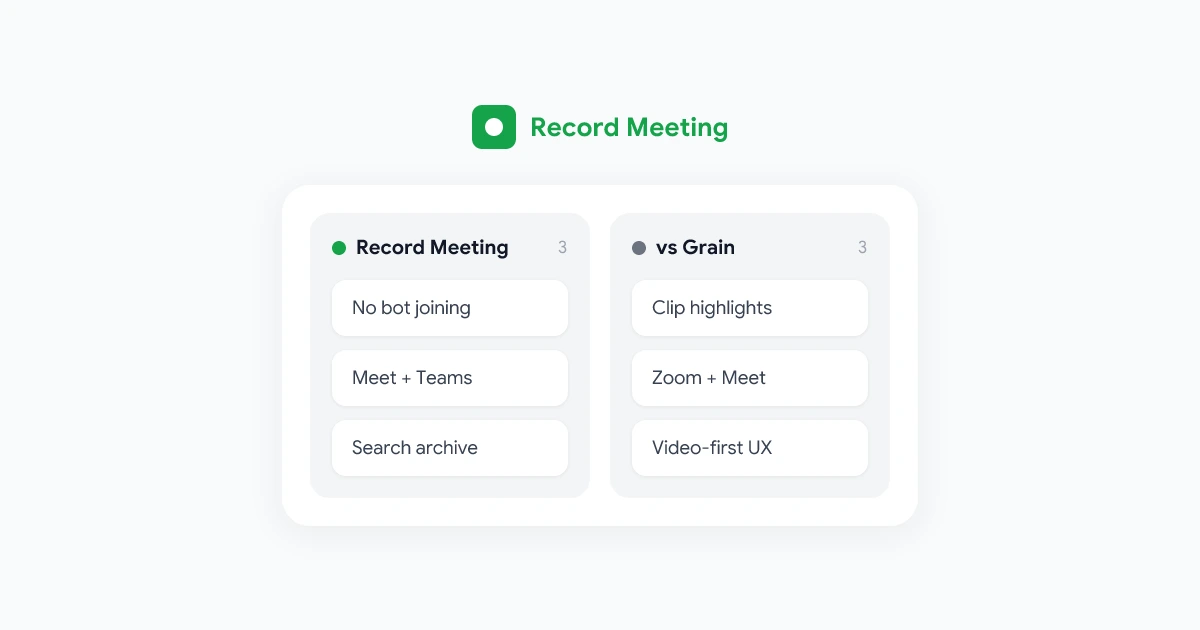
Grain focuses on clipping customer quotes and sharing short video moments from sales calls. See our Grain alternative guide if highlight reels stay central to your workflow.
Read.ai
Read.ai adds engagement analytics and live coaching prompts on top of transcripts. Choose it when managers review attention scores weekly. Choose Record Meeting or Otter when nobody opened those dashboards last quarter.
Free Fireflies AI alternatives
Several tools offer usable free tiers, but the limits differ:
- Fireflies free: Includes transcription with storage caps per seat and limited AI credits. Transcript downloads require a paid plan.
- Fathom: Popular among individual users who want unlimited personal recording on supported platforms. Confirm current limits on Fathom’s site before you standardize.
- Otter: Free tier with monthly transcription minutes. Works well for light personal use.
- Record Meeting: Free tier with core recording and transcription on Google Meet. Upgrade when you need unlimited recordings, longer calls, or extended storage.
Free plans cap hours, seats, or retention. Export your Fireflies archive before you hit storage limits on any platform.
How to switch from Fireflies.ai (step by step)
Moving off Fireflies is part tool selection, part cleanup. Work through these steps with whoever owns your calendar and conferencing accounts.
1. Export what you need from Fireflies
Download transcripts and recordings you must keep before you change plans. Fireflies retention rules vary by tier. Do not assume unlimited history on free or Pro accounts.
2. Stop Fred from joining future calls
According to Fireflies’ removal guide, you can:
- Toggle Fireflies off for upcoming meetings in the dashboard
- Set auto-join to “Only when I invite fred@fireflies.ai”
- Remove
fred@fireflies.aifrom calendar guests you no longer want recorded
3. Remove Fireflies from a live meeting
If Fred already joined, remove the notetaker from your platform’s participant list or click Stop on the Fireflies dashboard live banner. If removed within the first few minutes, Fireflies may not produce a transcript for that session.
4. Revoke calendar and workspace access
Disconnect Google Calendar, Outlook, Zoom, and Teams integrations in Fireflies settings. If your IT team blocked the app at the tenant level, confirm removal in Microsoft Entra or Google Workspace admin consoles so OAuth tokens do not linger.
5. Install and pilot your replacement
Install your chosen recorder on two recurring meetings. For Google Meet, follow our how to transcribe Google Meet guide to validate capture quality before you delete your Fireflies account.
6. Update your recording policy
Document which tool is approved, who may record, and how long files are kept. Our meeting recording policy template gives legal and HR a starting point.
How to choose the right Fireflies AI alternative
Work through these five questions with IT, sales ops, and whoever owns compliance:
- Which platforms do we record on? If Teams appears in the answer, confirm every finalist supports it natively.
- Bot tolerance? Ask customer success whether external guests ever ask to remove the recorder. Browser-based capture reduces that friction.
- CRM or search? Count how often notes auto-sync to Salesforce versus how often someone searches last month’s standup. Match the tool to the behavior you actually see.
- Language needs? Export a sample of last quarter’s calls by locale. Match the tool to real usage, not the HQ default.
- Retention and sharing? Any recorder is only as safe as your storage and link settings. Pair tool selection with secure sharing habits and a clear retention window.
Run a two-week pilot. Record the same standup, sales call, and all-hands in your top two tools. Compare transcript accuracy, time to share a recap, and admin setup effort.
FAQ
What is Fireflies AI?
Fireflies.ai is an AI meeting assistant that records, transcribes, and summarizes voice conversations. It most often joins live calls as a bot participant on Zoom, Google Meet, Microsoft Teams, and Webex. It also offers a Chrome extension, desktop app, and file upload paths. After each meeting, you get searchable transcripts, AI summaries, and optional CRM sync. See the official Fireflies overview for the full feature list.
Is Fireflies AI safe?
Fireflies publishes a security and privacy policy stating that meeting content is not used to train AI models and that users control sharing settings. The company also describes SOC 2 compliance and encryption practices. Safety for your organization still depends on your recording policy, guest consent practices, and how admins configure retention. Treat any third-party recorder as processing personal data once someone speaks on mic.
How do I remove Fireflies.ai from meetings?
During a live call, remove “Fireflies.ai Notetaker” from the participant list or click Stop on the Fireflies dashboard. For future meetings, toggle Fireflies off in upcoming meetings, remove fred@fireflies.ai from calendar invites, or change auto-join to manual invite only. Fireflies documents the full workflow in its removal guide. If you deleted your account but the bot still appears, ask IT to revoke Fireflies OAuth access in your workspace admin console.
What is the best free Fireflies AI alternative?
The best free option depends on your platform. Fathom and Otter offer strong personal free tiers for bot-based capture. Record Meeting offers a free tier for browser-based Google Meet recording without a bot. Compare monthly minute caps, storage retention, and whether transcript downloads require a paid upgrade before you commit.
Is there an open-source Fireflies AI alternative?
There is no widely adopted open-source clone of Fireflies with the same CRM integrations and conversation intelligence. Developers sometimes self-host transcription with Whisper and custom pipelines, but that path requires engineering time for capture, storage, and access control. Most teams choose a hosted notetaker and focus on policy instead of building their own.
Pick a recorder that matches how you work
Fireflies earned its place among sales teams that want CRM-connected meeting notes. When your ops team searches transcripts more than pipeline automations, your guests push back on bots, or your stack is Google Meet-first, it is time to evaluate a Fireflies AI alternative that fits the whole company.
Record Meeting is the best fit for Google Meet-first teams that want searchable archives, multi-language transcription, and capture without a visible bot. Otter, Fathom, tl;dv, Grain, and Read.ai each win specific niches. Run a short pilot, align with your recording policy, and standardize on one tool before the next quarter’s call volume doubles.
Try Record Meeting on your next Google Meet call. Install the extension, record a 30-minute team meeting, and search the transcript for a decision you know was made on the call. If you find it in seconds, you have your answer. For a detailed feature comparison with Fireflies, visit our Record Meeting vs Fireflies page.