How to Record Client Calls: A Consultant's Guide
Learn how to record client calls the right way, with consent, secure storage, and a workflow that turns every consulting meeting into searchable notes.

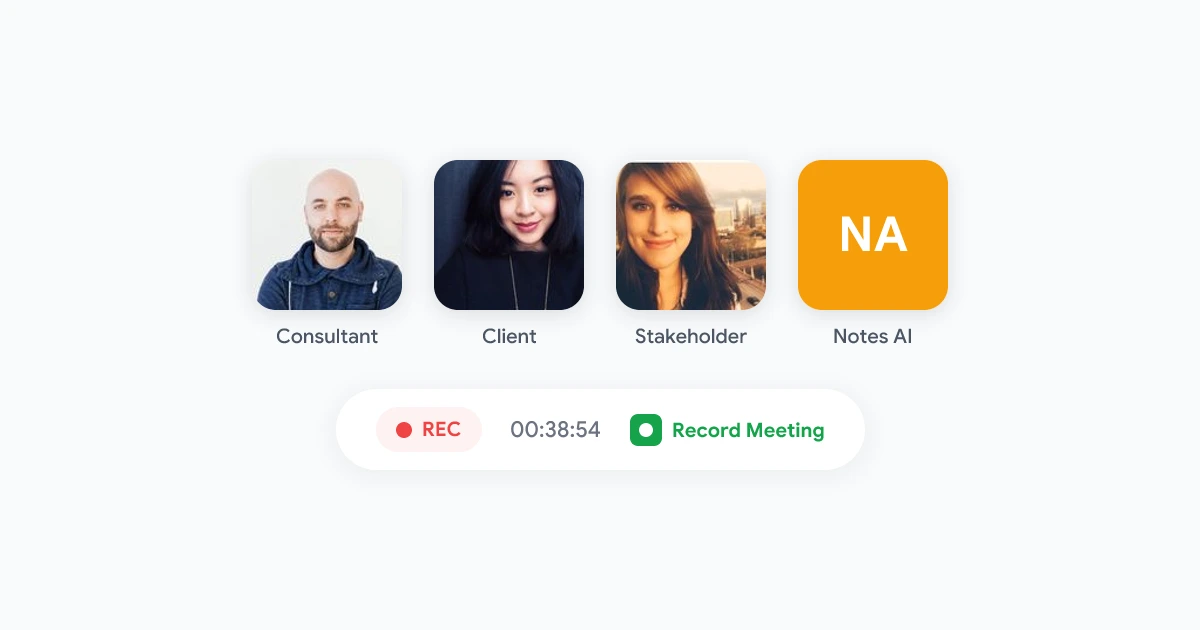
Consultants live and die by what was said on the call. A scope change agreed in week three, a budget number a client mentioned in passing, the exact wording of an approval: these details decide whether a project ends in a referral or a dispute. When you record client calls, you stop relying on memory and start working from the actual conversation.
This guide is written for independent consultants and small advisory firms who run most of their client work over video. It covers when client call recording is worth it, how to ask for consent without making things awkward, the simplest way to record on Google Meet, and how to turn each recording into notes and follow-ups your clients will thank you for.
Why consultants should record client calls
For a solo consultant or a lean team, recording is less about surveillance and more about capacity. You cannot take perfect notes, run the discussion, and read the room at the same time. Recording lets you be present in the call and accurate after it.
The concrete payoffs:
- A defensible record of decisions. When a client says “we never agreed to that,” you have the moment on file, with a timestamp.
- Faster, better deliverables. Quotes, requirements, and context come straight from the source instead of half-remembered notes.
- Smoother handoffs. If you bring in a subcontractor or associate, they can hear the client in their own words rather than reading your summary of a summary.
- A scope-creep shield. Every “small extra request” is captured, so you can point to where the original scope ended and a change order begins.
- Reusable knowledge. Discovery calls become a searchable archive you can mine when you pitch similar work later.
Recording a paid client meeting is more sensitive than recording an internal team sync. You are capturing someone else’s commercial conversation, sometimes their confidential data, so the bar for consent and storage is higher. The rest of this guide treats that seriously.
Is it legal to record client calls?
In most places, the rule that matters is consent. Some regions and US states require all parties to agree to a recording, while others only require one party. Because your clients may sit in different states or countries, the safe and professional default is simple: always get clear consent before you record, every time.
There is also a trust dimension that goes beyond the law. Even where one-party consent is legal, secretly recording a client is a fast way to lose one. Transparency is the point, not the obstacle.
A practical baseline that keeps you both legal and trusted:
- Tell clients up front, ideally in your engagement letter or onboarding email, that calls may be recorded for accuracy.
- Ask again at the start of the call, out loud, before you hit record.
- Note the consent so you have a record that you asked.
- Stop on request. If a client declines, take manual notes for that call instead.
For the legal background on multi-party calls, see our guide on whether it is legal to record meetings, and pair it with the GDPR meeting recording guide if any of your clients are in Europe.
How to ask for client consent (without the awkwardness)
The fear is that asking to record signals distrust or makes the call feel like a deposition. In practice, framing it as a service to the client removes the friction entirely.
A line that works on almost any kickoff call:
“I’d like to record this so I can focus on the conversation instead of scribbling notes, and so you’ll get an accurate summary and action items afterward. Are you comfortable with that?”
It reframes the recording as something the client gets value from, the summary and the accuracy, rather than something done to them. Most clients say yes immediately. If they hesitate, offer to record audio only, or to share the recording and notes with them afterward so it is a shared asset rather than your private file.
Run through these before every recorded call:
- Recording mentioned in the engagement letter
- Verbal ask at the start of the call
- Purpose stated (accuracy and shared notes)
- An easy way for the client to decline
How to record client calls on Google Meet
Google Meet’s built-in recording is gated behind paid Workspace tiers and the host’s account, which is a problem when the client owns the meeting or you are on a leaner plan. As a consultant joining calls you did not schedule, you often cannot start the native recorder at all.
A browser-based recorder solves this. Record Meeting is a Chrome extension and Google Workspace add-on that records the Google Meet tab directly from your browser, so it works whether you host the call or join as a guest, with no bot showing up in the participant list.
The flow is short:
- Install the extension. Add Record Meeting from the Chrome Web Store and sign in once.
- Join the client call like you normally would.
- Ask for consent, then click record. A clear indicator shows recording is active.
- Run the meeting. The recording captures video, audio, and the screen share.
- Stop and process. When the call ends, you get the recording plus an AI transcript and summary.
Because the recorder runs in your browser tab rather than joining as a separate participant, clients are not greeted by an unfamiliar bot. You stay in control of when recording starts and stops.
 Try Record Meeting
Record client calls on Google Meet straight from your browser. Get transcripts, summaries, and action items after every call, with no bot joining the meeting. Free to start.
Get Started Free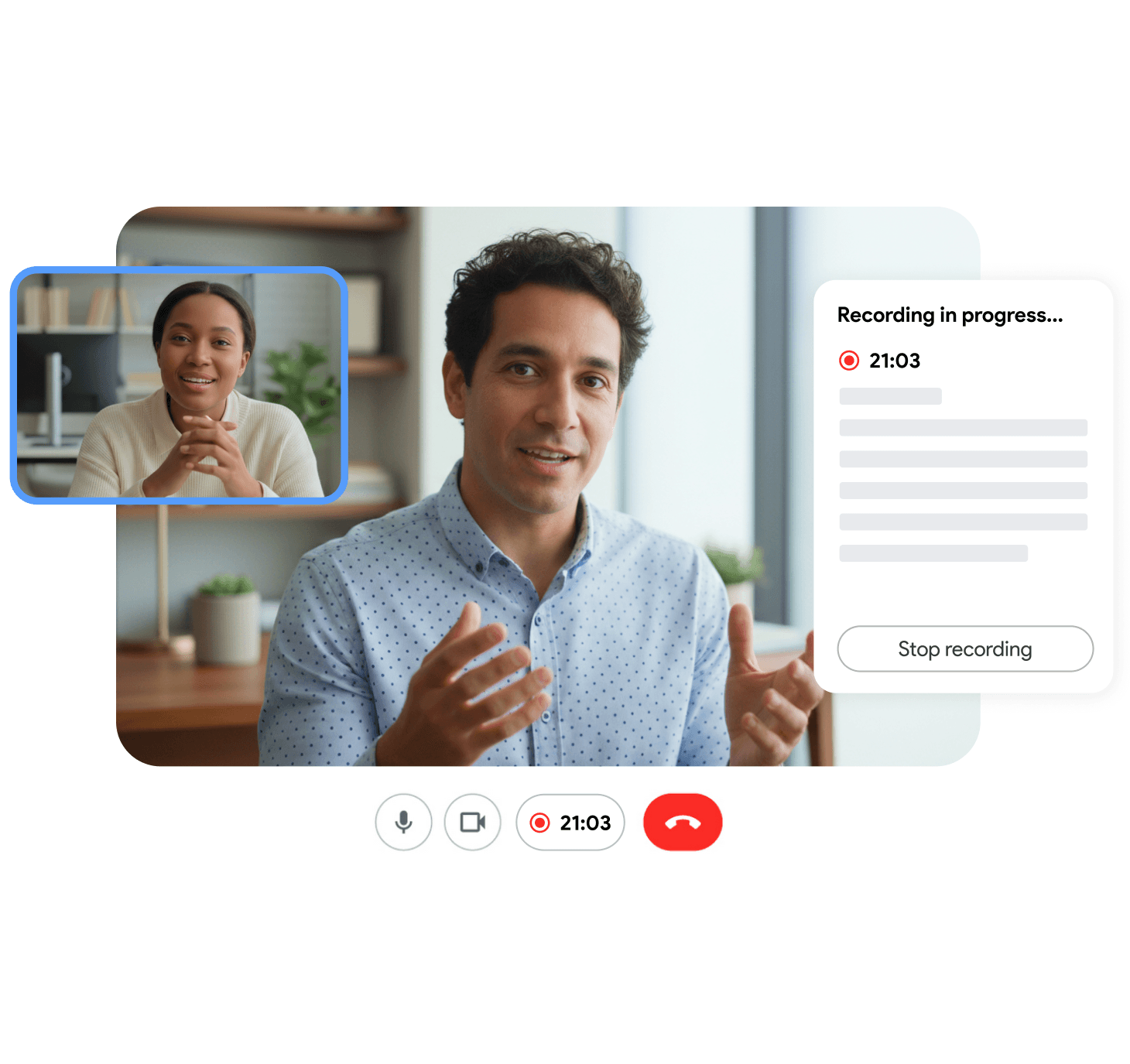
Turn the recording into deliverables clients value
A raw video file sitting in a folder helps no one. The value of client call recording comes from what you do with it in the hour after the call.
Send a recap the same day
Within a few hours, send the client a short recap: key decisions, open questions, and who owns what next. An AI summary gives you the skeleton, and you add the judgment. This one habit makes you look organized and prevents the slow drift where each side remembers the call differently. Our async meeting recap template gives you a structure you can reuse for every client.
Pull quotes and requirements straight from the transcript
When you write the proposal, statement of work, or final report, search the transcript for the exact phrasing the client used. Their words in your deliverable signal that you listened, and they cut down on revision cycles.
Tag recordings by client and engagement
Before long you will have dozens of recordings. Decide a naming and tagging convention early, by client, project, and call type (discovery, status, review). Metadata is what lets you find the one call that mattered six weeks later, and it drives your deletion schedule too.
Keep client recordings separate and access-controlled
Client recordings often contain confidential business information. Store them in a workspace only you and the relevant team members can reach, and share individual recordings with clients through links rather than file copies. Our guide on how to share meeting recordings securely covers link controls, expiry, and access logs.
Set a retention policy before recordings pile up
Holding client recordings forever is a liability, not an asset. Old files are data you have to protect, and in a dispute or audit they can work against you as easily as for you. Decide up front how long you keep recordings and stick to it.
A reasonable default for many consultants:
- Active engagement: keep recordings for the life of the project plus a short buffer.
- After project close: keep only what you need for invoicing or warranty, then delete.
- On client request: be ready to delete a client’s recordings if they ask, which European clients can require under GDPR.
Write this down once and apply it consistently. Our meeting recording retention policy guide and the meeting recording policy template give you language you can drop straight into your own internal policy.
Frequently asked questions
The bottom line
When you record client calls with consent, store them securely, and turn each one into a same-day recap, recording stops being an afterthought and becomes part of how you deliver. You stay present in the conversation, your deliverables get sharper, and you have a clear record when scope or memory comes into question.
Start with the basics: tell clients in your engagement letter, ask before each call, and use a recorder that works whether you host or join. For a deeper look at how recordings fit into ongoing client work, see our client meetings use case, then get started with Record Meeting on your next call.