How to Never Miss a Meeting Action Item Again
A practical system for tracking meeting action items so nothing falls through the cracks. Includes a free template, live-assignment tactics, and follow-up rules.

Every team has the same recurring problem. A meeting ends, three things were agreed on, and two weeks later nobody remembers who was supposed to do what. The task never lived anywhere except someone’s memory, and memory is a terrible tracking system.
Meeting action items only work if they survive the trip from “said out loud” to “written down, owned, and checked on.” That trip has three failure points: nobody captures the task clearly, nobody assigns a single owner, or nobody follows up. Fix those three points and action items stop disappearing. This guide walks through exactly how, with a copy-paste template you can start using in your next call.
What Are Action Items in a Meeting (and Why They Get Lost)
An action item is a specific, assignable task that comes out of a discussion. It is not the same as a decision or a topic that was covered. “We discussed pricing” is not an action item. “Alex sends the updated pricing deck to finance by Thursday” is.
Most action items get lost for one of four reasons:
- No single owner. “The team will look into it” means nobody is responsible, so nobody does.
- No due date. A task without a deadline quietly moves to the bottom of everyone’s list forever.
- No written record. If it only exists in someone’s memory of the call, it has already started fading by the time the meeting ends.
- No follow-up. Even a well-captured task dies if nobody checks on it before the next meeting.
The fix for all four is the same: capture action items in the room, assign a name and a date to each one, and put them somewhere your team actually looks again.
How to Track Action Items From a Meeting
Tracking action items well is less about tools and more about timing. The best system captures the task the moment it is said, not from memory afterward.
Capture during the call, not after
Waiting until the meeting ends to write down what happened is where most action items die. By then the details have blurred and whoever is writing notes is reconstructing from memory. Capture the task in real time, in the exact words used, while everyone is still in the room to correct it if it is wrong.
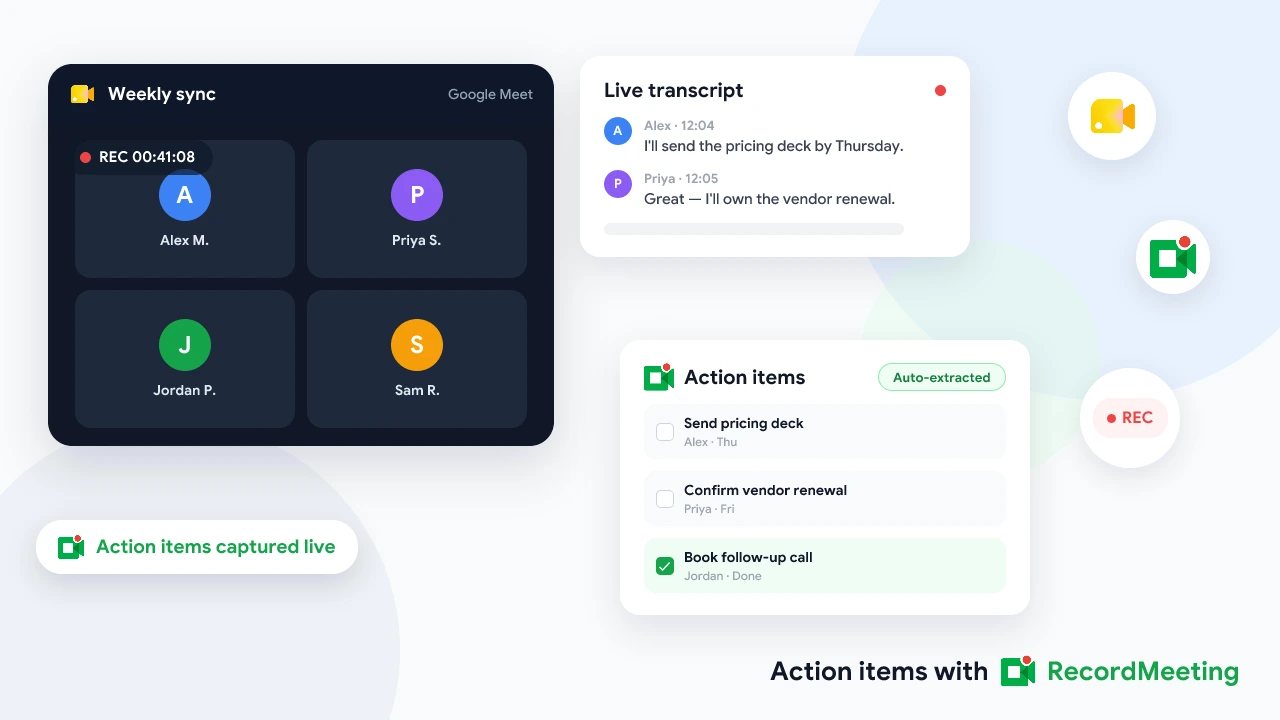
If you record your Google Meet calls, you also get a transcript to fall back on. That matters more than it sounds: a recording lets you go back and check exactly what was promised instead of relying on whoever happened to be taking notes that day.
Assign owners and due dates in the moment
Never end a discussion point without saying who owns it and when it is due, out loud, in the meeting. “Someone should follow up on this” is not an assignment. “Kim, can you send that by Friday?” is. Getting a verbal yes in the room takes ten seconds and prevents the awkward follow-up email asking who agreed to what.
Centralize instead of scattering
Action items that live in five different places (a notebook, a Slack thread, someone’s memory, a shared doc nobody reopens) are effectively untracked. Pick one place your team actually revisits, whether that is a project management board, a shared doc, or a recap email, and put every action item there without exception.
 Try Record Meeting
Record Google Meet from the browser and get an AI summary with action items pulled out automatically, no manual note-taking required.
Get Started Free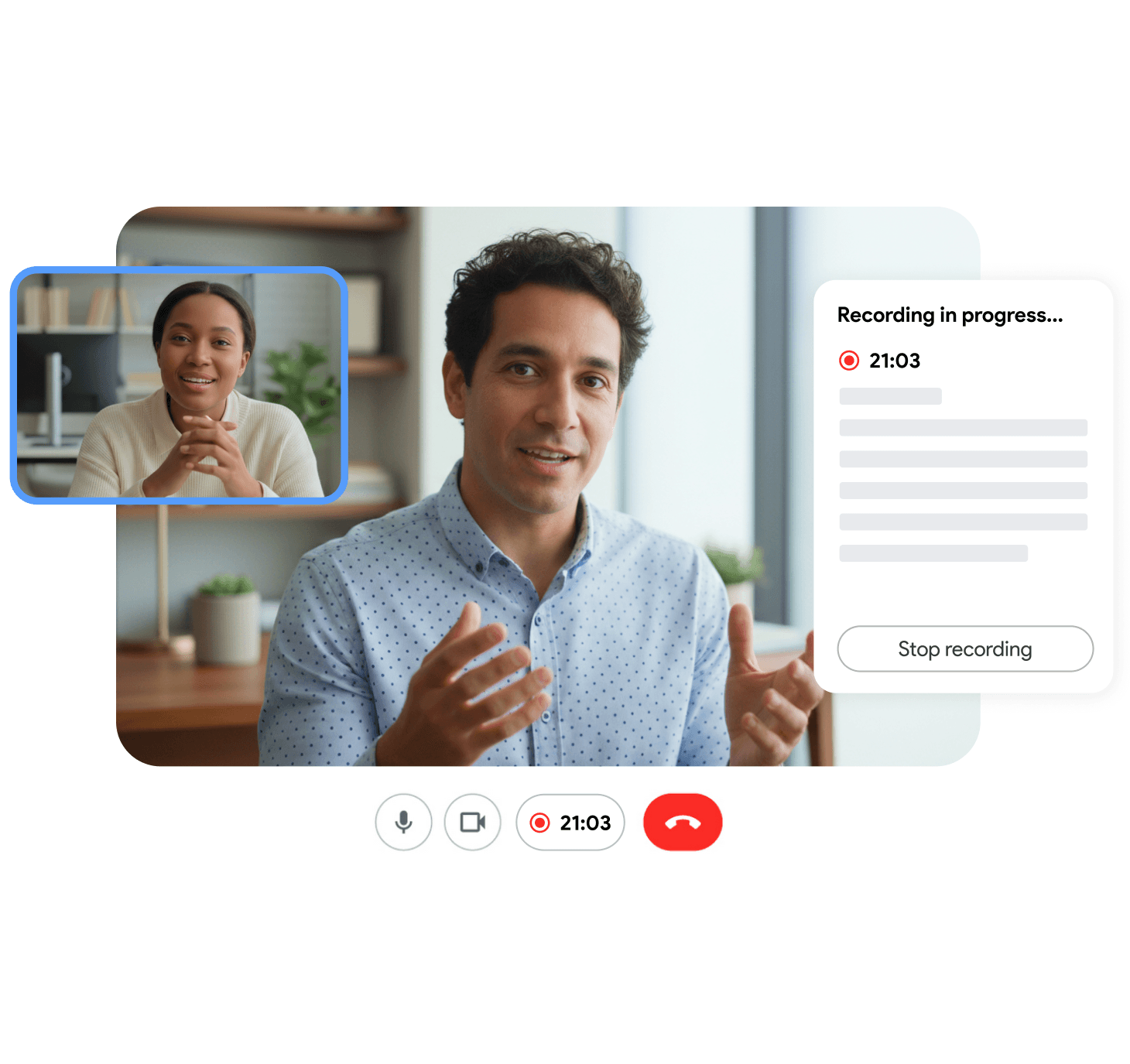
The Best Way to Track Action Items
There is no single correct tool. There is a correct set of requirements, and several tools that meet them. The best way to track action items is whichever option your team will actually open again after the meeting ends.
| Method | Good for | Watch out for |
|---|---|---|
| Recap email | Small teams, one-off meetings, external stakeholders | Easy to write, easy to ignore once it is buried in an inbox |
| Shared doc (Google Docs, Notion) | Recurring meetings with the same group | Needs a consistent format or it turns into a wall of text |
| Project board (Jira, Asana, Trello) | Teams that already run work through tickets | Overhead for small or informal meetings |
| AI meeting summary | Any recorded call | Only as accurate as the transcript, always spot-check owner names |
If your team already sends a recap after every call, our meeting recap email template covers the exact structure that keeps action items from getting buried in prose. For teams recording every call, generating that recap automatically from the transcript removes the manual step entirely, see how in our guide to auto-generating a Google Meet summary.
Meeting Action Items Template You Can Copy
Keep the template to four columns. Anything more and people stop filling it in consistently.
| Task | Owner | Due date | Status |
|---|---|---|---|
| Send updated pricing deck to finance | Alex | Aug 14 | Not started |
| Review Q3 onboarding flow | Kim | Aug 15 | In progress |
| Confirm vendor contract renewal | Sam | Aug 18 | Blocked (waiting on legal) |
A few rules that keep this useful instead of decorative:
- One task per row. “Review deck and send feedback and update the roadmap” is three tasks pretending to be one.
- Owner is always a name, never a team. “Marketing” is not accountable. A person is.
- Status gets updated between meetings, not just reviewed at the start of the next one. A board that only gets touched once a week stops reflecting reality.
- Carry unfinished items forward. Do not let an incomplete task quietly disappear when a new list starts.
Action Items Follow-Up: Closing the Loop
Capturing an action item is half the job. The other half is checking on it before it becomes overdue. A few habits that close the loop without turning into micromanagement:
- Open every recurring meeting by reviewing the previous list. Two minutes at the start of the call, going through what is done, what is in progress, and what is stuck, catches problems early instead of at the deadline.
- Send a mid-week nudge for anything due soon. A short message (“reminder: pricing deck due Friday”) costs nothing and prevents a task from quietly slipping.
- Ask “blocked” not “done yet.” People are more honest about being blocked than about being late. Asking the right question surfaces the real reason a task stalled.
- Close items publicly. Marking a task done where the team can see it reinforces that the tracking system actually matters, which keeps people using it.
For teams running the same meeting every week, our weekly standup best practices guide covers how to keep this loop lightweight instead of turning into its own meeting.
How to Assign Action Items in a Meeting (Live, In the Room)
The single highest-leverage habit here is assigning ownership out loud before the conversation moves on. It takes a specific phrasing to make it stick:
- Name the owner directly. “Can you own this?” beats “who wants to take this?” The first gets a yes or no. The second gets silence.
- State the due date as a question, not an assumption. “Does Friday work?” gets a real commitment. Announcing a date without checking gets a task that quietly misses it.
- Repeat it back before moving on. “So Alex, pricing deck to finance by Thursday” takes five seconds and confirms everyone heard the same thing.
- Write it down where the owner can see it, ideally shared in the meeting itself rather than typed into a private notes app only the note-taker can see.
If you are recording the call, this moment is also the easiest thing to check afterward. Transcribing the meeting means you can search for exactly who agreed to what instead of relying on a note-taker’s paraphrase.
Frequently Asked Questions
Bottom Line
Action items do not disappear because teams are careless. They disappear because the system relies on memory instead of a written, owned, and followed-up record. Capture the task the moment it is said, assign one name and one date out loud, and keep every item in a single place your team actually reopens.
If you are already recording your Google Meet calls, you get a transcript to fall back on whenever there is doubt about who agreed to what. Try Record Meeting to capture the transcript and AI summary automatically, then apply the template above to whatever action items come out of your next call.