How-to Guides
How to Record a Zoom Meeting as a Participant (Not the Host)
Record a Zoom meeting as a participant: get Allow Record from the host, what works on free Zoom, and how to record without host permission from your browser.
Read More
 RecordMeeting
 Category
Step-by-step instructions for recording, transcribing and sharing your meetings. From quick start to advanced workflows.
26 articles
Record a Zoom meeting as a participant: get Allow Record from the host, what works on free Zoom, and how to record without host permission from your browser.
Microsoft Teams recording expiration: the 120 day default, how to extend or remove the expiry date, admin settings, and how to recover an expired recording.
Want to record Google Meet on your phone? See what the mobile app allows, who is eligible, the steps for Android and iPhone, and the best workarounds.
Need to delete a Google Meet recording? Learn who can do it, the exact steps in Drive, how long Trash keeps it, and how to remove the transcript too.
Slack huddles leave nothing behind once everyone leaves. Here is how to record a huddle in Slack on the web, what the recording contains, and how to get a transcript and summary afterwards.
Google Meet recording no sound? Learn the common causes, from muted mics to unshared tab audio, plus quick fixes and ways to stop it happening again.
Learn the Google Meet recording time limit, why a recording can take a while to appear in Drive, and what to do when a long meeting runs past the cap.
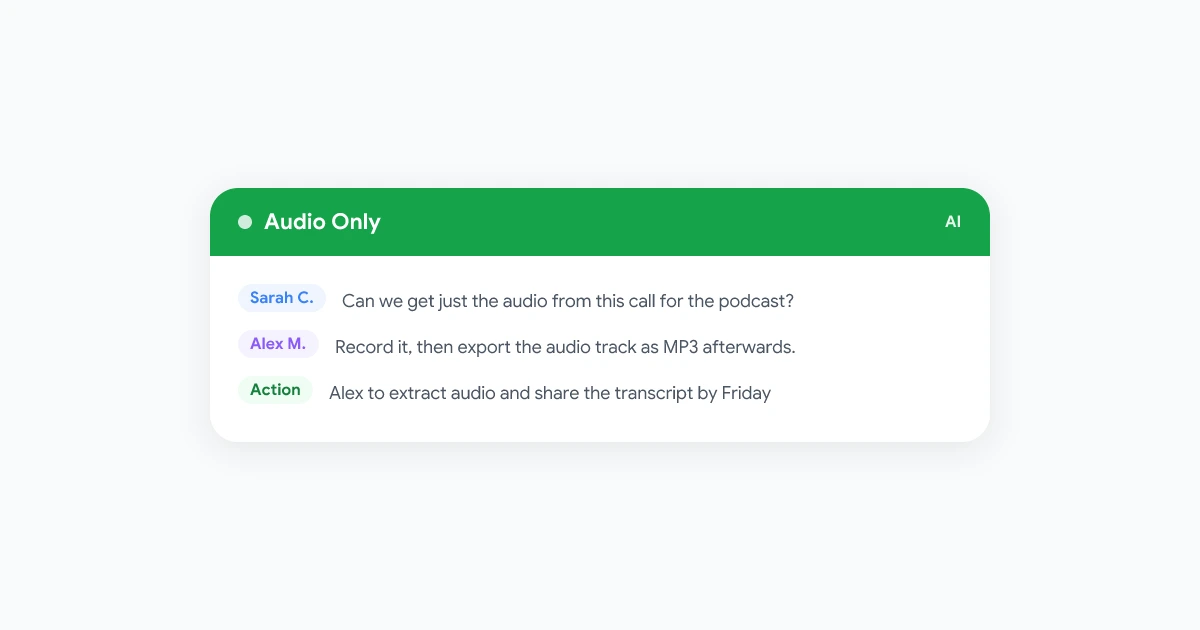
Wondering if Google Meet can record audio only? Learn what the built-in recorder does, how to get an audio file, and when a transcript is the better choice.
Manage a Google Meet recording in Google Drive: find the Google Meet folder, edit or trim the video, share it safely, and keep storage under control.
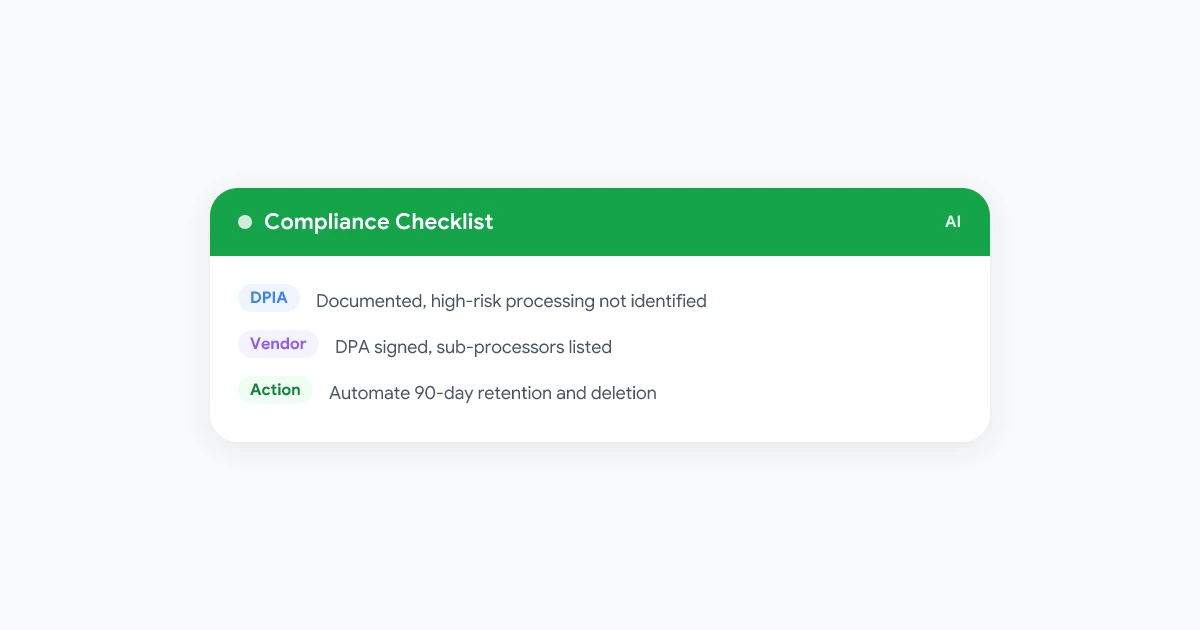
Meeting recording GDPR compliance goes beyond consent. Here is the DPIA, vendor, works council, and security checklist IT and compliance teams actually need.
Learn how to share meeting notes with your team so decisions and action items actually stick. Templates, tools, and a workflow you can start today.
Can you record a meeting without telling participants? A state-by-state and country-by-country look at consent laws, workplace rules, and what happens if you get it wrong.
Meeting accountability tracking turns spoken commitments into a system you can check on. Learn how to hold your team accountable without micromanaging.
How to summarize long meetings with AI, from 90-minute workshops to multi-hour all-hands, without the summary turning into a vague paragraph that misses what actually happened.
A practical system for tracking meeting action items so nothing falls through the cracks. Includes a free template, live-assignment tactics, and follow-up rules.
Need to record a WhatsApp call? WhatsApp has no built-in recorder. This guide covers practical options for iPhone, Android, and desktop, plus consent basics and a cleaner browser-based workflow.
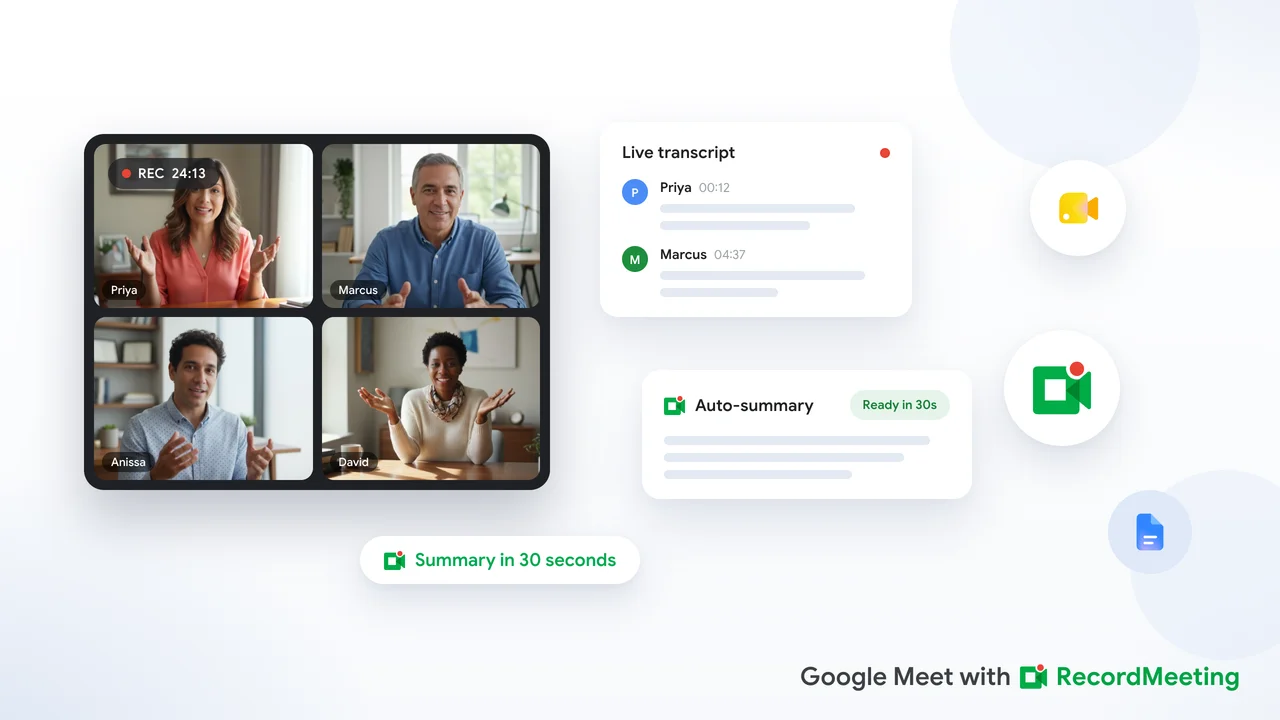
Learn how to auto generate a meeting summary in Google Meet with Gemini Take notes for me, plus browser tools when your plan does not include Workspace AI.
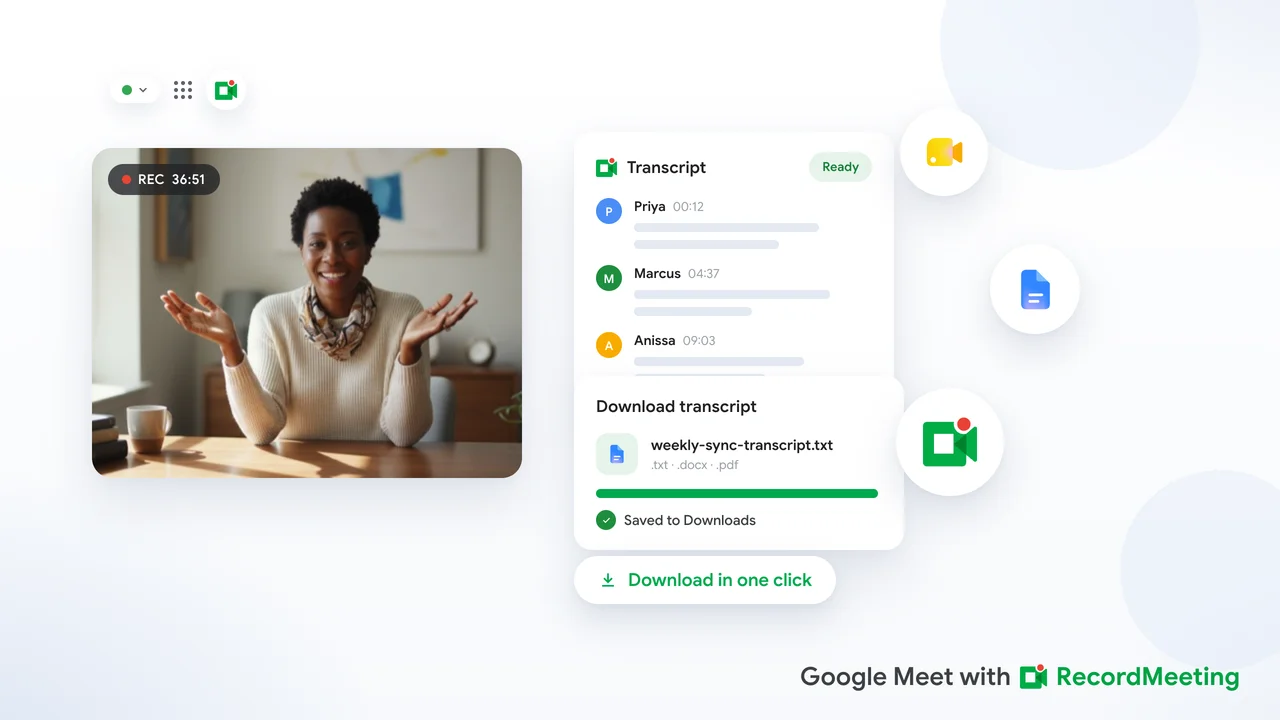
How to download a Google Meet transcript as a text file, Google Doc or PDF. Covers built-in captions, other tools and what to do when it is grayed out.
Learn how to transcribe Google Meet calls automatically. Compare built-in captions, Google Workspace transcripts, and browser-based options with speaker labels.
Learn how to save a Google Meet recording to your computer: download it from Google Drive, capture any call locally without a paid plan, and play the.webm file.
Need google meet recording without bot? Compare native Workspace recording, browser extensions, and local capture so no AI notetaker joins your call.
Learn how to download a Zoom recording from a shared link on desktop, mobile, and Chrome. Passcode tips, permission checks, and fixes when the Download button is missing.
Google Meet recording greyed out or unavailable? Here is exactly why the record button is disabled and how to record any Meet call regardless of your plan.
Zoom recording not showing up after a call? Here is why cloud and local recordings go missing and the exact steps to find, convert, and recover them.
Learn how to download Zoom cloud recordings even when the host has disabled the download button, using browser extensions and developer tools. Plus, discover a better way to record meetings with RecordMeeting.
Just finished a meeting and can't find the video? Google Meet saves recordings in three places. Here is exactly where to look.
Explore More
Discover more tips and guides across different topics.
Honest, detailed comparisons of RecordMeeting vs Otter.ai, Fireflies.ai, and other meeting tools, covering features, pricing and how each one records.
Deep dives into AI transcription, speaker detection, multilingual support, and the future of meeting intelligence.
What's new in RecordMeeting: feature releases, improvements to recording, transcription and AI notes, and highlights from the changelog.
Hands-on walkthroughs: set up your workspace, connect Google Calendar, customize AI summaries, and get more out of every meeting you record.
Real stories from teams using RecordMeeting, how they record, transcribe, and act on meeting intelligence.
Practical strategies to reduce meeting overload, run standups effectively, and get more done with async workflows.
How to record Google Meet, Zoom, Teams and other video platforms, including free and browser-based options.
AI-powered transcription, meeting minutes, voice-to-text tools, and how to turn audio into searchable text.
AI meeting assistants, automated note-takers, and intelligent tools that summarize and analyze your calls.
Record sales calls, coach your team with recordings, and close more deals using conversation intelligence.
The best apps and tools for recording calls on iPhone, desktop, and in-browser, free and paid options reviewed.
Side-by-side comparisons of RecordMeeting vs Otter.ai, Fireflies, tl;dv, Grain, and other meeting recorders.
Recording consent laws, call recording legality by state and country, and compliance guidance for teams.
