How-to Guides
How to Delete a Google Meet Recording (and What Happens Next)
Need to delete a Google Meet recording? Learn who can do it, the exact steps in Drive, how long Trash keeps it, and how to remove the transcript too.
Read More
 RecordMeeting
 Everything you need to record, transcribe and get more from your meetings.
Try RecordMeeting FreeLatest
Need to delete a Google Meet recording? Learn who can do it, the exact steps in Drive, how long Trash keeps it, and how to remove the transcript too.
Slack huddles leave nothing behind once everyone leaves. Here is how to record a huddle in Slack on the web, what the recording contains, and how to get a transcript and summary afterwards.
Google Meet recording no sound? Learn the common causes, from muted mics to unshared tab audio, plus quick fixes and ways to stop it happening again.
Category
Need to delete a Google Meet recording? Learn who can do it, the exact steps in Drive, how long Trash keeps it, and how to remove the transcript too.
Slack huddles leave nothing behind once everyone leaves. Here is how to record a huddle in Slack on the web, what the recording contains, and how to get a transcript and summary afterwards.
Google Meet recording no sound? Learn the common causes, from muted mics to unshared tab audio, plus quick fixes and ways to stop it happening again.
Category
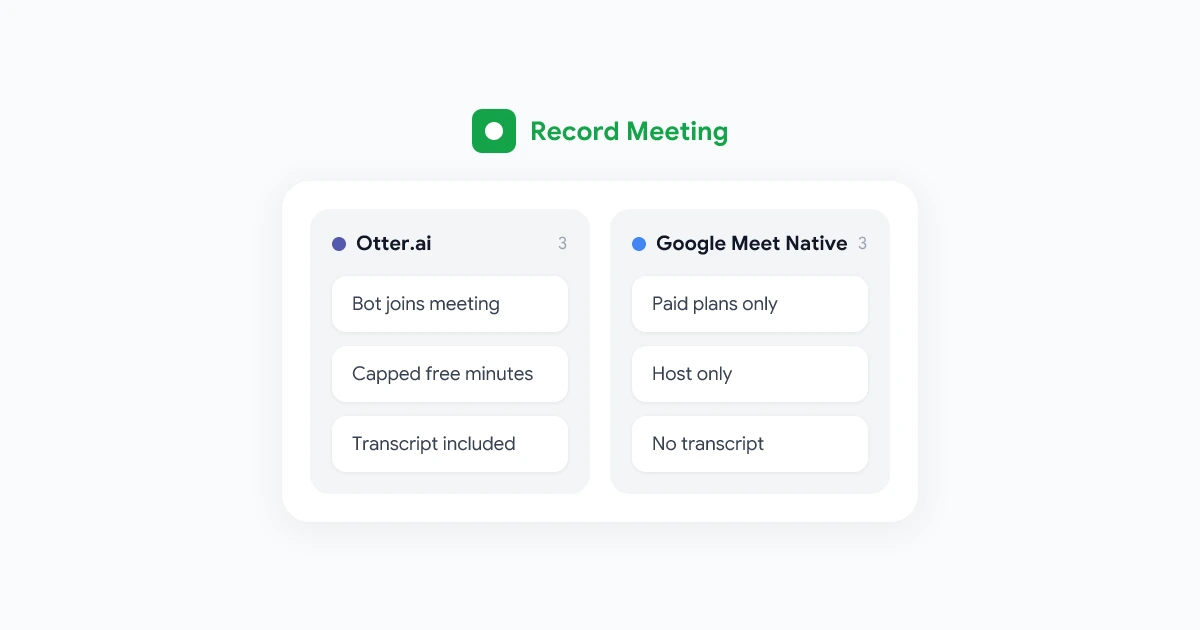
Otter.ai vs Google Meet recording compared: pricing, bot visibility, transcript quality, and admin controls, so you can pick the right tool for your calls.
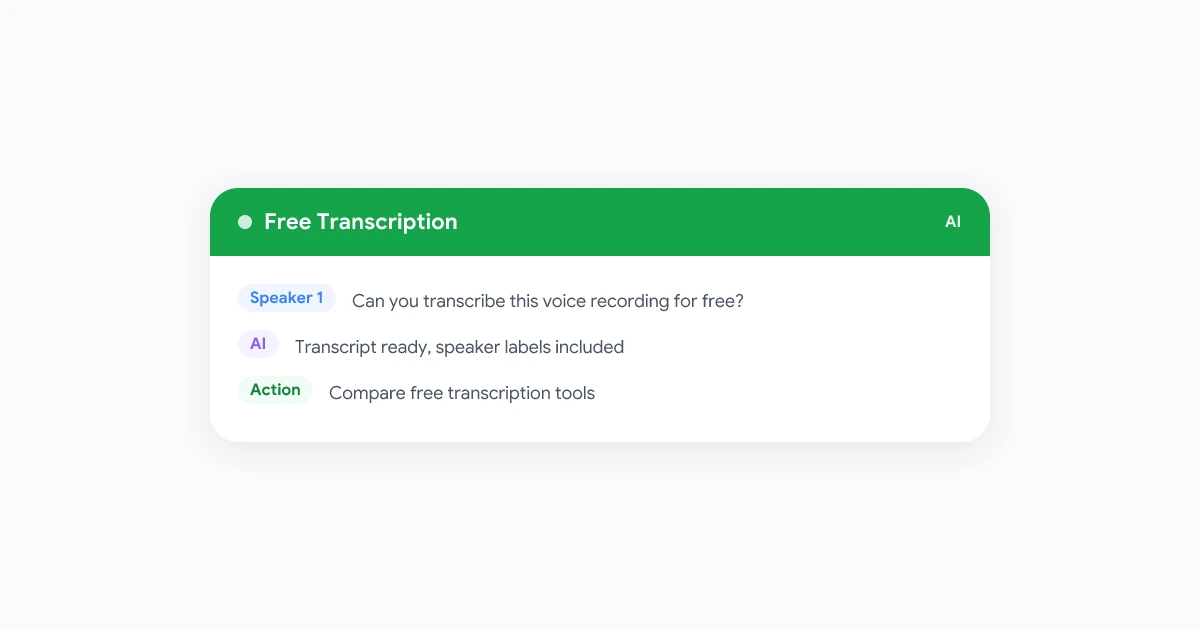
Compare the best free voice recording transcription software options in 2026, from Google Docs Voice Typing to Otter and Whisper-based apps, plus their real limits.
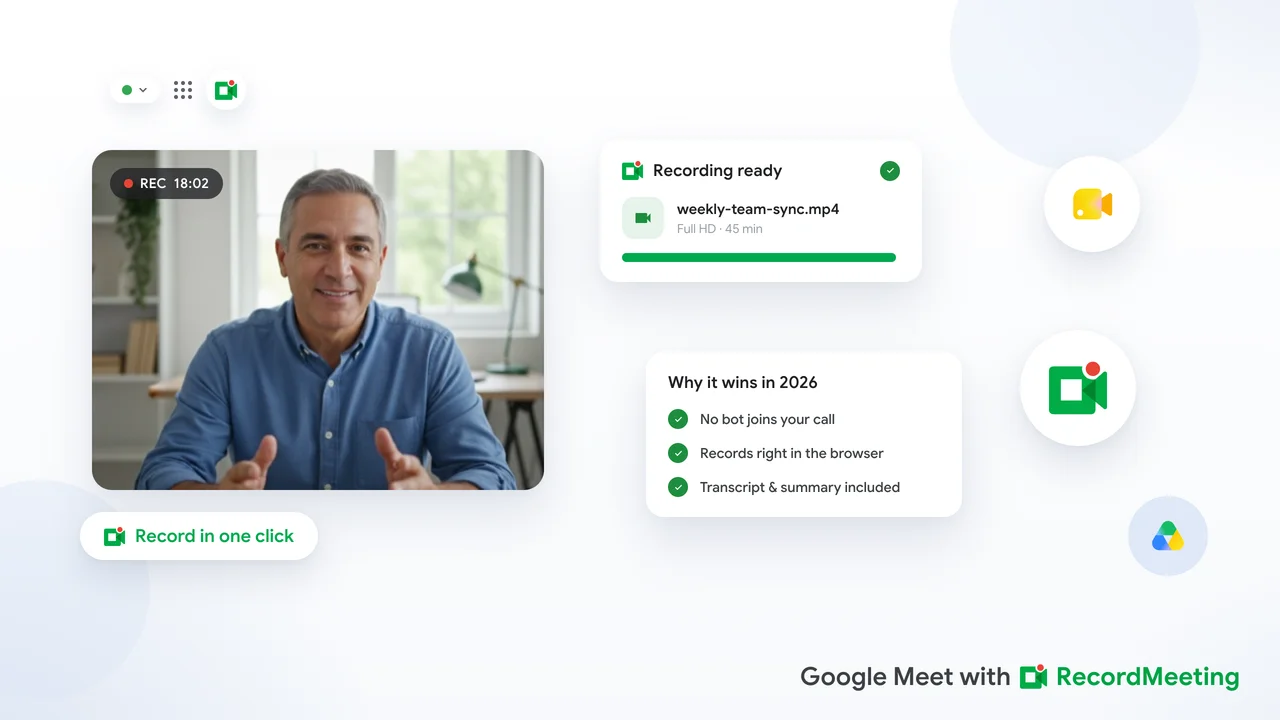
A practical guide to the best meeting recorder for Google Meet in 2026, covering browser extensions, bot-based tools, and what to look for on free and paid plans.
Category
How sales teams use Google Meet for sales calls, record them without a bot, and turn every conversation into CRM notes and coaching material.
A practical guide to meeting recording for small business. Compare free and paid options, and turn client calls and interviews into notes automatically.
Category
Ranked list of the best meeting recorder apps in 2026. Covers Google Meet, Zoom, and Teams recorders with transcription, summaries, and auto-record features.
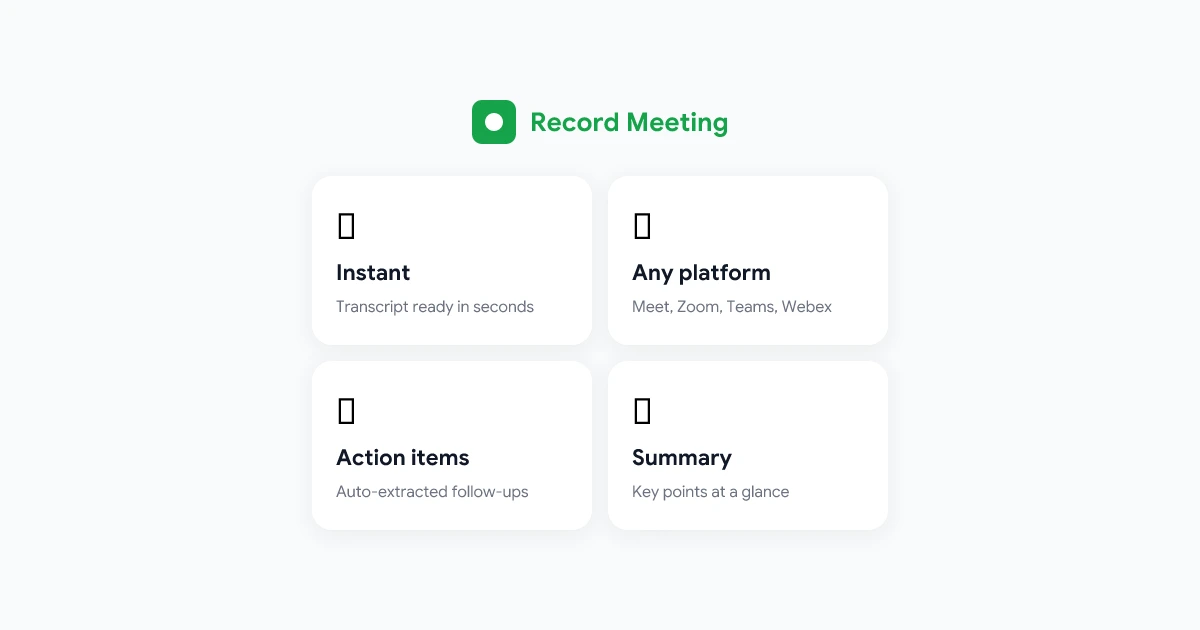
Compare the best meeting recording software in 2026. Covers browser extensions, desktop apps, and platform-native tools for Google Meet, Zoom, and Teams.
Google Meet recording not working? This guide covers every common cause and fix in 2026, including account permissions, plan requirements, and alternative options.