Otter.ai has four plans in 2026. Basic is free. Pro costs $16.99 per user per month, or $8.33 per month billed annually. Business costs $30 per user per month, or $19.99 billed annually. Enterprise is sold by quote.
Price is only half of Otter AI pricing, though. Every plan also meters something: minutes per month, minutes per meeting, file imports or seats. Those limits decide which plan you actually need, and they are where most of the surprises are.
This guide lists each plan’s price and limits, works out what a year of Otter costs for one person and for a team, and covers the discounts, the trial and the refund rules. The figures come from Otter’s pricing page and its help center, checked on November 12, 2026. Plans and limits change, so confirm on Otter’s site before you buy.
Otter AI pricing at a glance
| Plan | Billed monthly | Billed annually | Transcription per month | Longest meeting | Workspace size |
|---|---|---|---|---|---|
| Basic | Free | Free | 300 minutes | 30 minutes | Up to 5 members |
| Pro | $16.99 per user | $8.33 per user per month | 1,200 minutes | 90 minutes | Up to 5 members |
| Business | $30 per user | $19.99 per user per month | Unlimited meetings | 4 hours | Up to 25 members |
| Enterprise | Custom quote | Custom quote | Unlimited meetings | 4 hours | Unlimited |
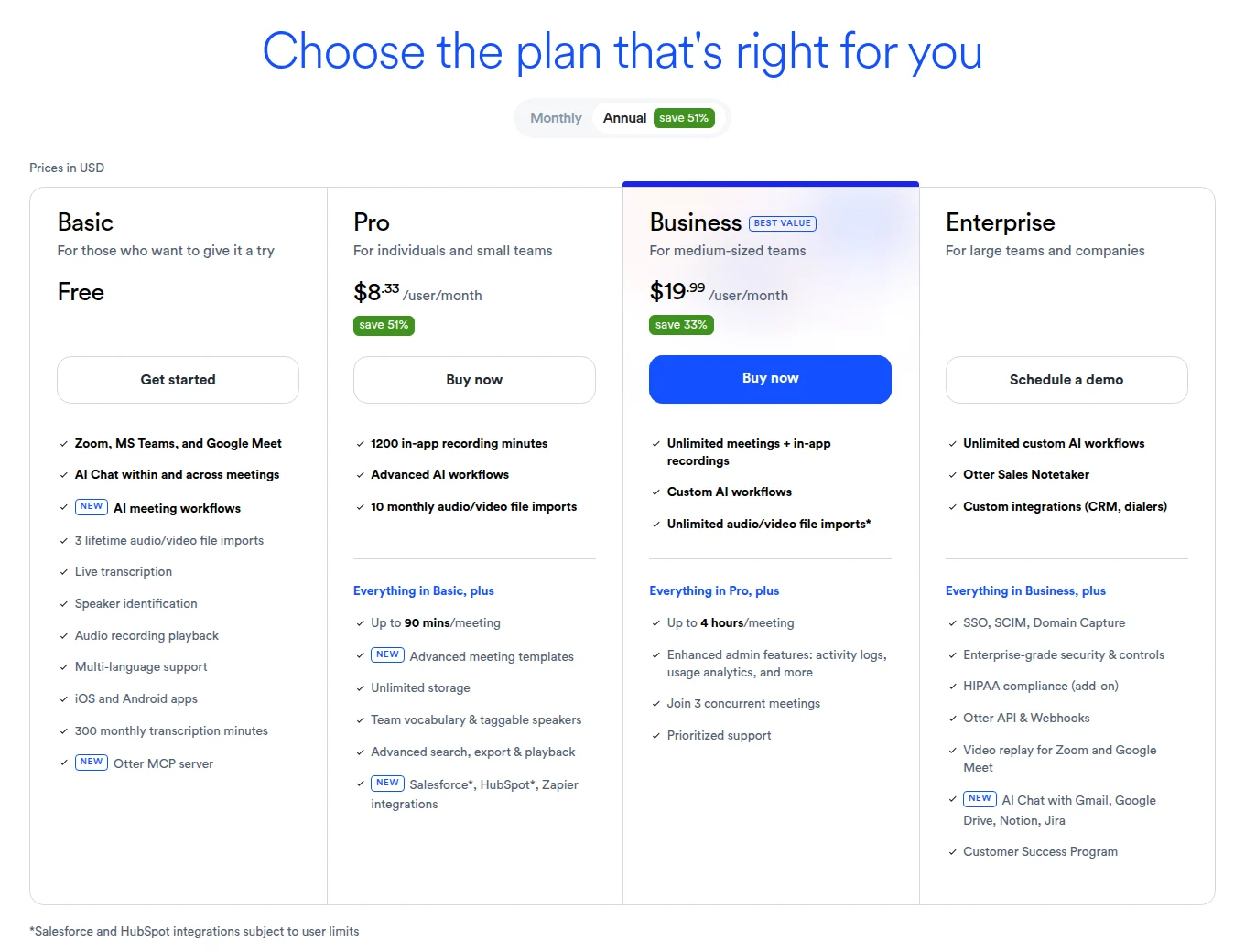
Three things about these numbers are easy to miss:
- Prices are per user, in US dollars. A workspace pays for every member. Otter’s guide to how seats work says that when an invited teammate joins a full workspace, the prorated cost of the extra seat is charged automatically.
- The monthly Business price is currently shown as $24. That is a 20% discount for the first three months, for first-time subscribers only. The list price is $30.
- Minutes do not roll over. Otter’s help article on when monthly minutes reset says the allowance resets on the day your billing cycle started. Otter does not sell extra minutes. Its answer to running out is to upgrade.
Is Otter AI free? What the Basic plan includes
Yes. Basic is free for as long as you like. It works with Zoom, Microsoft Teams and Google Meet, and it includes live transcription, speaker identification, AI Chat and the iOS and Android apps.
The limits decide whether it is enough. Otter’s help page on Basic plan limits and the comparison table on the pricing page list them:
| Limit on Basic | What it means in practice |
|---|---|
| 300 transcription minutes per month | Five hours of meetings. When they are gone you cannot record or import until the next cycle, and deleted conversations still count |
| 30 minutes per conversation | A longer recording keeps running, but you can only read the first 30 minutes of the transcript |
| 3 file imports per account | Three audio or video uploads for the lifetime of the account, not per month |
| 25 most recent conversations | Older ones are archived, not deleted, and come back when you upgrade |
| 20 AI Chat queries per month | With at most 3 per conversation |
| 1 concurrent meeting | The Notetaker can only sit in one call at a time |
The 30 minute cap is the one that bites. A standard one hour call gives you half a transcript, and the rest waits behind an Unlock full transcript button until you pay. Basic suits short check-ins and the occasional interview. It does not suit a calendar booked in one hour blocks.
The three lifetime imports go just as quickly. If you mostly transcribe voice memos, lectures or interviews you recorded elsewhere, our roundup of free voice recorders with transcription lists tools with looser upload limits.
Otter Pro and Business: what each paid plan buys
Otter Pro: $16.99 monthly, or $8.33 billed annually
Pro is built for individuals and very small teams. It raises every Basic limit without removing any of them:
- 1,200 minutes per month, shared between live meetings and imported files.
- 90 minutes per conversation.
- 10 file imports per month.
- Unlimited conversation history, plus export to PDF, DOCX and SRT as well as TXT and MP3.
- 50 AI Chat queries per month and 2 concurrent meetings.
- Up to 5 workspace members.
1,200 minutes is 20 hours. That covers about one meeting per working day, but not a calendar with four or five calls a day. And 90 minutes is still a ceiling for workshops, board meetings and long interviews.
Otter Business: $30 monthly, or $19.99 billed annually
The Otter AI Business plan is where meeting minutes stop being metered:
- Unlimited meetings and in-app recordings.
- 4 hours per conversation.
- Unlimited file imports, up to 6,000 minutes per user per month.
- Up to 25 workspace members and 3 concurrent meetings.
- 200 AI Chat queries per month.
- Admin features such as activity logs and usage analytics, plus prioritized support.
Business is also the only self-serve route for a sixth teammate, because Basic and Pro workspaces stop at five members.
Otter Enterprise: custom pricing
Enterprise has no public price. It adds SSO, SCIM and domain capture, the Otter API and webhooks, the Sales Notetaker and custom CRM and dialer integrations. The pricing table notes a minimum license of 100 users for SSO and SCIM, and lists HIPAA compliance as an add-on.
One more detail matters if you expect a paid plan to keep the video of your calls. Video replay for Zoom and Google Meet appears only on the Enterprise card. If most of your calls are on Meet, our comparison of Otter.ai and Google Meet recording shows what each one saves.
How much does Otter AI cost per year?
Otter advertises its annual plans as a monthly figure, so the yearly bill takes some arithmetic. This table multiplies the published per-month prices by twelve.
| Plan and billing | 1 user for 12 months | 5 users for 12 months |
|---|---|---|
| Pro, billed monthly | $203.88 | $1,019.40 |
| Pro, billed annually | About $100 | About $500 |
| Business, billed monthly | $360 | $1,800 |
| Business, billed annually | $239.88 | $1,199.40 |
Two patterns stand out:
- Monthly billing roughly doubles the cost of Pro. Twelve monthly payments come to $203.88, against about $100 for the annual plan. Six months of monthly billing already costs more than a full year paid up front.
- The sixth teammate nearly triples the bill. Five people on Pro billed annually cost about $500 a year. Pro stops at five members, so six people need Business, which comes to $1,439.28 a year on annual billing.
Discounts and the free trial
- Students and teachers: 20% off Pro with an email address ending in .edu. That is $13.59 per month, or $6.67 per month billed as $79.99 a year. Otter’s student and teacher program covers the individual Pro plan only, without workspace features.
- Nonprofits: a discount on Otter Business through TechSoup, which checks charitable status. Otter says registering with TechSoup for the nonprofit discount is the only way to get it.
- Business trial: the Otter Business free trial requires a credit card. If nobody cancels before it ends, the card is charged for every seat in the workspace at the monthly Business rate.
- Regional offers: the pricing page also carries a half-price Pro offer marked as valid only with an India-issued credit card.
Cancelling, refunds and what happens to your notes
Otter’s Terms of Service state that all fees are non-refundable. Its cancellation guide confirms that this includes the unused part of a plan you forgot to cancel. The practical rules:
- Cancel at least 24 hours before the renewal date. Go to Account Settings, then Billing, then Cancel plan. Only the workspace owner or an admin can do it.
- Keep using Otter until the period ends. The workspace then moves to Basic automatically.
- Pause instead if you only need a break. Otter allows one pause per subscription.
- Cancel in the app store if you bought there. Apple App Store and Google Play subscriptions follow those stores’ refund policies.
Your conversations survive a downgrade. Otter’s page on what happens to conversations when you change plans says nothing is deleted, but only the 25 most recent stay readable on Basic. The rest are archived, and anyone you shared an archived conversation with loses access too.
Otter vs Record Meeting: price and limits side by side
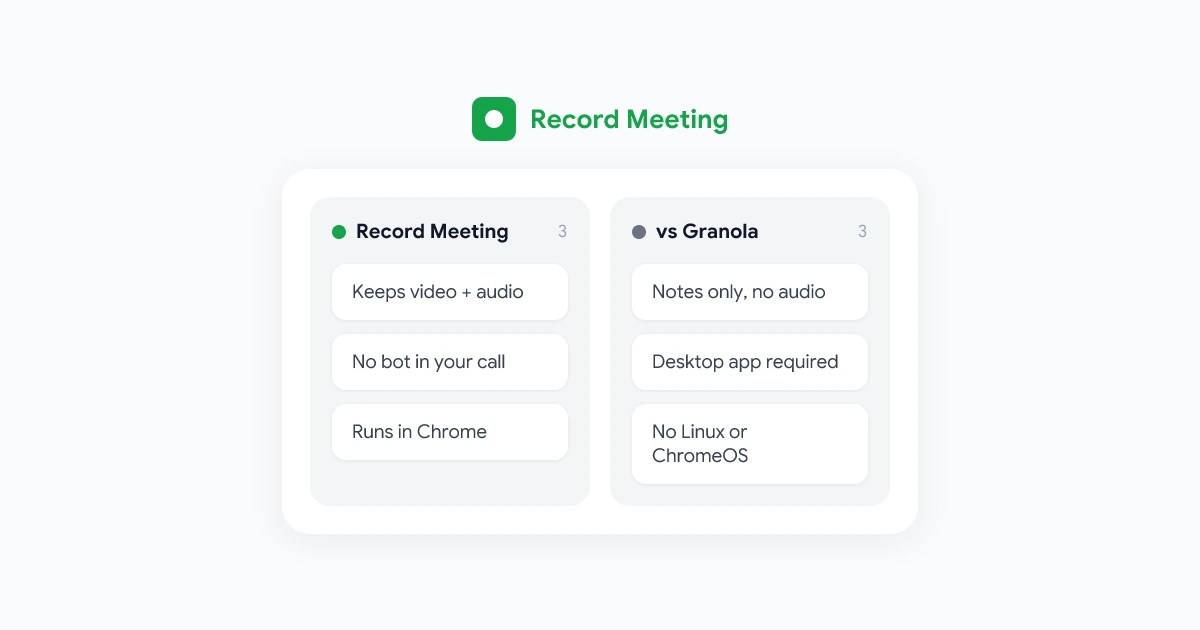
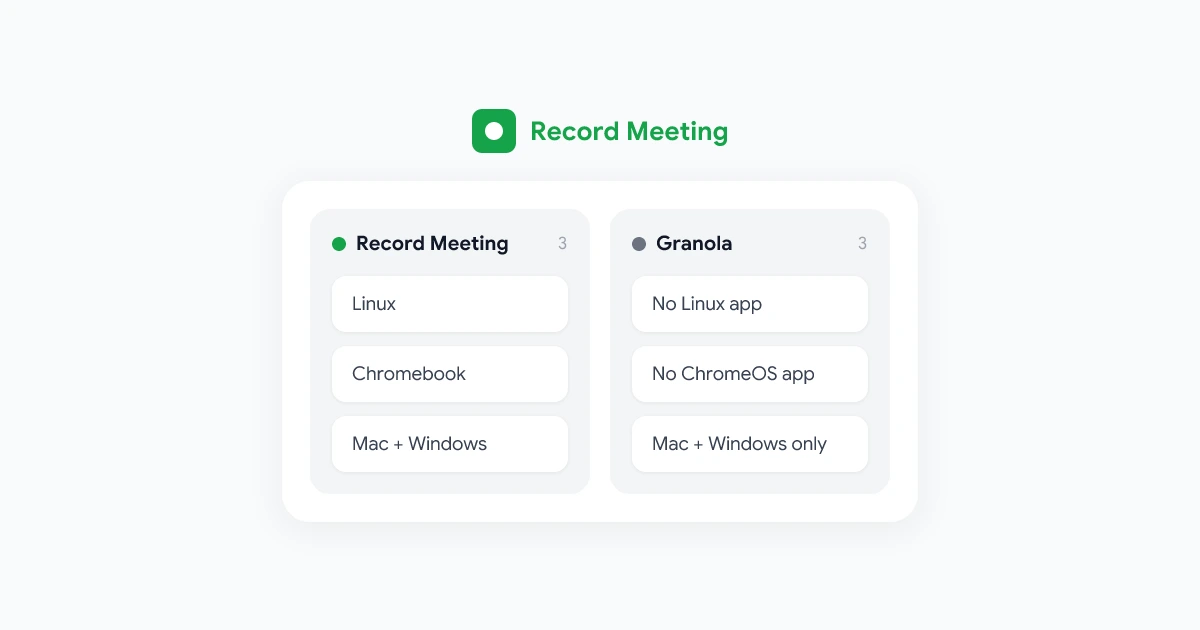
Otter’s Notetaker joins your call as a guest that every participant can see, named after you. The Otter Notetaker overview says it cannot join anonymously. To avoid the bot, Otter points to its desktop app for Mac and Windows, which records from your computer instead.
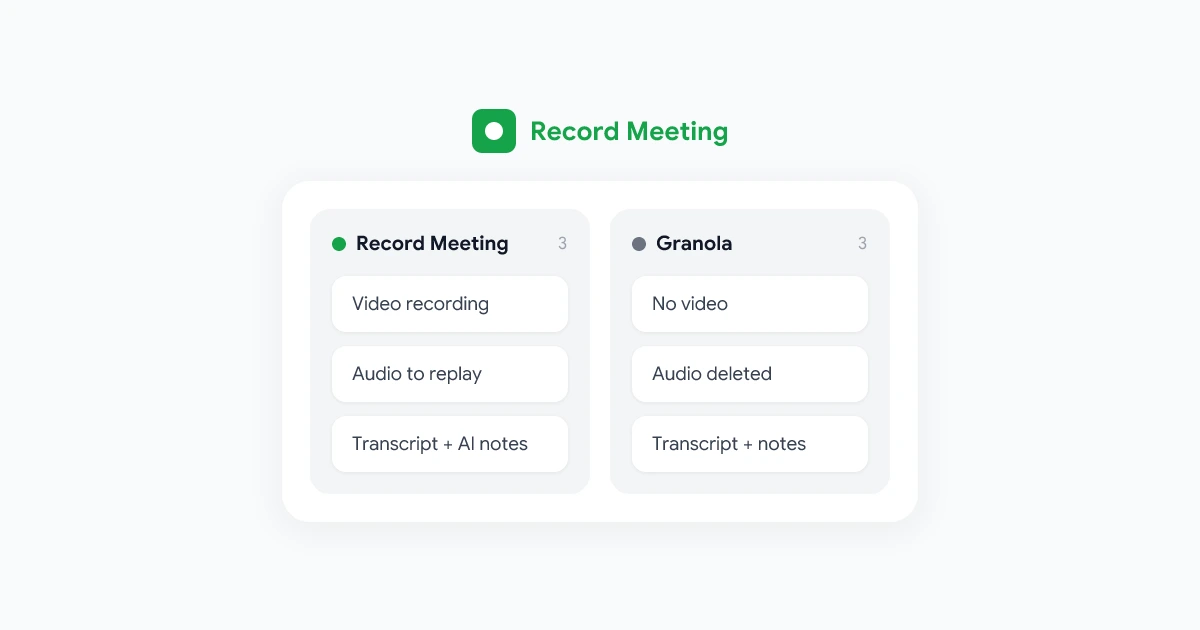
Record Meeting takes a different route. A Chrome extension records Google Meet, Zoom and Microsoft Teams from your own browser tab, so nothing extra appears in the participant list, and it keeps the video as well as the transcript. Here is how the plans line up.
| Otter.ai | Record Meeting | |
|---|---|---|
| Free plan | Basic: 300 minutes a month, 30 minutes per conversation | Free: up to 5 recordings of up to 1 hour each, no credit card |
| Individual paid plan | Pro: $16.99 per month, or $8.33 per month billed annually | Pro: $15 per month, or $9 per month billed yearly |
| Team plan | Business: $30 per user per month, or $19.99 billed annually | Enterprise: $19 per seat per month, or $15 billed yearly |
| Monthly cap on paid plans | 1,200 minutes on Pro, unlimited meetings on Business | Unlimited recordings |
| Longest meeting on paid plans | 90 minutes on Pro, 4 hours on Business | 6 hours |
| How it joins the call | Notetaker bot, or the desktop app | Browser extension, no bot in the call |
| Video of the meeting | Video replay listed on Enterprise only | Recorded on every plan, downloads from Pro |
| Transcript and AI notes | All plans, inside the minute limits | Pro and Enterprise |
| Refunds | Non-refundable | 30-day money-back guarantee |
Languages differ too. Otter’s supported languages page lists 17 transcription languages, and Record Meeting transcribes in 50+.
Which one is the better deal depends on how you meet:
- Otter is the better deal if you want free transcripts of short calls, or if you transcribe in-person conversations through its mobile apps. Billed annually, Otter Pro also has the lowest sticker price of the paid plans in this table.
- Record Meeting is the better deal if your meetings run long, if you take more than 20 hours of calls a month, if you want the video, or if a notetaker in the participant list is a problem with clients and candidates. Pro has no monthly minute pool to run out of. Transcripts and AI notes start with Pro, so the free plan is for trying the recorder, not for free transcription.
- For teams, Record Meeting Enterprise is priced below Otter Business on both billing periods, and it has no cap on team members.
 Try Record Meeting
Record Google Meet, Zoom and Microsoft Teams calls from your browser with no bot in the meeting. Pro has no monthly minute cap and records up to 6 hours per call, with a transcript in 50+ languages and AI meeting notes.
Get Started Free
If the bot is your main concern, our guide explains how to record meetings without a bot on Google Meet.
Which Otter plan should you pick?
- Pick Basic if your calls stay under 30 minutes and you take fewer than five hours of them a month.
- Pick Pro, billed annually, if you work alone or in a team of up to five, your meetings stay under 90 minutes and 20 hours a month is enough.
- Pick Business if you have six or more people, run meetings longer than 90 minutes or upload a lot of recordings.
- Talk to sales about Enterprise if you need SSO, HIPAA compliance, the API or video replay.
Still comparing notetakers? See our Granola vs Otter comparison, and our breakdown of Granola pricing for a tool that bills per workspace instead of per minute.
Frequently Asked Questions
Conclusion
Otter AI pricing looks simple on the page: free, $16.99 or $8.33 for Pro, $30 or $19.99 for Business. The real cost depends on the limits behind those prices. Basic stops reading at 30 minutes per call, Pro caps you at 1,200 minutes a month and 90 minutes a meeting, and a sixth teammate moves the whole workspace to Business. Work out your monthly meeting hours and your longest regular meeting before you choose, and remember that annual plans are not refunded.
If those caps are the problem, or you would like the video without a notetaker joining the call, try Record Meeting. The free plan includes 5 recordings with no credit card.